What is the NaviLens code and how is it different from a QR?+
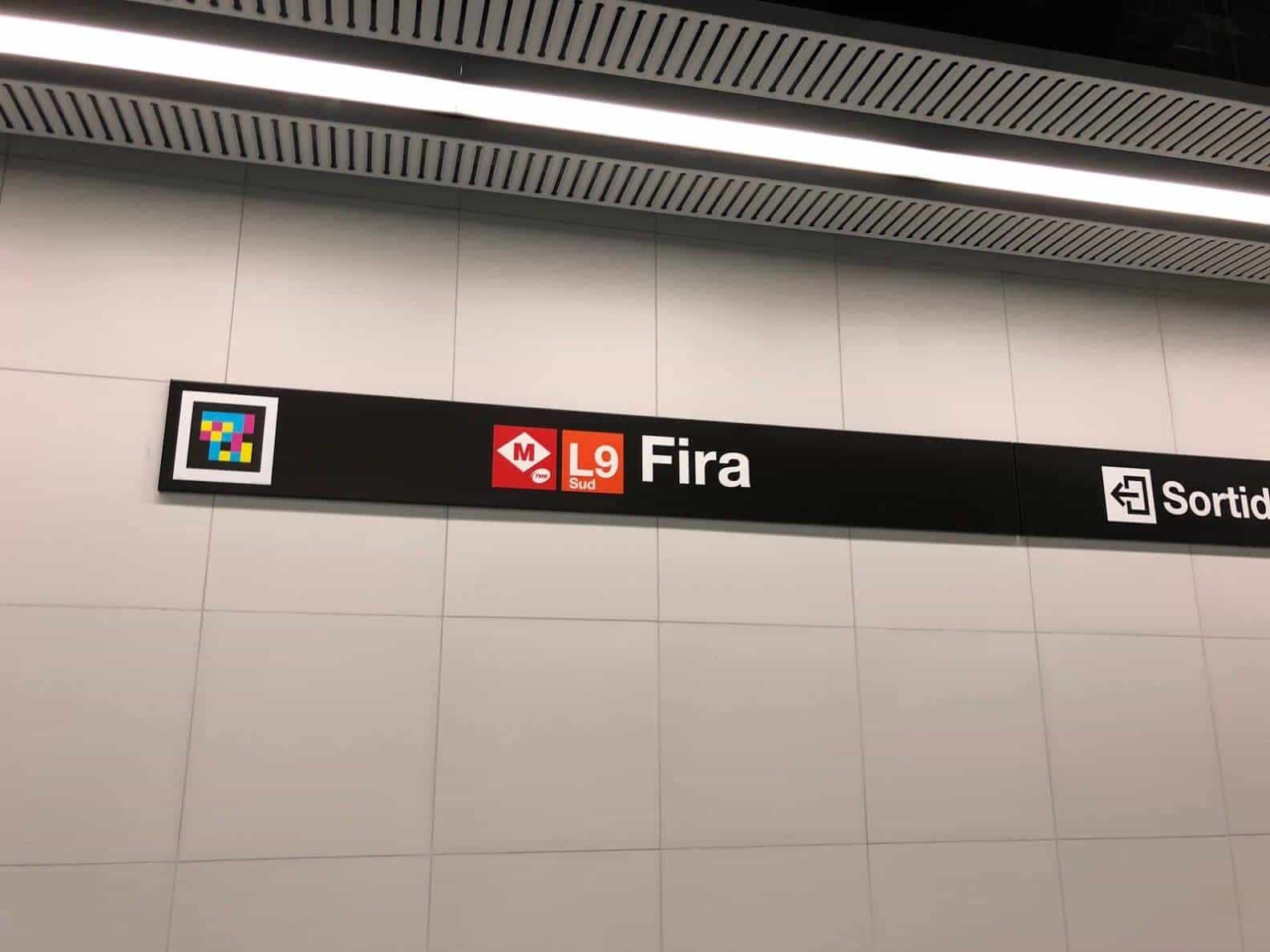
The NaviLens code is a high-contrast visual marker designed to be detected by a phone camera without focusing or framing. Unlike a regular QR, it can be read on the move, from over 30 metres away and at angles up to 160°. That makes it usable by blind and low-vision people, and improves the experience for everyone.
How far away can a NaviLens code be read?+
A NaviLens code can be read from over 30 metres, proportional to its size. A small code printed on packaging is read at centimetres; a large code in a transport station is read at tens of metres. No focusing required.
How many languages does NaviLens support?+
The NaviLens app delivers the information attached to a code in 42 languages, automatically translated to the user's device language. You don't need a separate code per language: the same code works for all 42.
Does it need an internet connection to work?+
Detection and reading of the code work locally, offline. Playing the associated content (audio, text, translations) may need a connection the first time, but the system is optimised for environments with intermittent coverage such as public transport or underground stations.
Is it accessible for blind, low-vision and deafblind users?+
Yes. NaviLens was built from day one as accessibility technology. The app guides the user to the code through audio and vibration, reads the content aloud and is compatible with VoiceOver (iOS) and TalkBack (Android). For deafblind users it pairs with Bluetooth braille displays.
What's the difference between NaviLens and NaviLens GO?+
NaviLens is the full version for blind and low-vision users, with audio and vibration guidance. NaviLens GO is designed for the general public and for people with cognitive or intellectual disabilities and older adults, with a simplified interface and pictograms. The same code works for both apps.
What materials and surfaces can the code be printed on?+
Almost any substrate: paper, vinyl, metal, plastic, fabric, construction materials. The only condition is that the surface doesn't produce extreme glare or reflections that prevent the camera from detecting it.
Is the technology free?+
The NaviLens and NaviLens GO apps are free for end users. Organisations that want to deploy codes and publish content take out a licence. There is also a NaviLens Accessible QR Code generator with a free plan for up to 2 codes.
Does it help with Equality Act and WCAG requirements?+
It helps, but the duty is always yours, not the product’s: under the Equality Act 2010 the duty to make reasonable adjustments sits with the service provider, employer or public body, not with any vendor’s technology. What NaviLens gives you is an auxiliary aid (section 20(5)) and a way to provide information in an accessible format (section 20(6)): signage information delivered by voice, in the user’s own language, through the screen reader they already use. For public sector procurement we provide our accessibility documentation on request.