Sign language, subtitles or audio: when to use each
Not every hearing or visual disability is solved the same way. A practical guide to choose the right channel in each context.

Subtitles, sign language and audio description are different tools that cover different needs. Confusing them leads to solutions that do not solve: subtitling a video does not serve a blind user; adding a sign language interpreter does not help someone with acquired deafness who does not sign.
This guide summarises when to use each channel, what population it serves and what common mistakes to avoid.
Sign language
Essential for deaf signers from childhood. Sign language is not the translation of spoken language: it is its own language with its own grammar, syntax and community. Each country has its own: BSL (British Sign Language) in the UK, ASL (American Sign Language) in the US, LSE (Spanish Sign Language) in Spain, recognized by national legislation.
It is used in audiovisual content, in-person service, events and essential public services. For online videos, best practice is an interpreter window of sufficient size (minimum 25% of screen area) and neutral background.
Subtitles
Useful for people with hearing loss, acquired deafness and for noisy environments. Subtitling for the deaf (SDH) also includes relevant sounds: music, effects, speaker identification. ISO/IEC 20071-23 sets the international requirements: maximum 37 characters per line, 15 characters per second, color per main speaker.
80% of video consumption on social networks is done with sound off, so subtitles benefit all users, not just deaf people.
Audio and audio description
For people with visual impairment. Audio description narrates what happens visually between dialogues: gestures, settings, actions. It is essential in cinema, theatre and television. ISO standards (ISO/IEC 20071-25) and national norms set the requirements.
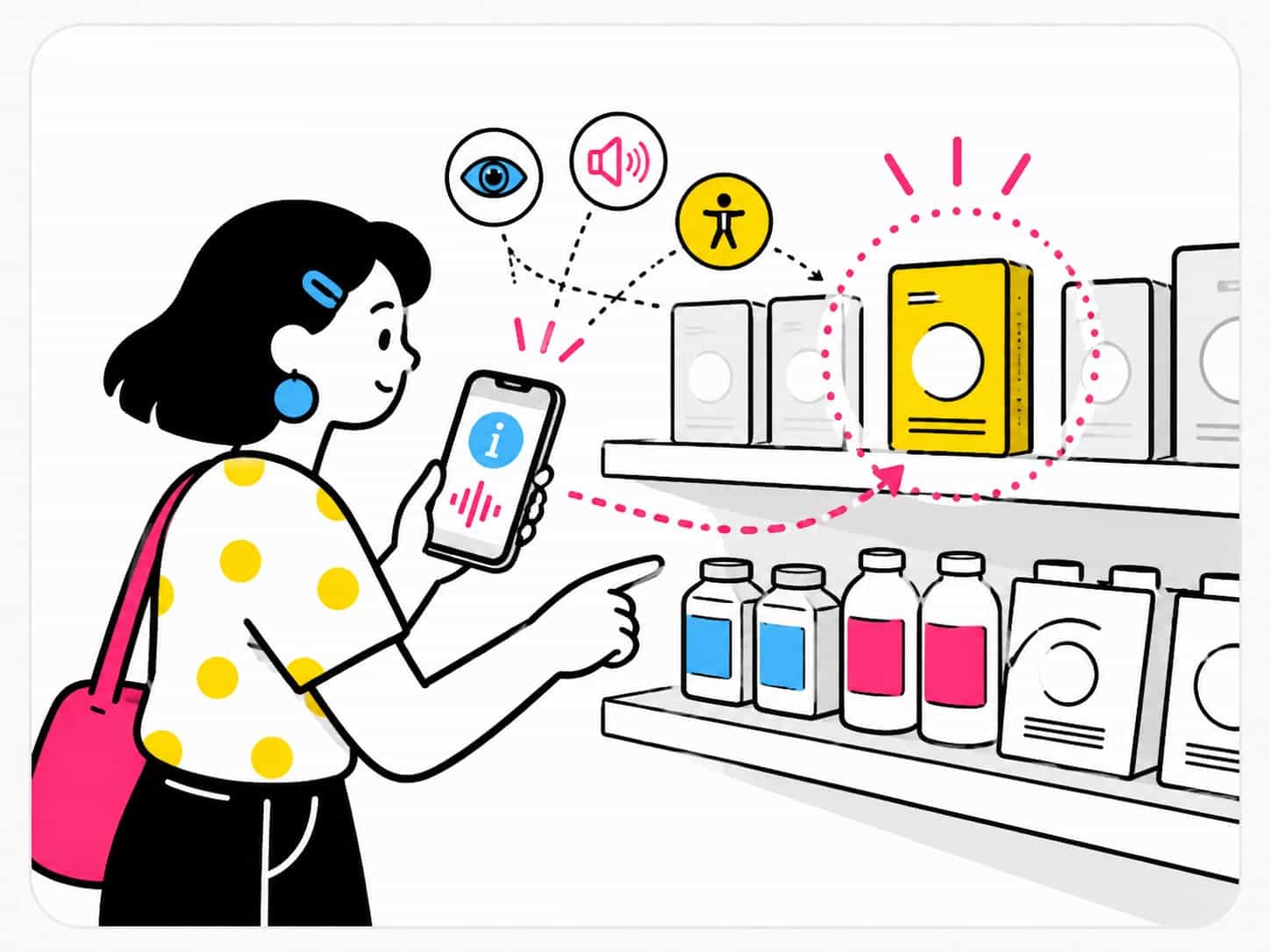
For physical signage, audio can replace text reading: NaviLens codes convert any text into audio read by natural voice, in 42 languages, without installing anything.
Conclusion
A good accessibility policy combines the three channels and lets the user choose. Services that only offer one path leave part of their audience out, even if they believe they have covered it.