§ Sector — Museums
Museum accessibility: every artwork, for everyone.
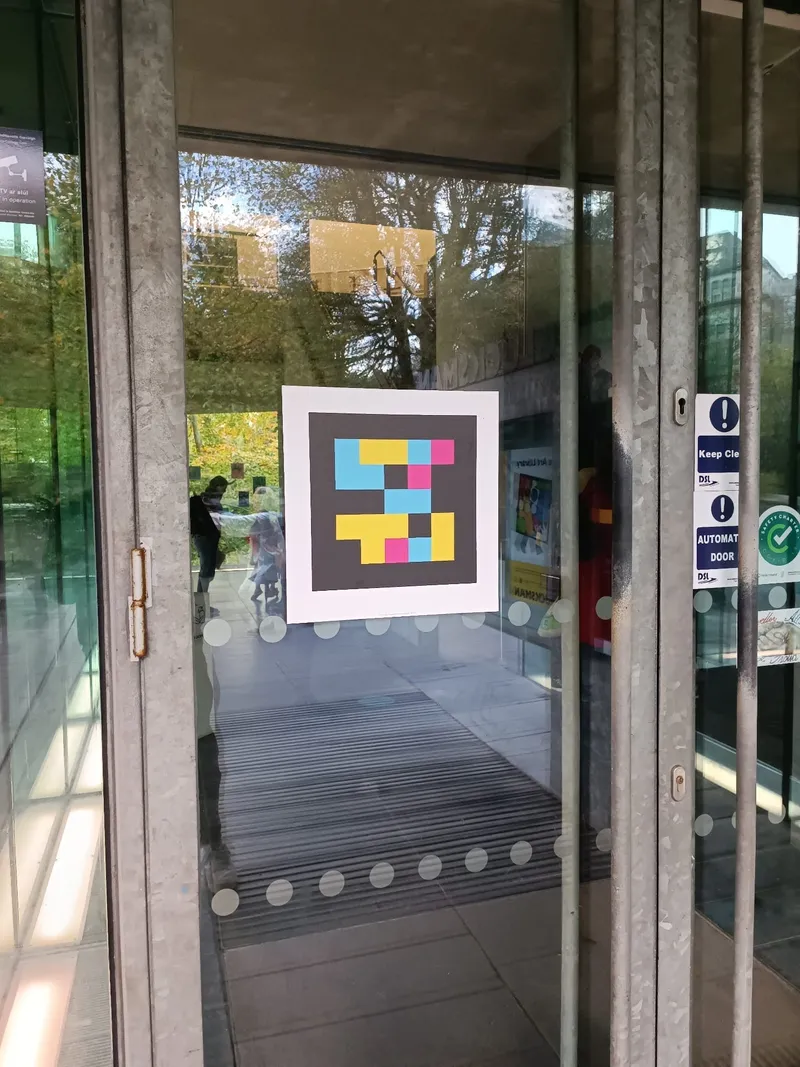
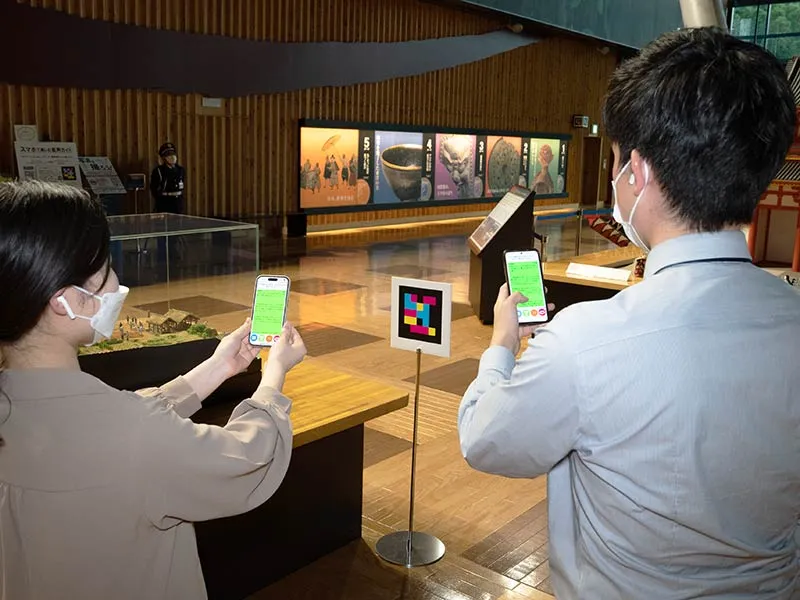
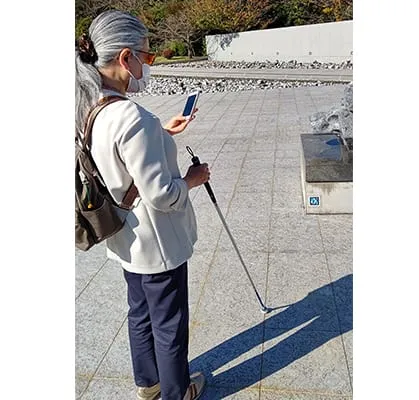
NaviLens turns museum signage into an accessible wayfinding and information experience. It guides visitors to artworks, rooms and services with content in 42 languages and multiple formats, with no construction.
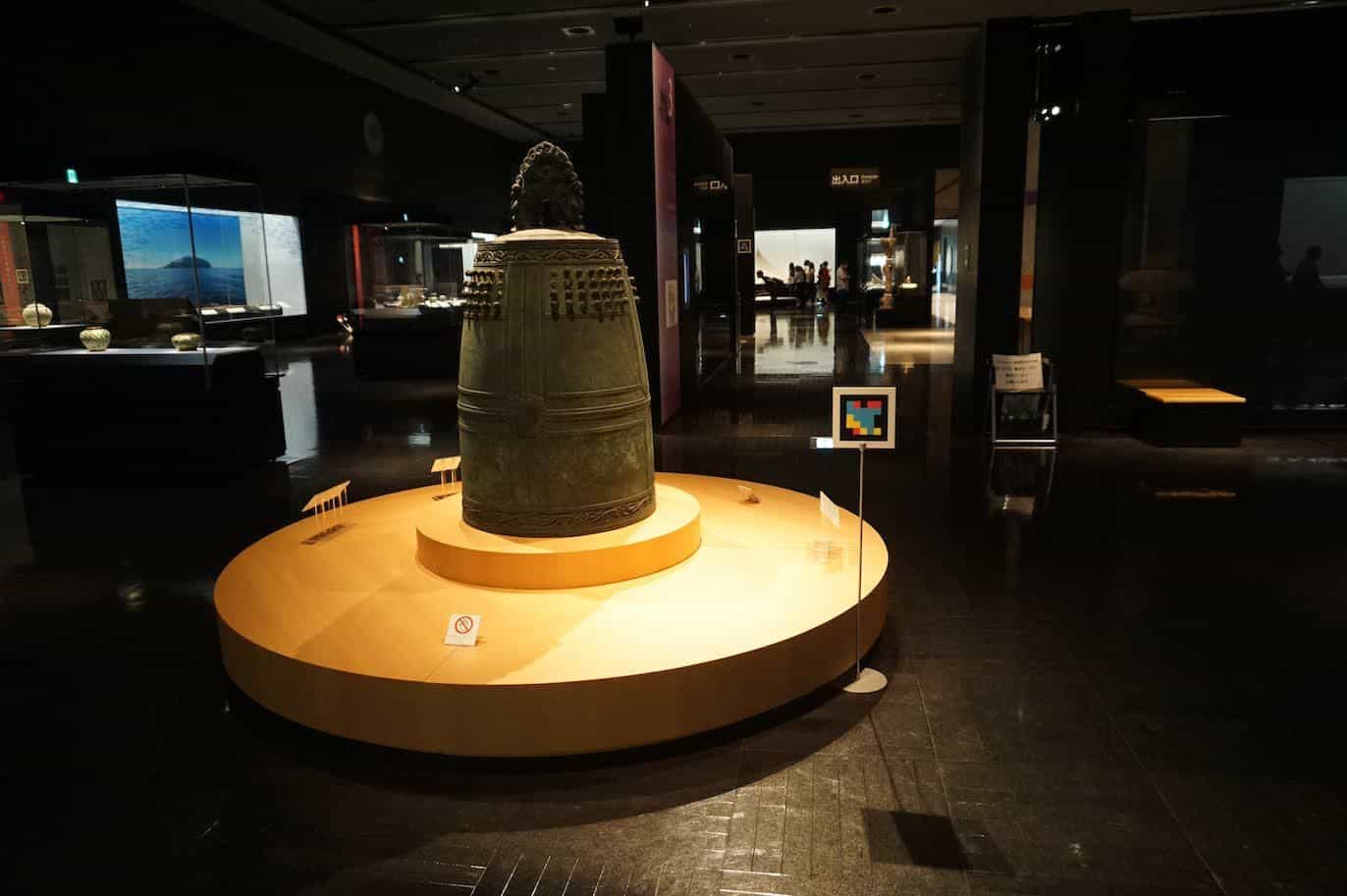
- 42
- Languages with voice readout
- 12×
- Longer range than a QR
- 160°
- Code capture angle
- <1s
- Detection time
§ Why NaviLens in museums
Accessible signage for an independent visit.
- 01
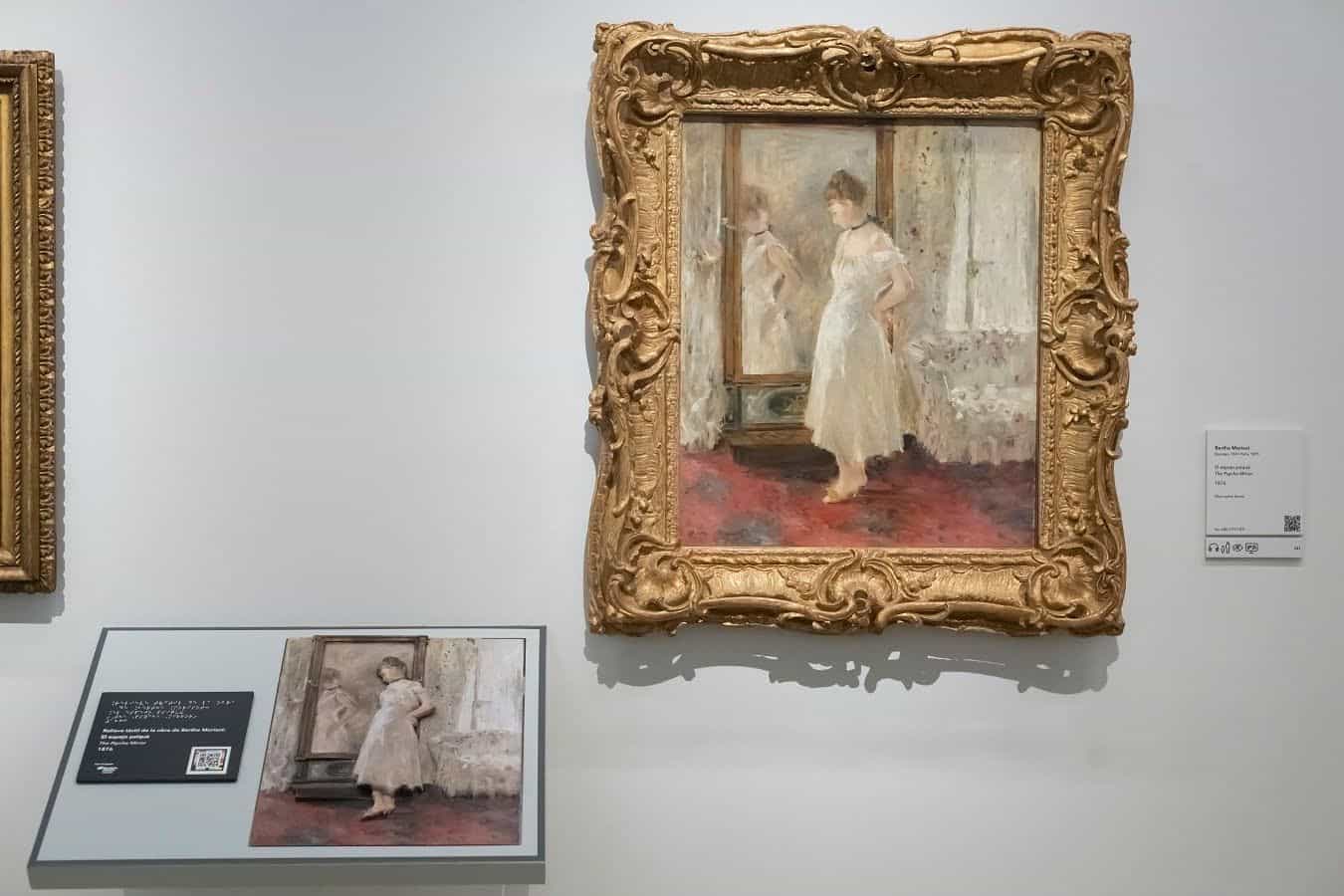
Precise wayfinding to every artwork, room or service
Visitors detect the signage from a distance and receive the associated information without having to locate or focus on a small code.
- 02
One code, multiple accessible formats
Each code brings together the information every audience needs: audio, text, multimedia resources and accessible formats configured by the museum.
- 03
Multilingual content, updatable in real time
Offer information in 42 languages and update it from the platform for temporary exhibitions, room changes, new tours or cultural programming.
§ How we deploy
From request to accessible museum.
A simple process, with no construction or additional electronics. Integrate NaviLens into existing signage and museography in 1–3 weeks.
- 01
Request your NaviLens codes
We agree on the rooms, artworks and services to label and generate the NaviLens codes on the cloud platform.
1 day
- 02
Create and enrich the content
Your team adds the content (text, audio, video, sign language, pictograms) with our personalized training and supporting templates.
3–7 days
- 03
Print and install the codes
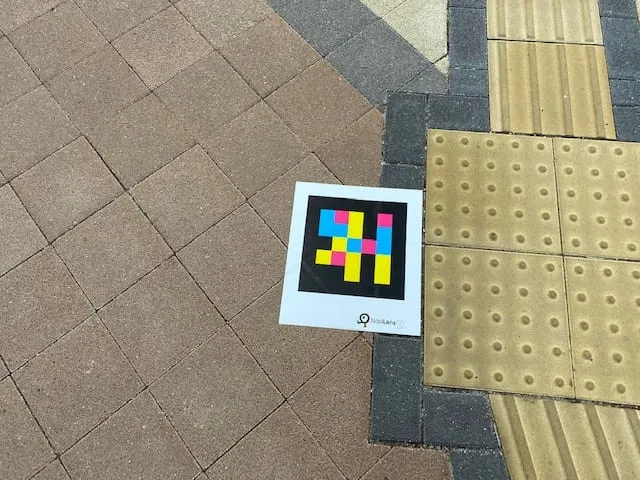
Print the codes on the substrate that best fits your museography (matte paper, vinyl, metal) and place them on walls, floors, showcases or labels. No construction, no wiring.
1–2 days
- 04
Update as often as you need
Edit the content as often as you need without changing the codes already placed. Low maintenance, comparable to traditional signage.
Ongoing
§ Featured case
Roman Theatre Museum of Cartagena
Roman Theatre of Cartagena: accessible wayfinding for blind visitors.
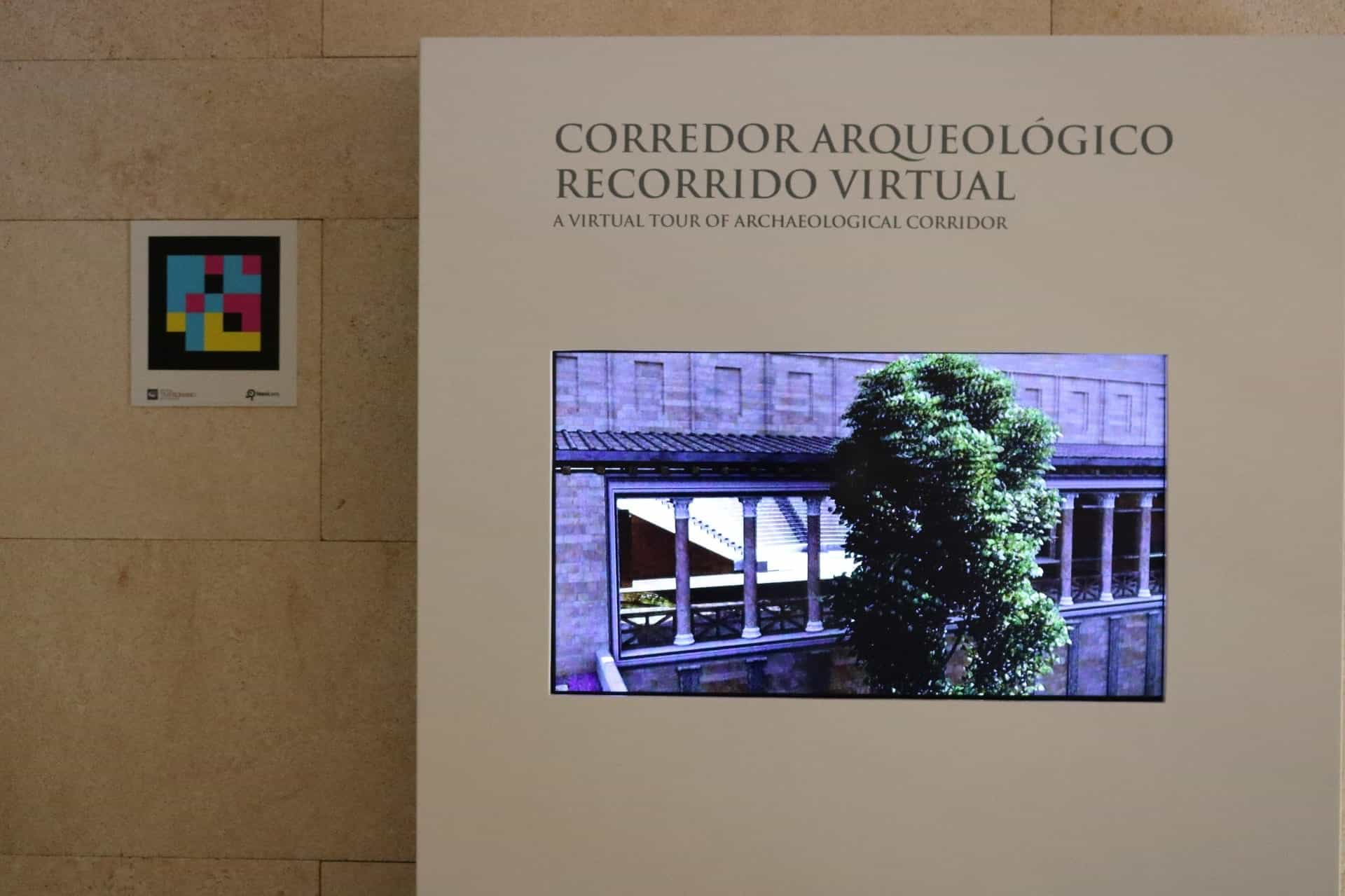
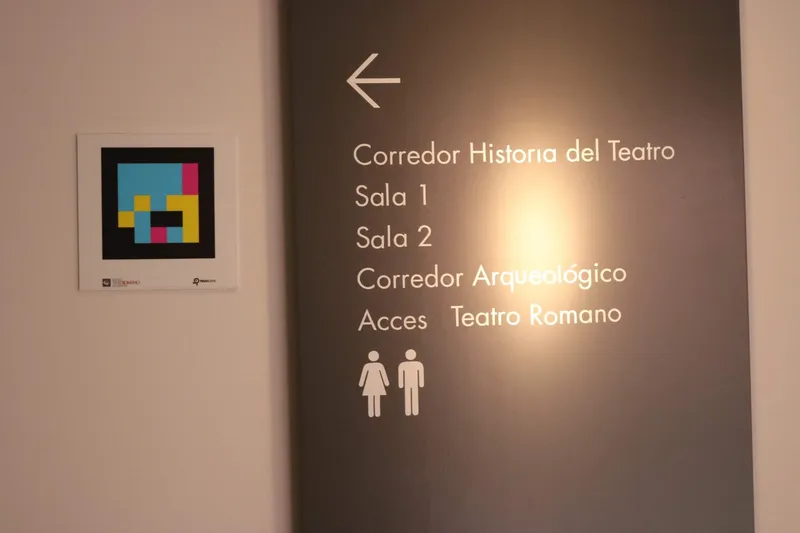
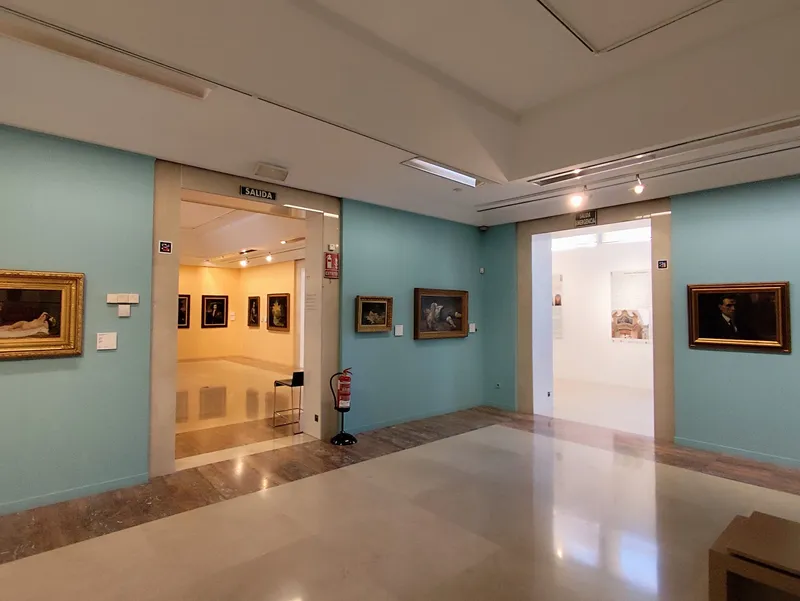
The Roman Theatre Museum of Cartagena was the pioneer rollout of NaviLens for Museums: indoor wayfinding with voice instructions and real-time accessible information about rooms and exhibits, featured by media such as La Verdad, La Opinión and ABC as a Spanish benchmark for accessible museums.
§ In their own words — Museums
What museums already running with NaviLens say.
- DubaiOriginal quote in English
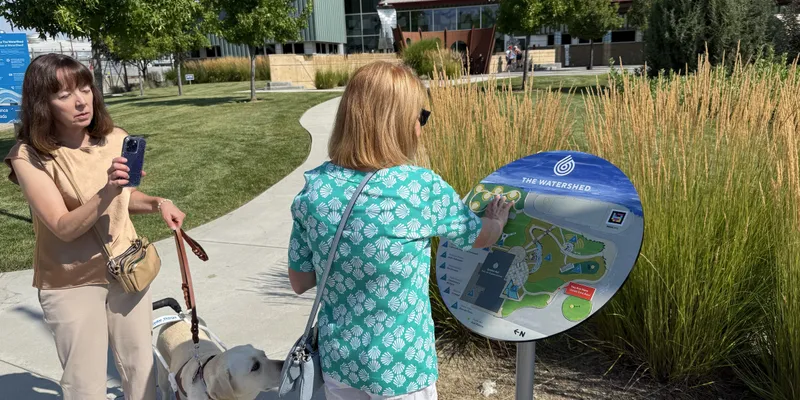
Expo City Dubai, a long-time client of Direct Access, has installed the first tactile map on its site at the Museum for Expo 2020… ensuring accessibility to people who are visually impaired and/or registered blind.
Direct Access
Universal Design Access Consultants · Expo 2020 Dubai & Expo City
- CorkOriginal quote in English
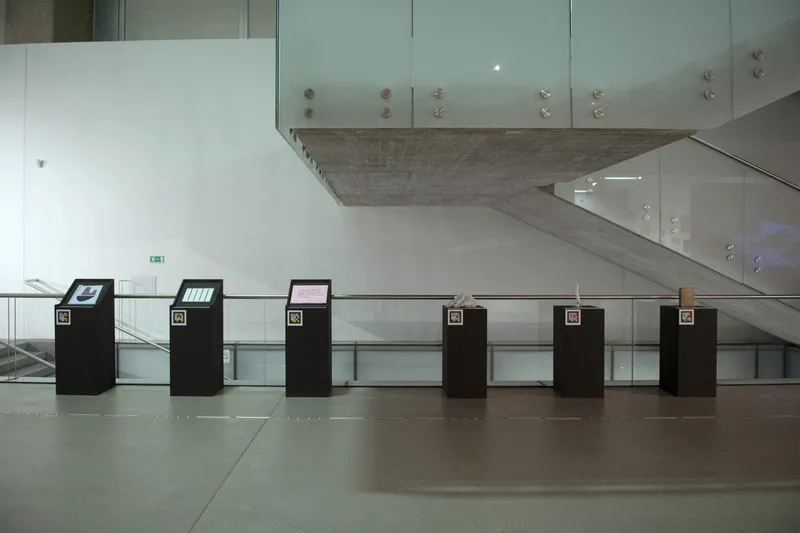
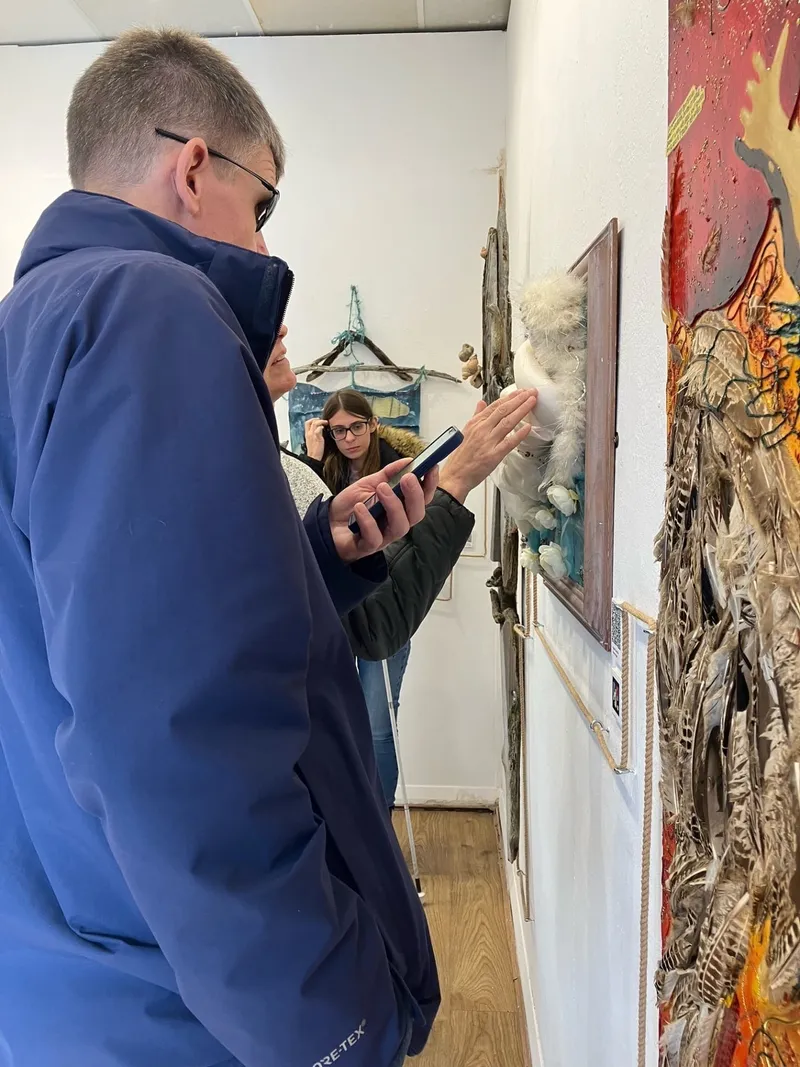
Fashion Show is part of BEAM UP, a Creative Europe funded project to encourage the participation of visually impaired people in the planning and experience of museum activities. The displays will include a range of tactile elements, navigation and audio resources available in the gallery and online on our website.
The Glucksman · Fashion Show: Clothing, Art and Activism
Curators' gallery text (Chris Clarke and Fiona Kearney)
- HalifaxOriginal quote in English
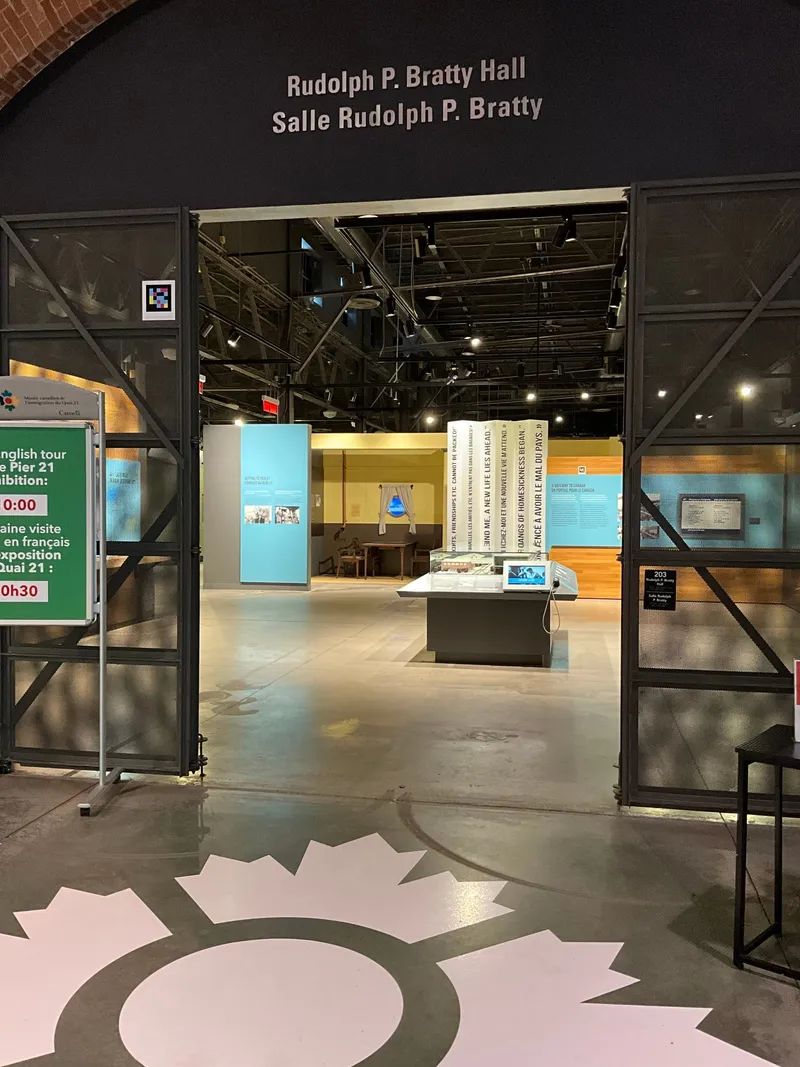
To improve accessibility, the Museum uses NaviLens technology. Download the free NaviLens App. You can scan nearly 100 codes around the Museum.
Canadian Museum of Immigration at Pier 21
Página oficial · Accessibility
§ Success stories
Museums already improving accessibility with NaviLens.
Each card is a destination, trail or cultural venue where NaviLens already guides its visitors. Open one to see how we did it.
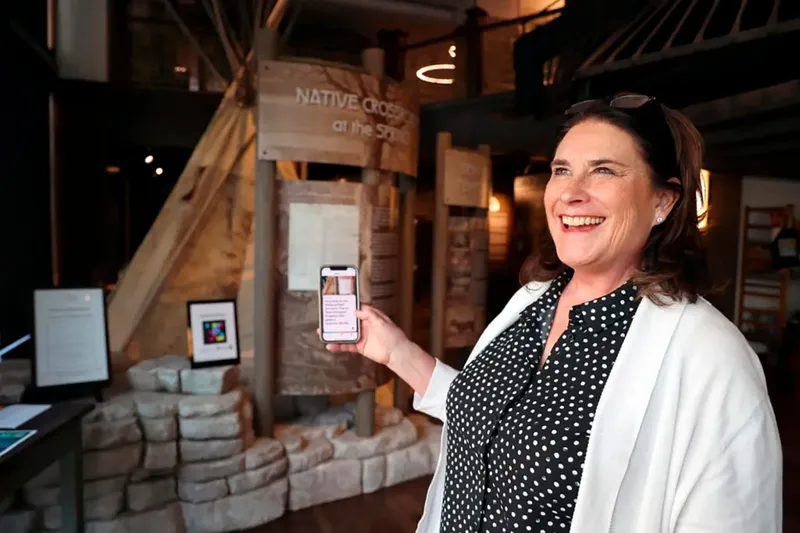 Springfield (MO)Museums→
History Museum on the Square — NaviLens with Mary's Braille International
Springfield (MO)
 HalifaxMuseums→
Pier 21 Canada — accessible immigration museum
Halifax
 CartagenaMuseums→
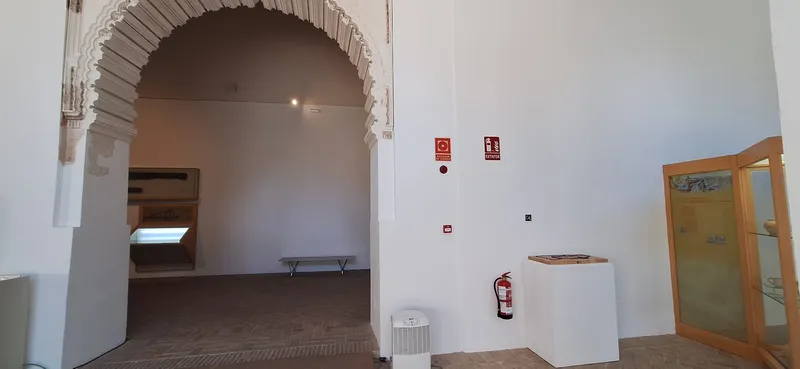
Roman Theatre Museum of Cartagena
Cartagena
 YeclaMuseums→
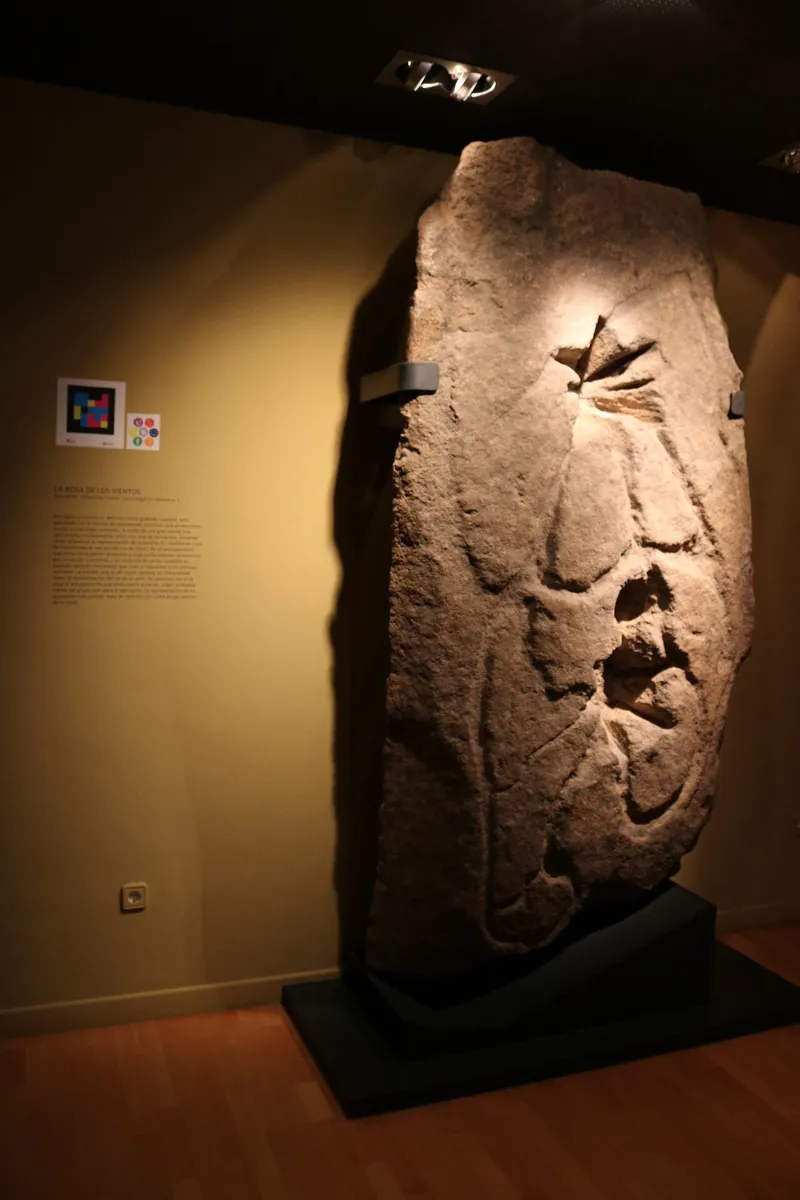
MaYe — Archaeological Museum of Yecla “Cayetano de Mergelina”
Yecla
 ZagrebMuseums→
MSU Zagreb — “Touch MSU / MSU na dodir” (BEAM UP)
Zagreb
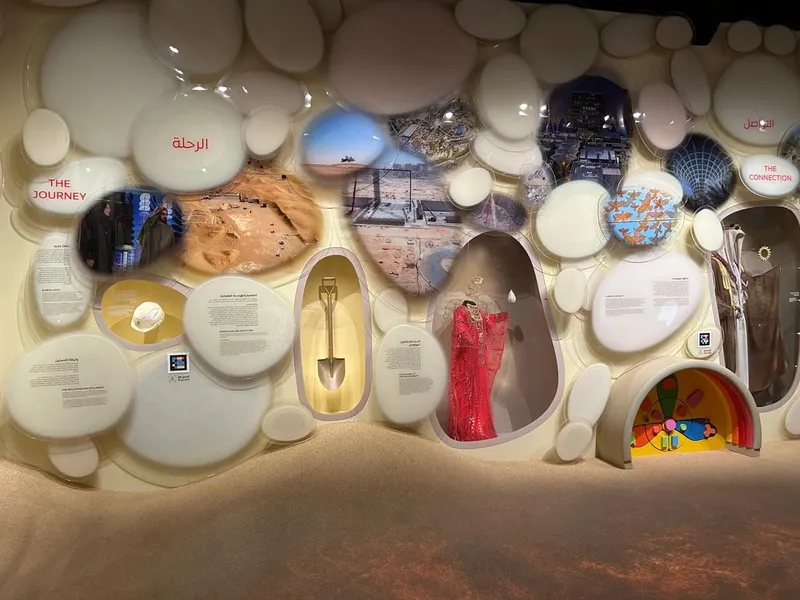 DubaiMuseums→
Museum of Expo 2020 Dubai — accessible with NaviLens
Dubai
§ Standards & regulation
Accessibility standards that apply to museums
Museum accessibility covers the building, the museography, the signage, the information, customer service and digital channels. NaviLens improves wayfinding and access to information as part of a wider universal-accessibility strategy.
- ADA Title II & III
Americans with Disabilities Act
City and university museums are Title II public entities; private museums are Title III public accommodations. Both owe effective communication about exhibits and services. NaviLens delivers labels, routes and orientation by voice, without altering the museography.
- Section 504 / NEA
Federal funding conditions
Museums receiving federal support—NEA, NEH or IMLS grants—must comply with Section 504, and accessibility planning is a scored part of many grant applications. A NaviLens deployment is documentable evidence for those submissions.
- WCAG 2.2 AA
Digital content guidelines
The benchmark for accessible digital content, and the standard the DOJ's 2024 Title II rule points to for public entities. NaviLens content is authored to these principles and read out by the visitor's own phone.
§ What each code can deliver
A next-generation audio guide, for everyone.
Every NaviLens code is an accessible, multilingual and updatable point of information. Combine the formats each visitor needs from the same signage.
- Audio description of the artwork
- Multimedia content (image, video)
- Sign language videos
- Easy read
- Pictograms
- Educational content for children
§ FAQ
Frequently asked questions about museum accessibility.
§ Start something big
Make your museum for everyone.
We help you roll out NaviLens for Museums across your rooms, temporary exhibitions and services — with training, support and a usage dashboard. No construction, no electronics, no surprises.