Madrid
CRE ONCE Madrid + ONCE — replicable inclusive model
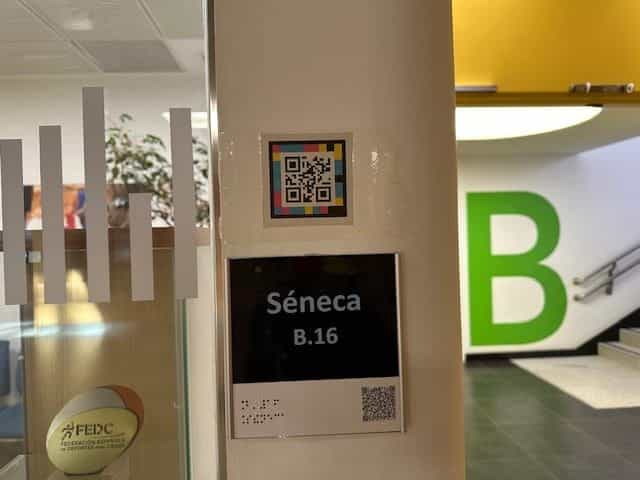
ONCE reference center: classrooms, boarding residence and family training accessible with NaviLens.
Accessibility in schools & campuses
NaviLens turns school, high school, university and campus signage into accessible wayfinding and information. Students, families, staff and visitors find classrooms, services and buildings more autonomously, with no works and in 42 languages.
§ Accessible wayfinding
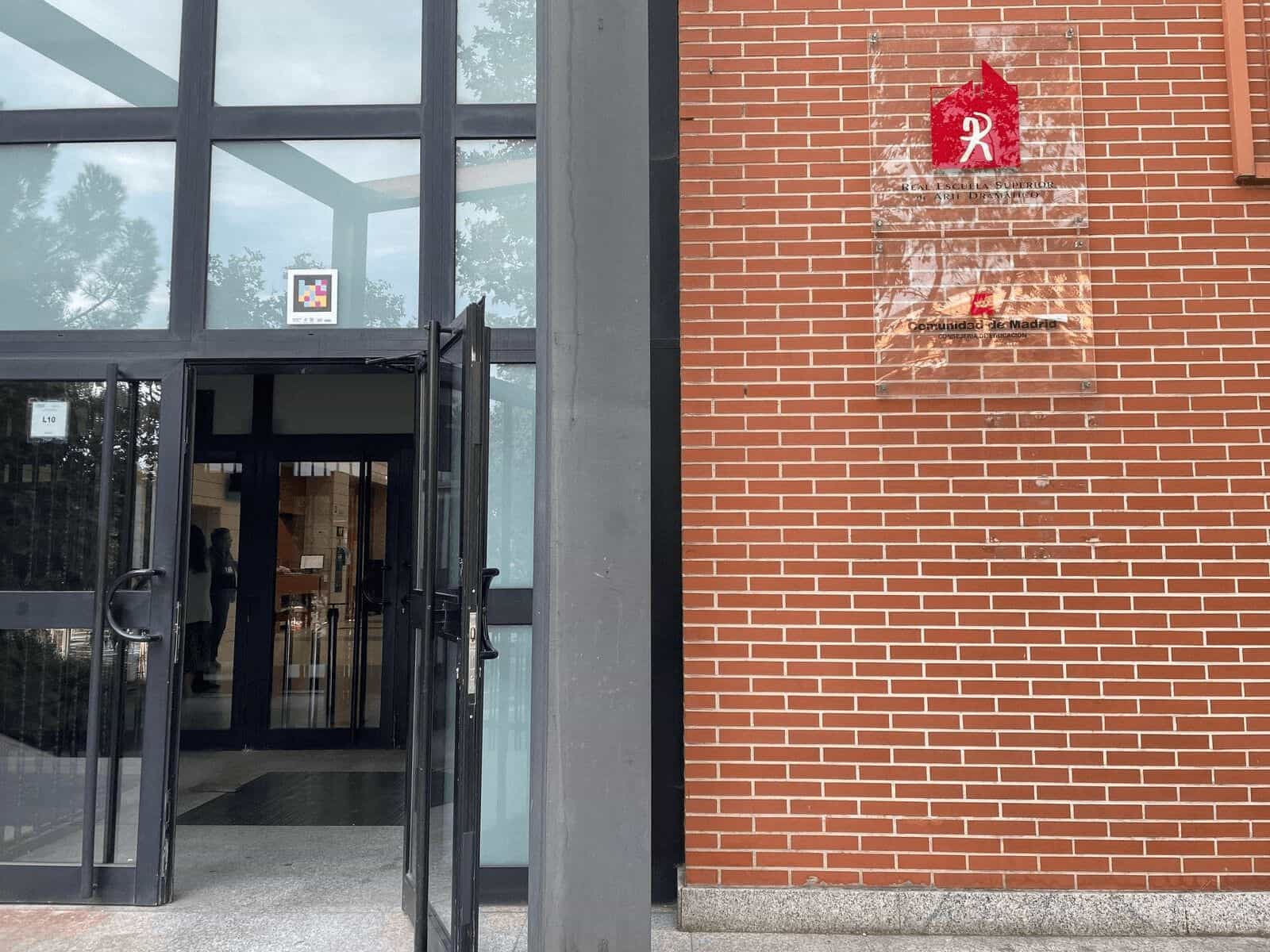
From the entrance to the classroom, NaviLens helps the whole educational community find buildings, floors, classrooms, services and common areas with clear, audible and multilingual information.
Students with visual impairment depend on companions to reach a classroom, library or admin office: every schedule or building change breaks their autonomy.
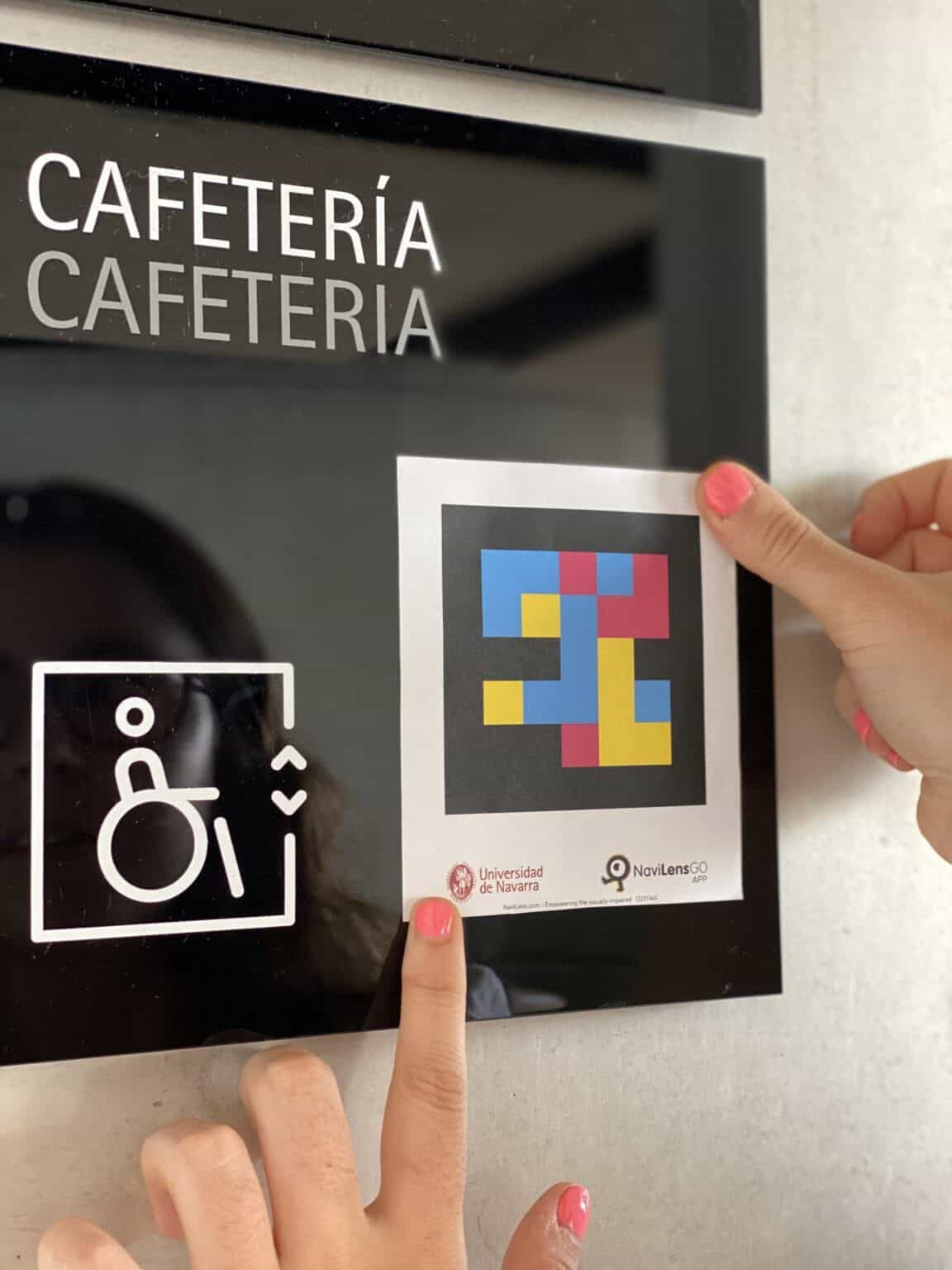
NaviLens markers at entrance, directories, stairs, elevators and doors read out “Building B · floor 2 · room B-204” from over 30 m, no need to focus.
School signage is purely visual: students with autism, dyslexia or emerging literacy, newly arrived families and substitute staff get lost on day one.
Every point delivers wayfinding, room or service name, schedules and resources — audible and understandable for the whole school community without relying on reading.
Schools with international students (Erasmus, refugees, migrant families) cannot translate every sign into every language or refresh it every academic year.
The digital information tied to each marker is updated without reprinting signage and is read out automatically in 42 languages depending on each user's phone.
Refurbishments and works in schools and universities are slow, expensive and disrupt teaching: any accessibility upgrade gets postponed.
Markers are integrated into existing signage or new media in days, with no cabling, power supply or disruption to lessons.
§ How it rolls out
The NaviLens team works alongside the school from a needs assessment with leadership, the orientation/SEN team and teachers through to training of teaching staff, porters, maintenance and peer-mentor volunteers. When the school requests it, we also involve families and local accessibility partners.
Walkthrough with leadership, the orientation/SEN team and teachers of entrance, office, homerooms, library, canteen, sports hall and accessible restrooms, involving families and local accessibility partners when the school requests it.
Weeks 1-2
NaviLens and NaviLens GO signage to the school's brand book. Vinyls resistant to intensive cleaning, light graffiti and school wear-and-tear.
Weeks 3-4
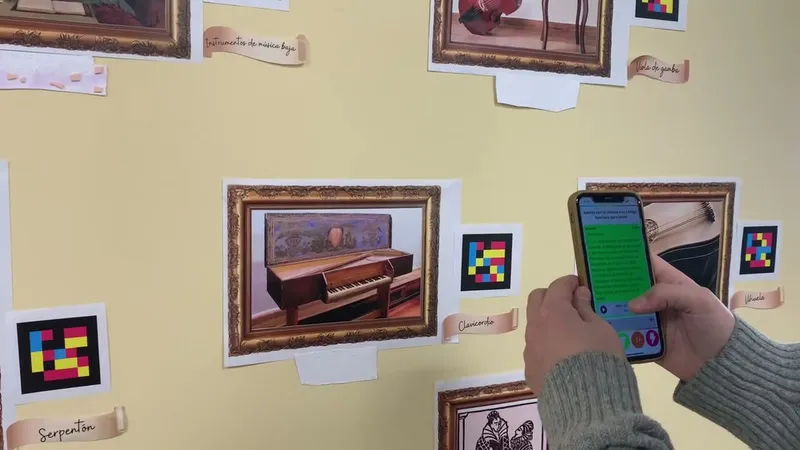
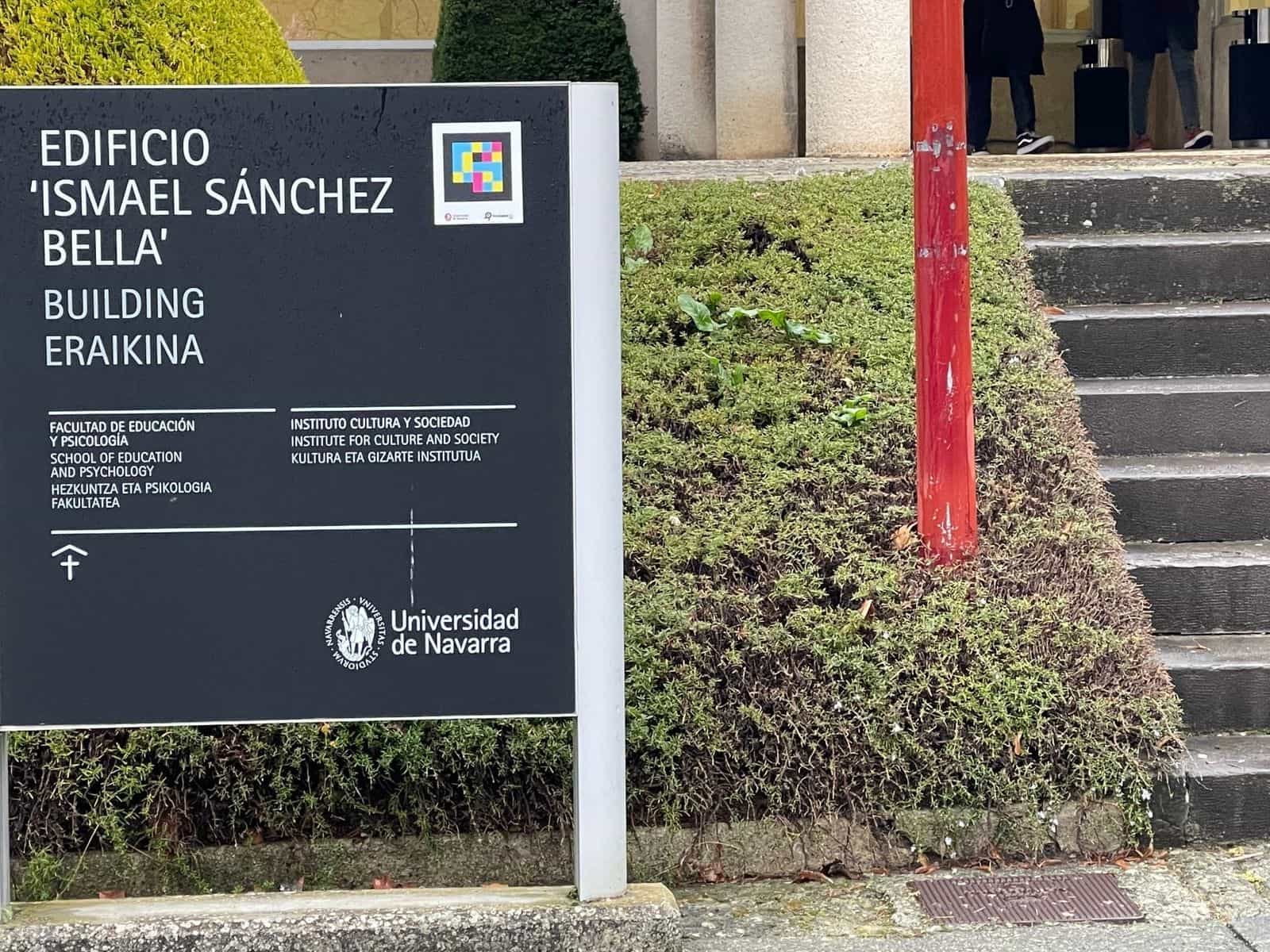
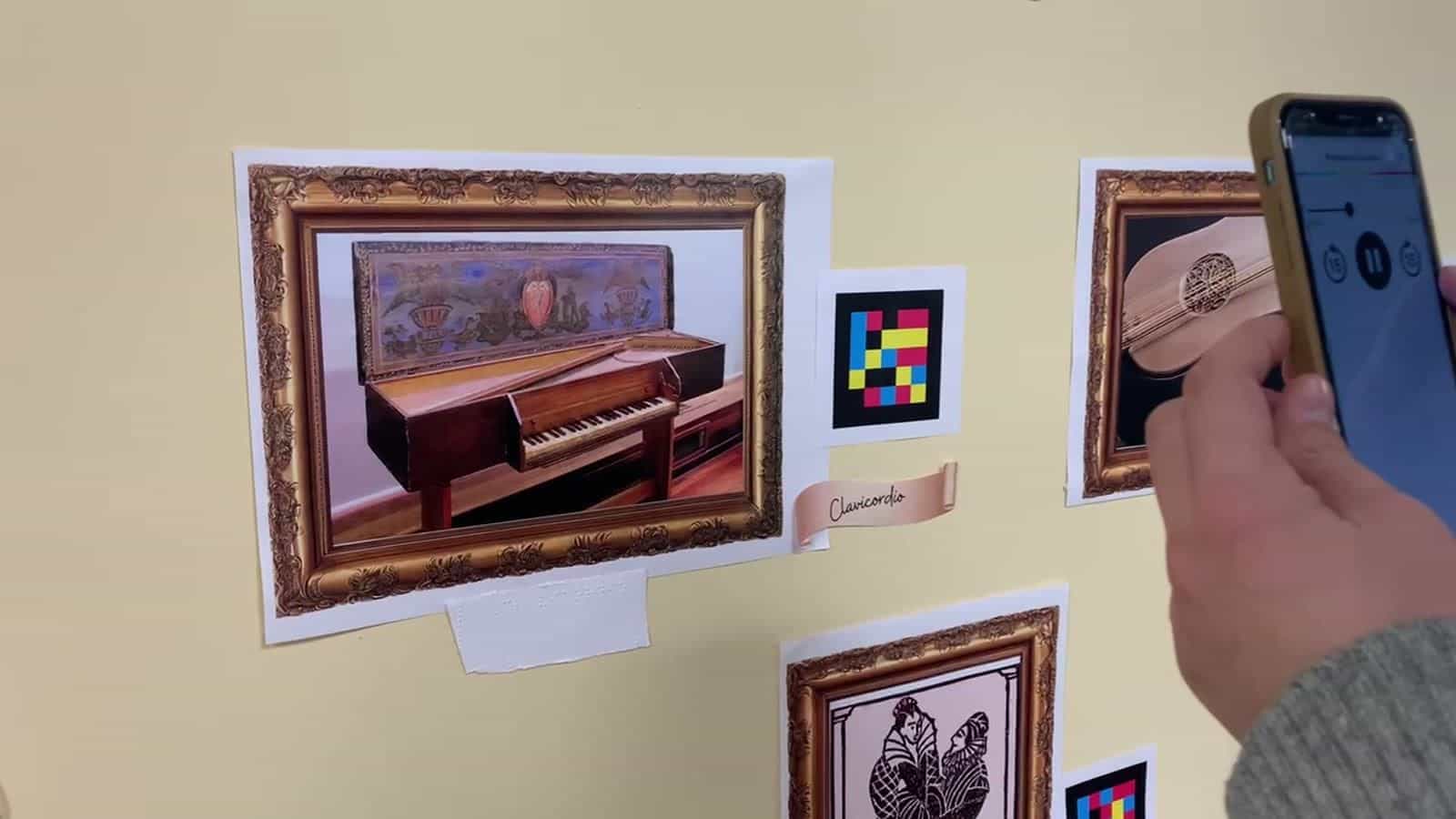
Rollout in a flagship building (CRE ONCE Madrid block B, IES Clara Campoamor music museum, UNAV Ismael Sánchez Bella) with teachers and maintenance on site.
Weeks 5-6
Optional connection to the LMS and schedule: each marker tied to a classroom reads next class, teacher, exam or room change.
Weeks 7-8
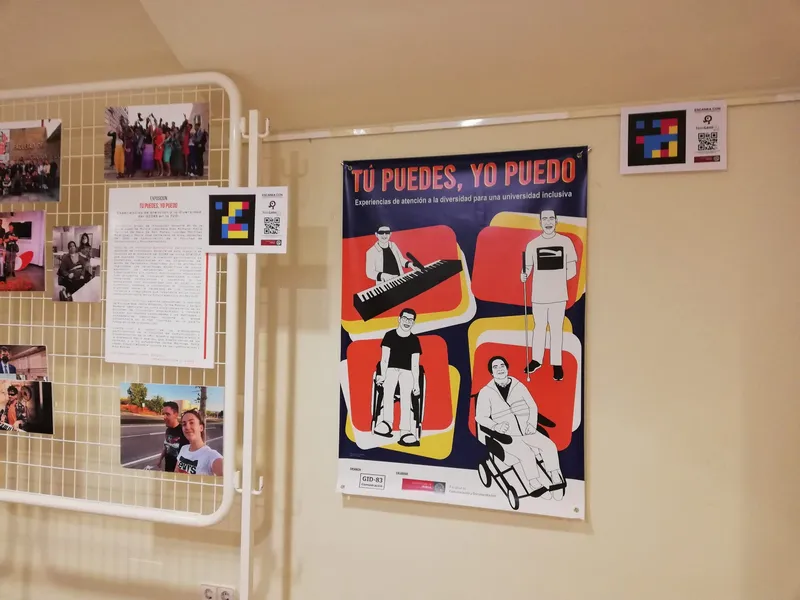
Extension to the entire center (IES Zaragoza “Music Museum”) or to the entire university (UNAV, 30+ markers), with training for the whole community.
Weeks 9-16
§ Featured case
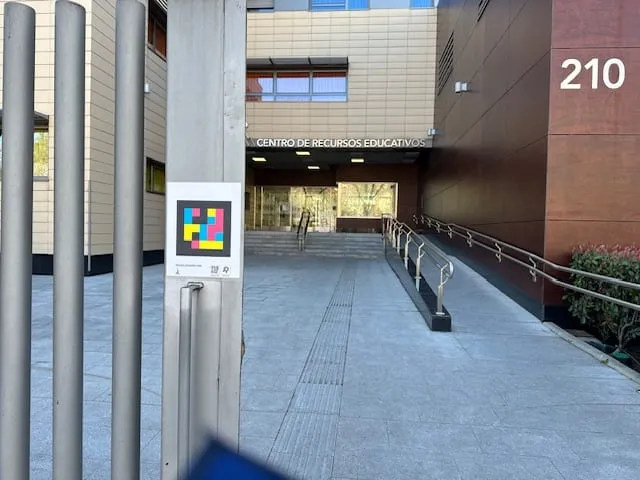
CRE ONCE Madrid · “Antonio Vicente Mosquete” · educational reference center
The Antonio Vicente Mosquete Educational Resource Center integrates NaviLens markers in entrances, classrooms, corridors and the residence to help students with visual impairment, teaching teams, families and visitors find their way.
Read the CRE ONCE Madrid case§ Success stories
Real cases of accessible signage, campus wayfinding and information for students in educational centers across different countries.
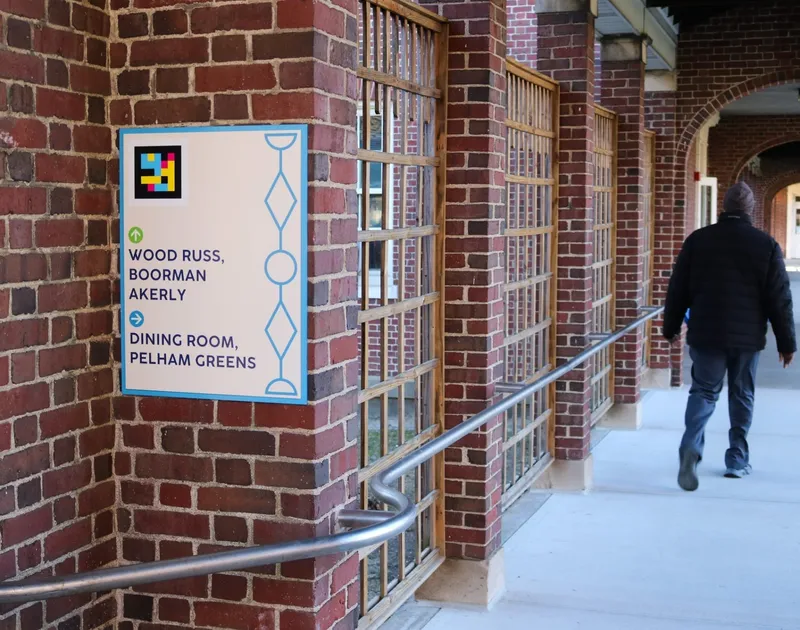 BronxEducation→
Bronx
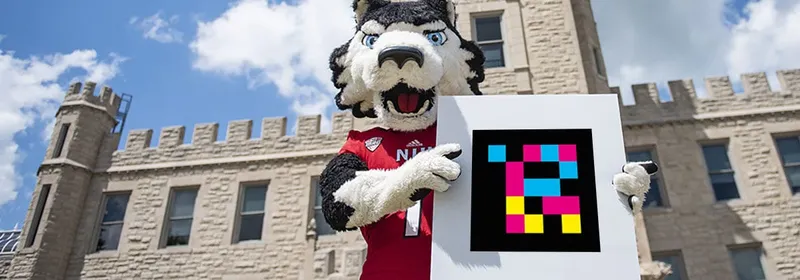 DeKalb, IllinoisEducation→
DeKalb, Illinois
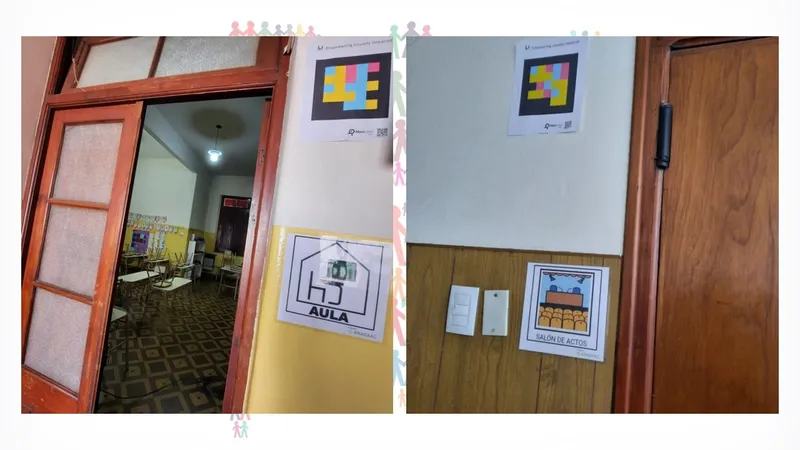 General PicoEducation→
General Pico
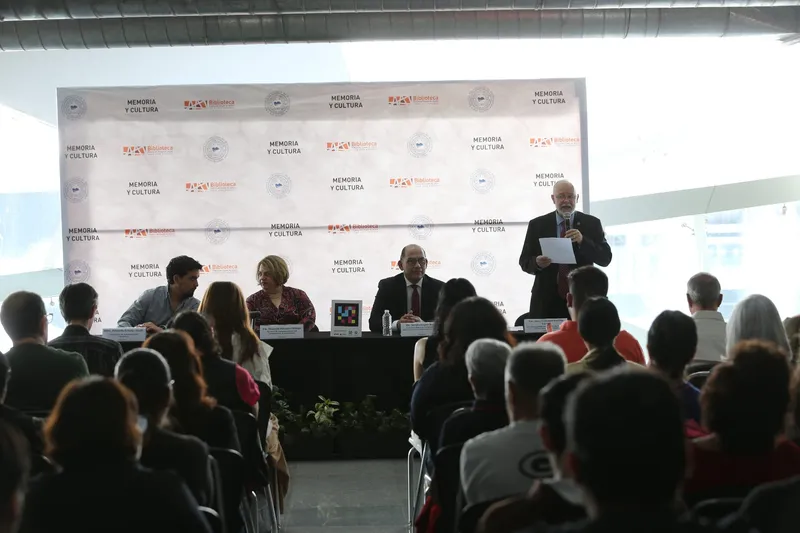 GuadalajaraEducation→
Guadalajara
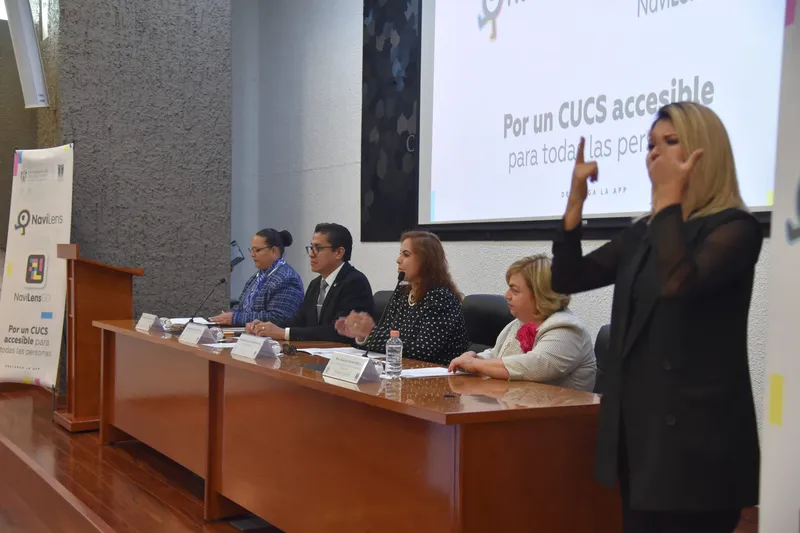 GuadalajaraEducation→
Guadalajara
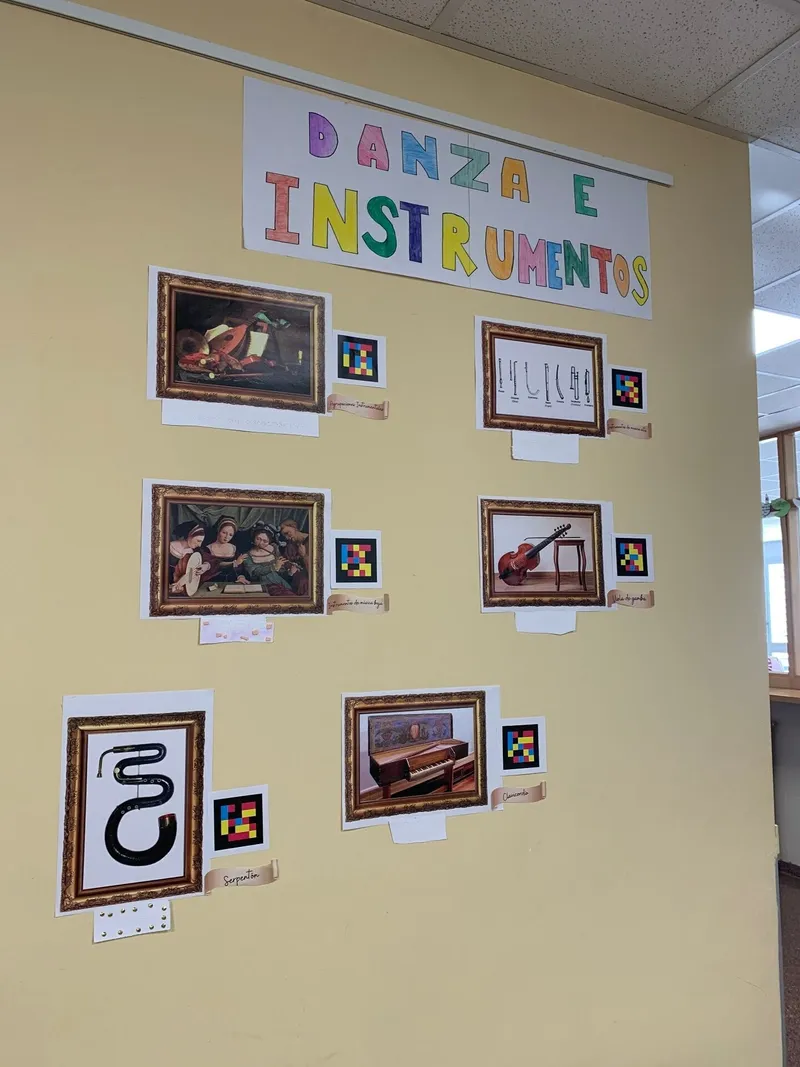 ZaragozaEducation→
Zaragoza
§ What the community says
Northern Illinois University recently unveiled NaviLens, a new wayfinding tool with more than 1,500 QR codes placed around campus and on city buses to help people with visual impairments navigate.
Shaw Local · Daily Chronicle
Cobertura del despliegue en NIU y autobuses de DeKalb
La llegada de NaviLens a nuestras instalaciones permite dar un paso crucial hacia un acceso más inclusivo para todas y todos, en especial para aquellas personas con algún grado de discapacidad visual que, en muchas ocasiones, enfrentan barreras para disfrutar plenamente de los servicios que ofrecemos.
José Trinidad Padilla López
Director · Biblioteca Pública del Estado de Jalisco «Juan José Arreola» (BPEJ)
Que la Universidad de Murcia se haya convertido en una institución educativa referente en materia de inclusión, posicionándose como la universidad española con mayor ratio de estudiantes con discapacidad en sus aulas, enorgullece y responsabiliza.
María Verónica de Haro de San Mateo
Profesora · Facultad de Comunicación y Documentación · UMU · comisaria de la exposición
§ Educational journey
NaviLens can accompany students and visitors from arrival at the center to the classroom, library, canteen, restrooms or any campus activity.
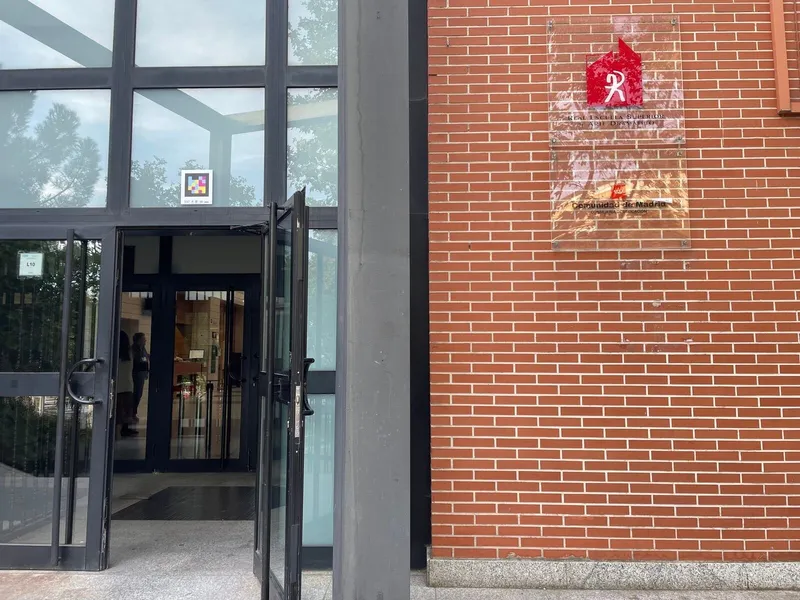
Madrid
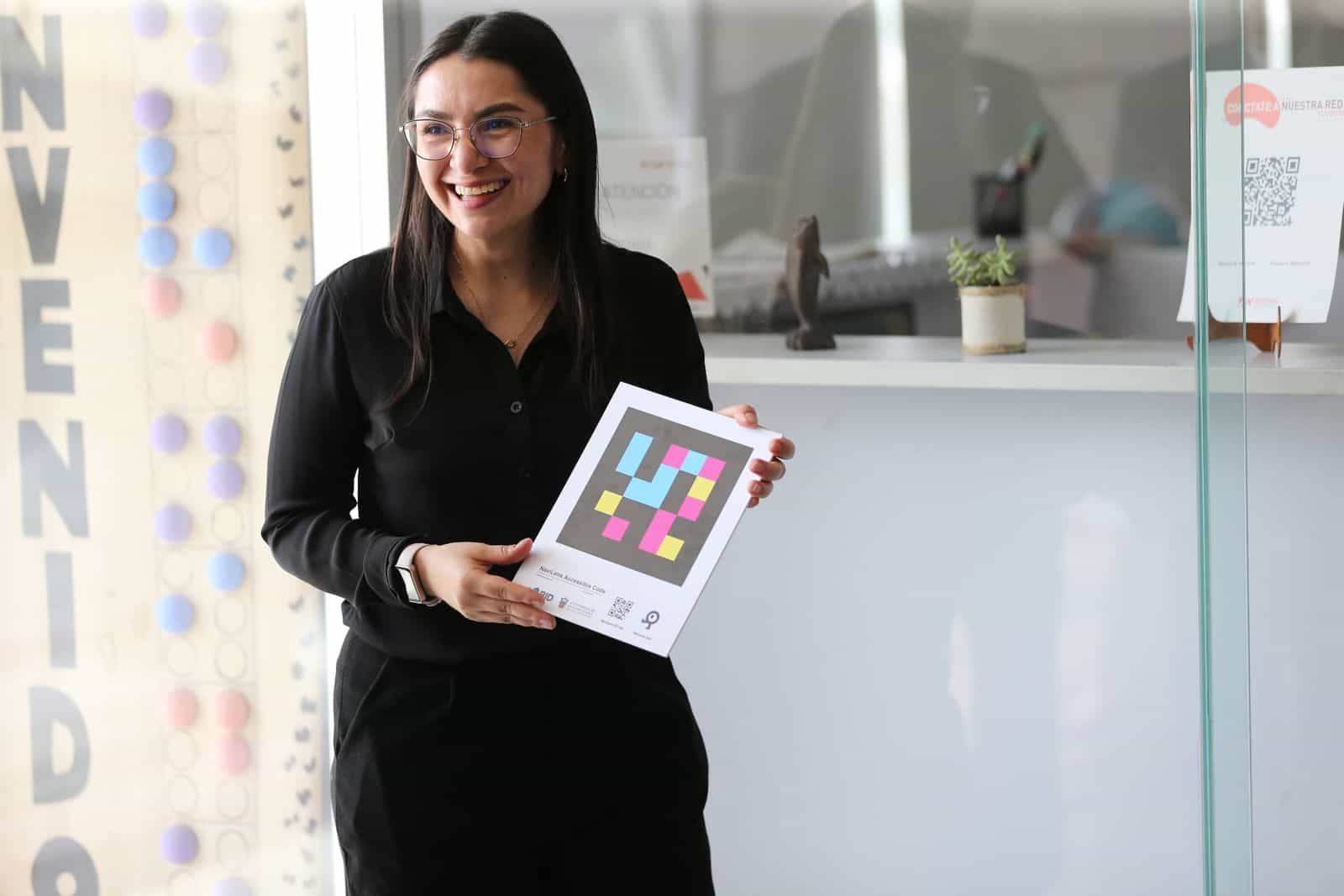
ONCE reference center: classrooms, boarding residence and family training accessible with NaviLens.
Pamplona
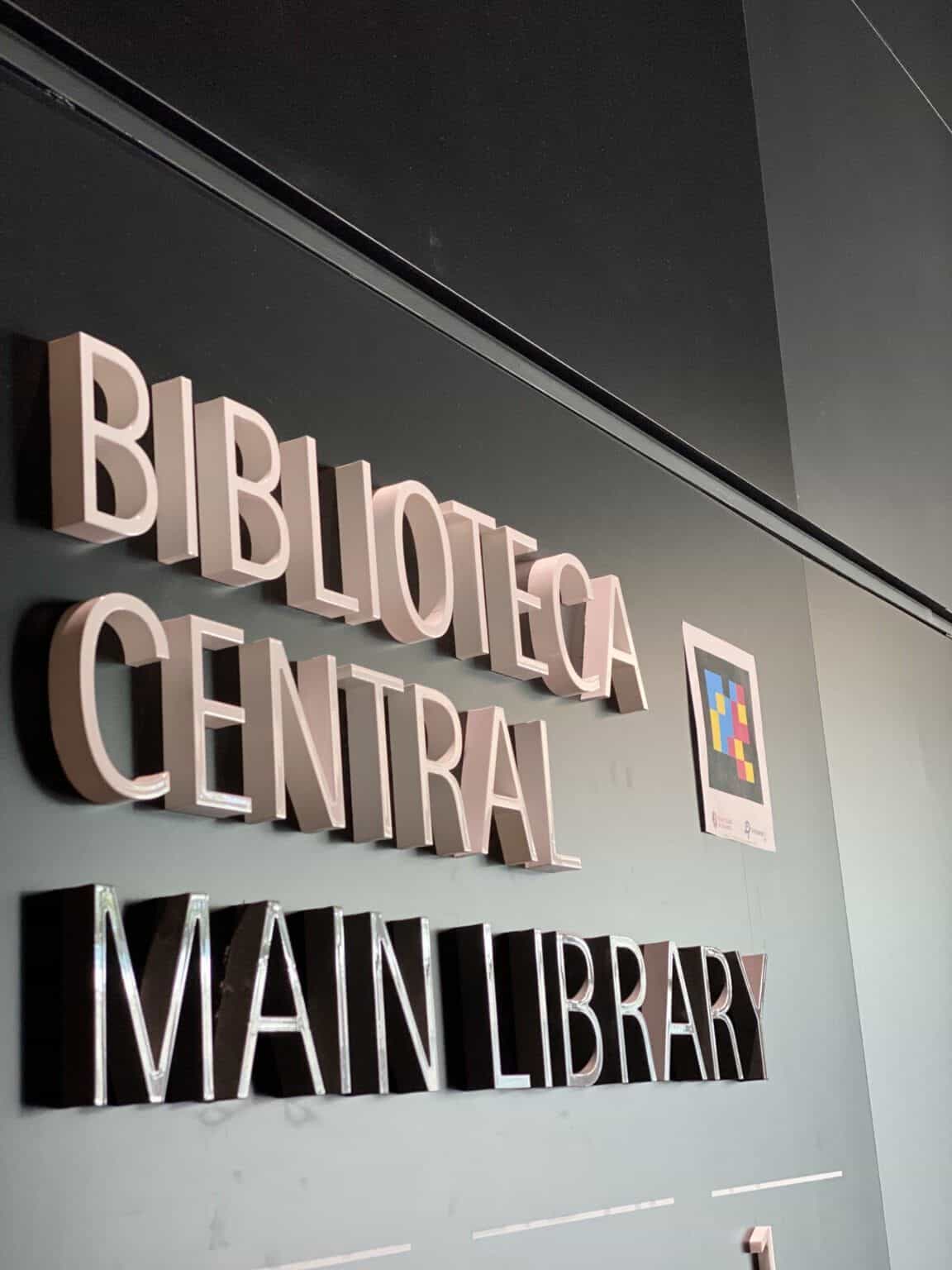
Main library, Ismael Sánchez Bella building, cafeterias and outdoor signs accessible with NaviLens.
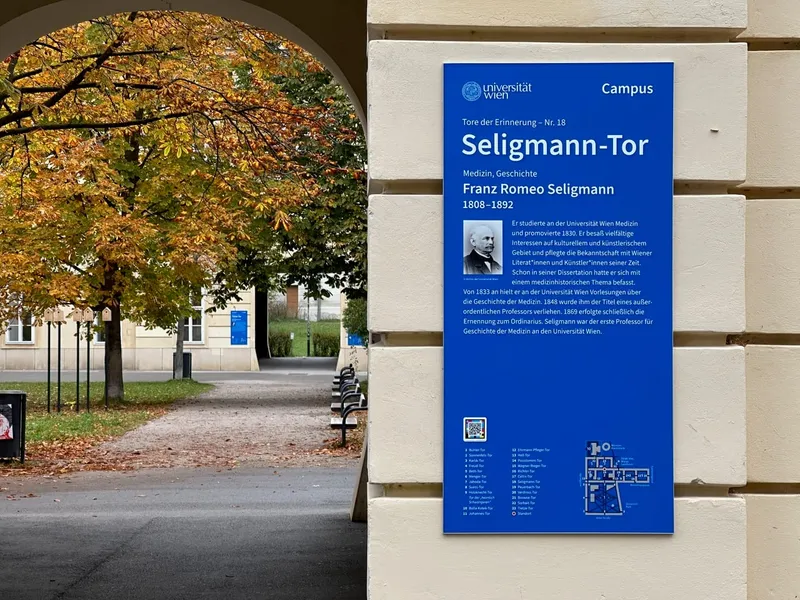
Vienna
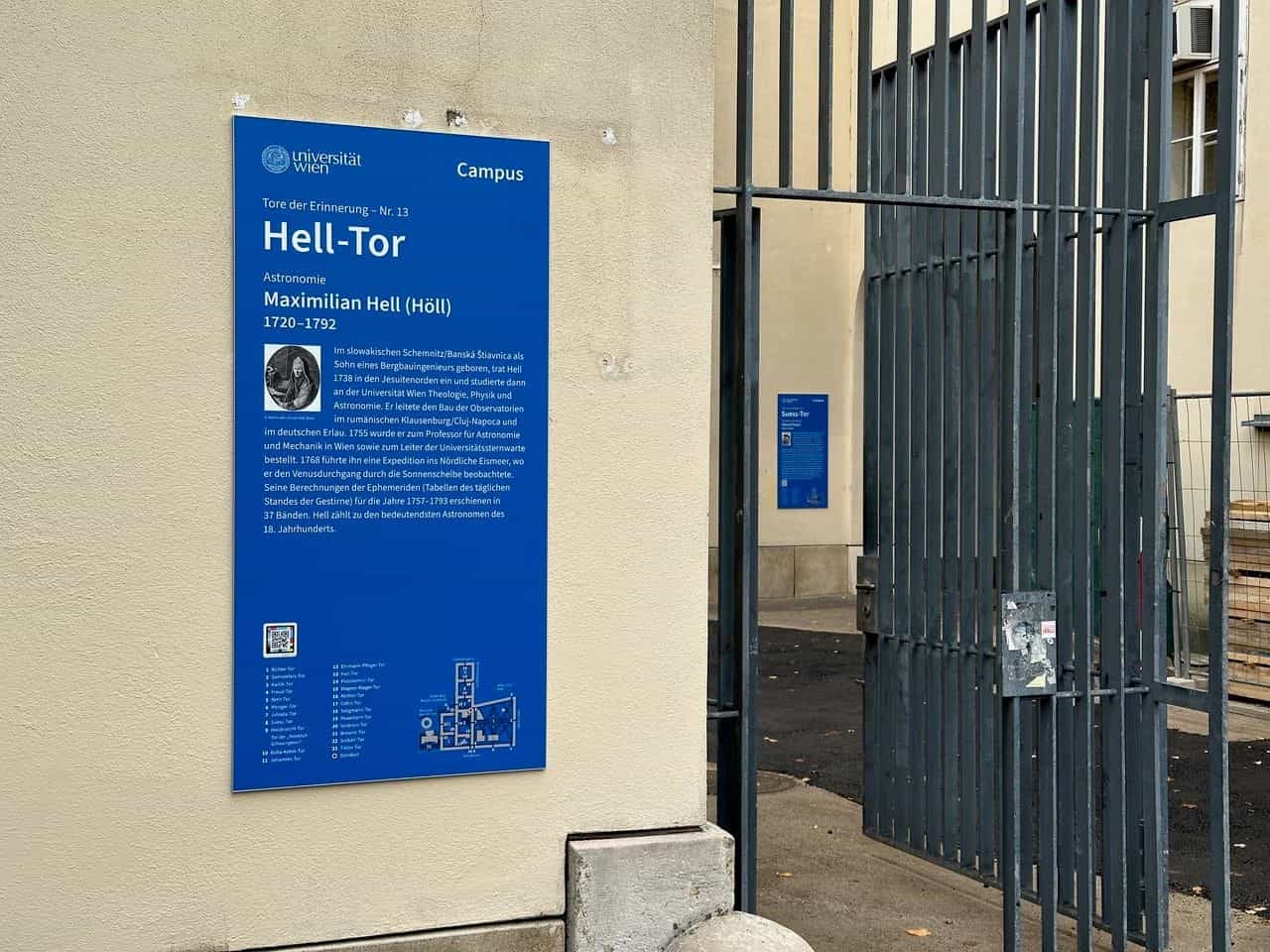
23 portals at Altes AKH dedicated to victims of Nazism, accessible with NaviLens.
Guadalajara (MX)
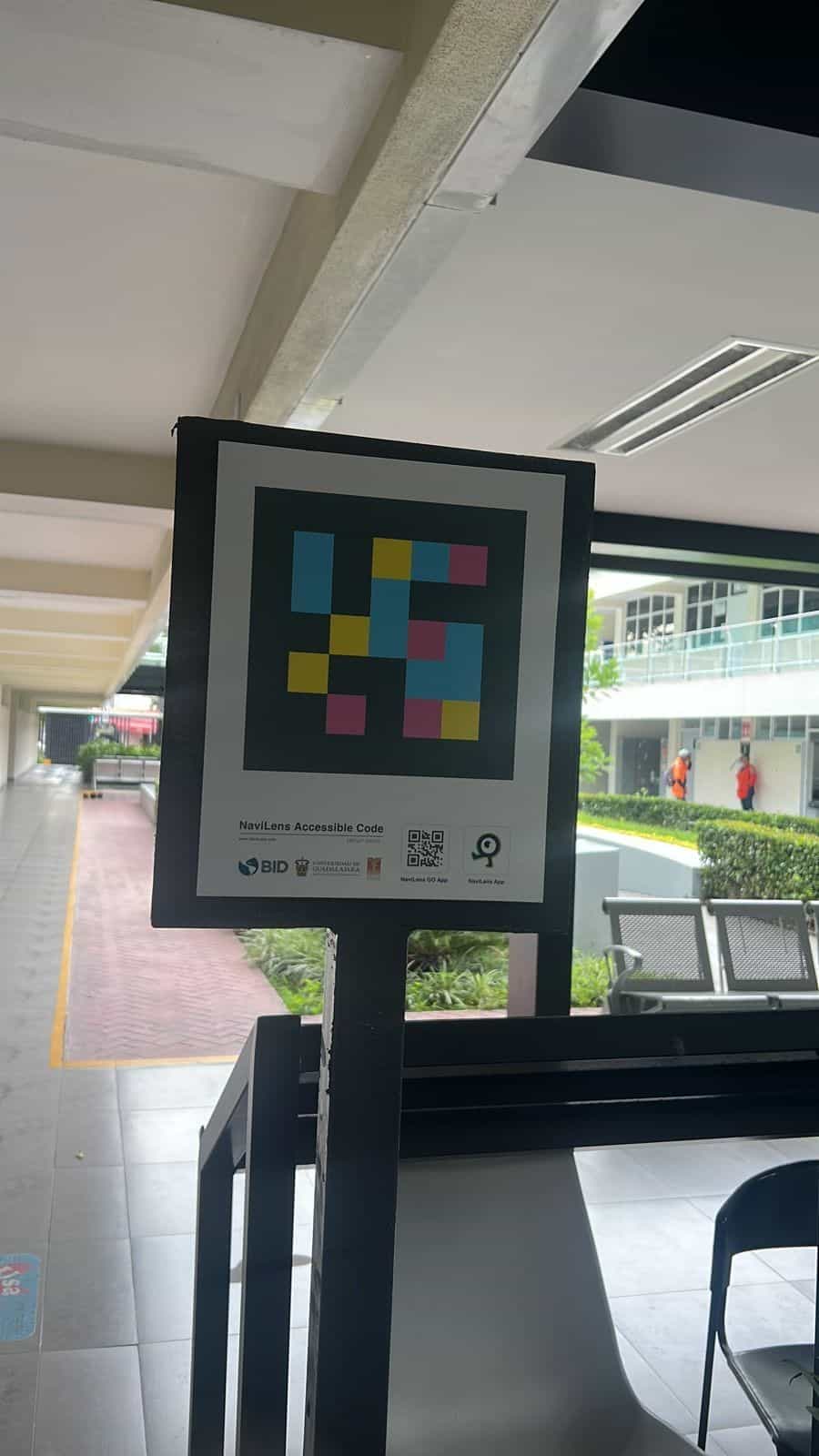
Jalisco State Public Library, CUCS (Health Campus) and CUCEA accessible with NaviLens with IADB and the City Council.
§ Uses
Voice readout 100 ft from the entrance, office, classroom, library, canteen and accessible restroom.
Families, visitors and guests find entrances, rooms and services with audible information in 42 languages.
Stickers over existing signage. No civil works, no cabling, no permits. Rollout by building, by floor or by full campus.
§ Frequently asked questions
§ Bring NaviLens to your school
Tell us how your educational community moves around the center and we'll design an accessible signage solution adapted to classrooms, buildings and campuses.
We reply within 48 working hours. If you'd rather have a call, mention it in the form and we'll propose a slot the same week.