QR vs NaviLens: why a QR code doesn't guarantee accessibility
Distance, angle, contrast, multilingual delivery and detection time. The data behind why a standard QR leaves out the people who need the information most — and when it still makes sense to keep using it.

The QR code turned 30 in 2024. It is ubiquitous, free and solves a thousand everyday scenarios: paying a bill at a restaurant, opening a café menu, downloading a boarding pass, validating a cinema ticket, tracking a parcel. The pandemic turned it into a de facto standard and today it is hard to walk down a street without seeing one. Yet when it comes to accessibility, its technical limitations stop being an implementation detail and become structural barriers for millions of people.
The QR was designed by Denso Wave in 1994 to identify car parts on a Toyota assembly line, where the camera stood at a fixed distance and angle. It worked because the environment was controlled: constant lighting, clean code, frontal scanning. When that same code is moved into public space—a station, a supermarket package, a building façade, a hospital waiting room—and placed in the hands of a user who can't necessarily see where the code is, the equation changes completely.
The question is not whether the QR is "good" or "bad". The question is what it was designed for, what problem it solves well and what problem it doesn't solve. When a public administration, a transport operator or a consumer brand puts a QR on a label and calls it an "accessible code", it makes a promise the format cannot keep. This article breaks down exactly where those barriers are, and why NaviLens was created, from its very first prototype in 2017, to solve what the QR doesn't.
The four barriers of the QR for people with visual impairment
1. Reading distance
A standard 4×4 cm QR requires getting within 20–40 cm of the code. For a person with low vision or total blindness, finding and focusing the code is a balancing act: you need to know in advance where it is, point the phone, hold it steady and wait for the camera to focus. NaviLens reads from over 100 feet away and its optimal minimum distance is three times the marker size, so codes can be detected without physically "searching" for them. On a platform, a concourse or a hospital corridor, this means going from "impossible" to "natural".
The difference has practical implications: in a metro station, NaviLens codes can be placed on columns, walls and ceilings at the usual height of signage, and travelers detect them while walking with the phone in their hand. With a QR, the only way to know it's there is to have seen it before.
2. Need for precise framing
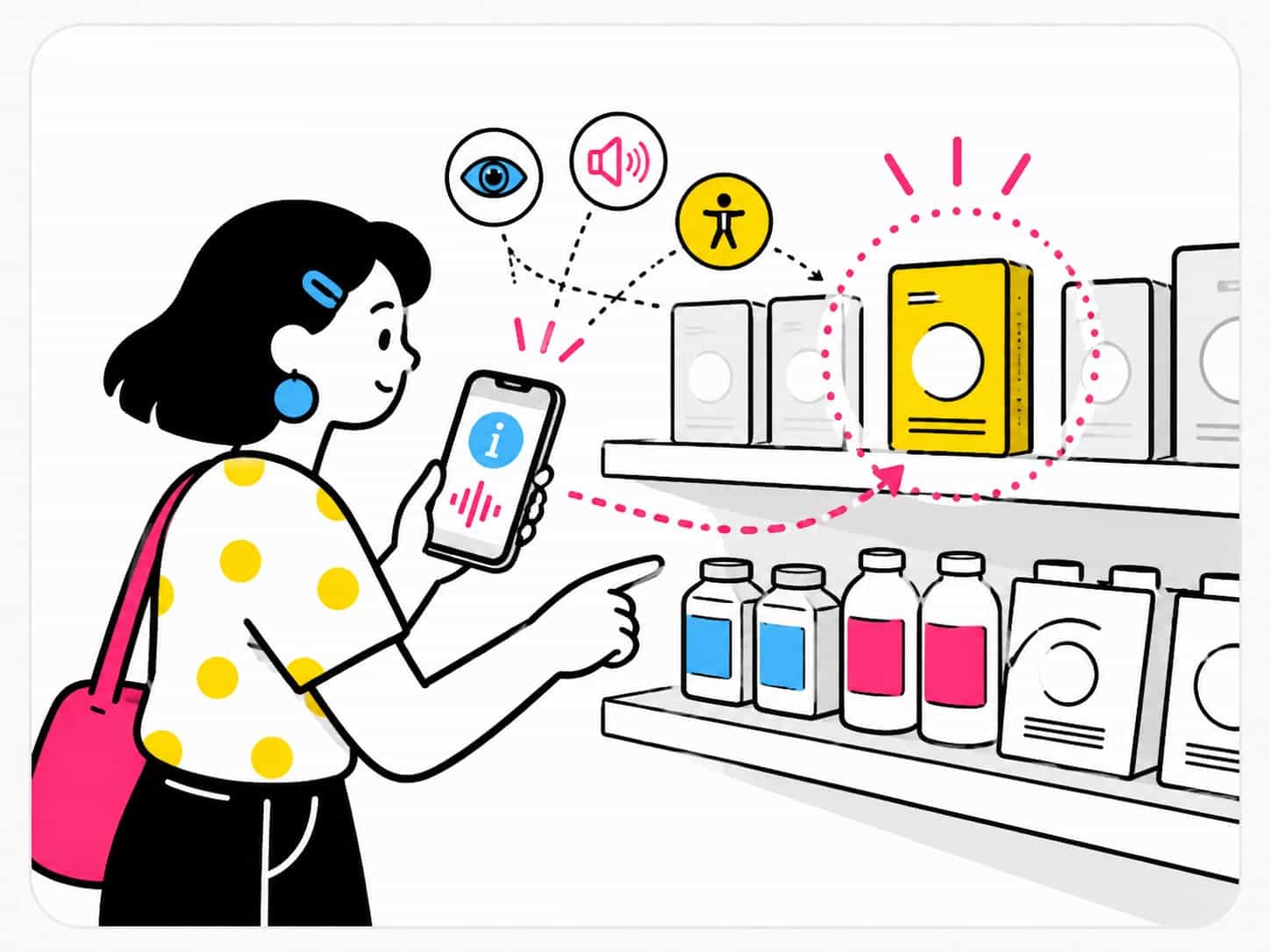
The QR requires you to point straight at it, with the code fully within the frame and without sudden movements. NaviLens detects multiple codes simultaneously within an angle of up to 160°, and tolerates rotations, obliquities, partial shadows and the natural movement of the user while walking. This changes the paradigm: the user doesn't look for the code, the code finds the user. For a blind person the difference is decisive, because there is no way to "aim well" at something you can't see.
3. Contrast, size and lighting
QRs perform poorly in low light, on glossy surfaces or when shrunk to fit small packaging. Under direct sunlight or in poorly lit interiors, the detection failure rate exceeds 25% according to user tests run by ONCE in 2023. NaviLens codes, thanks to their high-contrast color pattern, work in highly variable lighting, hold their reading on cylindrical surfaces (bottles, columns) and remain detectable when partially covered, dirty or printed in small sizes.
4. Detection time
A user takes between 3 and 8 seconds to scan a QR in favorable conditions. NaviLens detects the code in under 100 milliseconds. The difference, multiplied by hundreds of daily interactions in a station, an airport or a supermarket, is the difference between being able to use a service and giving up on it. And for anyone who depends on voice readout, those seconds decide whether the system is a real aid or another obstacle.
Beyond sight: cognitive, motor and language barriers
The discussion around QR and accessibility usually focuses on visual impairment, but the barriers are wider. People with hand tremor, Parkinson's or multiple sclerosis struggle to hold the phone still long enough to focus a QR. People with cognitive disabilities or dyslexia can find the full journey overwhelming: locating the code, opening the camera, waiting, reading the link, deciding whether to trust it, opening the browser, waiting again.
On top of that comes the language barrier. A QR usually points to a URL in a single language. NaviLens automatically delivers the information in the user's system language, with support for 42 languages, which is especially relevant in airports, museums, international stations and tourist environments. There is no need to open a browser, translate manually or hunt for another language version: the content appears directly in the visitor's tongue.
The accessibility factor: a conceptual difference, not just technical
Beyond technical specs, there is a deeper conceptual difference: the QR was conceived for sighted users who know where the code is. NaviLens was conceived from day one alongside ONCE, the University of Alicante and people with visual impairment. Accessibility is not a layer added on top; it is the origin of the design, the starting point from which the rest of the technical decisions flow.
This difference of origin explains why trying to "make a QR accessible" through braille labels next to the code, parallel audio guides or companion apps tends to produce fragile solutions. They end up being stacked layers that break as soon as lighting changes, materials wear out or the user doesn't know the system in advance. Real accessibility requires the first interaction to already be accessible.
Compliance: EAA, WCAG and public environments
Since 28 June 2025 the European Accessibility Act (EAA) requires companies and administrations to guarantee the accessibility of products and services across the European Union. In the digital domain, the law relies on EN 301 549 and therefore on WCAG 2.1 AA, which require perceivable alternatives for all non-text content and processes that can be operated without fine motor gestures. A QR placed on a package, a shelter or an information screen falls within scope when it is presented as a means of informing the user.
NaviLens meets EAA principles by design: information is delivered through audio, text and vibration; it does not require precise framing or controlled lighting; and its deployment is documented in a traceable way, which makes audits and continuous-improvement plans straightforward. Replacing "accessible" QRs with NaviLens at critical public information points is a direct way to reduce regulatory risk.
Where NaviLens has already replaced QR
The switch from QR to NaviLens is not theoretical. Operators and brands in more than 30 countries have deployed it in environments where QR had proven insufficient:
- Public transport: MTA in New York, Transport for London, EMT Madrid, ATAC Rome and Vitoria's tram have installed NaviLens in stations, stops and vehicles.
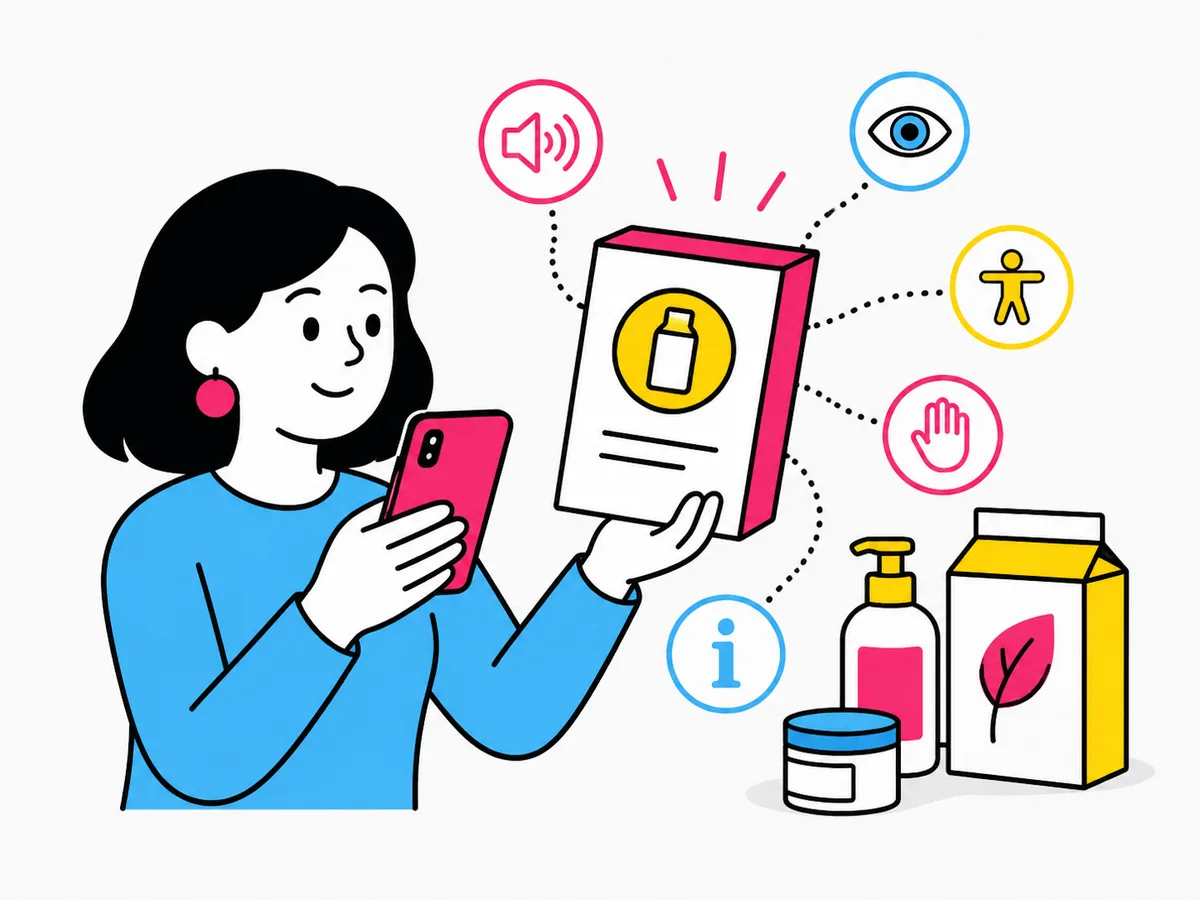
- CPG packaging: Kellogg's, Pringles, Cheez-It, Pampers, Nivea, Bimbo, Carrefour or ElPozo have added NaviLens to their packs to make ingredients, allergens and usage instructions accessible.
- Museums and heritage: Glucksman Gallery in Cork, MSU Zagreb, Tennoji Zoo in Osaka, museums of the City of Murcia or UNICEF interventions in Florence.
- Airports and stations: Medellín Airport, Versailles, Cartagena and Lleida interchanges.
The pattern is always the same: QR remains useful for payments or promotions, but essential information—where am I, where am I going, what's in this product, what are the opening hours—is now delivered by a system that anyone can use.
Does this mean QR is bad?
No. The QR is excellent for users without visual impairment and with time on their hands: paying a bill, viewing a menu, opening a promotional website, validating a ticket. It is free, universally compatible with any phone camera and reasonably robust in controlled environments. The problem is not technical, it's about fit: it must not be presented as an accessibility solution when structurally it isn't. Confusing the two cases leads to deploying thousands of codes that exclude, precisely, those who would need the information most.
The most sensible approach is complementary. In most projects both coexist: QR for fast transactional tasks; NaviLens for the accessibility and structured-information layer. It is not a "replace" decision but a "what do I use each for" decision.
How to migrate from a QR-based system to NaviLens
For organizations that already have QRs deployed and want to add an accessible layer, the process is reasonably fast. A typical transition follows these phases:
- Audit information points: classify each existing QR as "transactional" (payment, one-off link) or "informational" (signage, ingredients, opening hours).
- Prioritise: informational points in critical public environments—transport, health, administration, packaging—move to NaviLens. Transactional ones can stay as QR.
- Generate NaviLens codes and the associated content (text, optional audio, languages).
- Physical deployment (printing, vinyl, integration into screens) and documentation for EAA audit.
- Train maintenance and customer-service teams.
A quick decision guide
- You need distance, angle and multilingual support: NaviLens
- Critical information for people with disabilities: NaviLens
- Payment, promotional link, PDF download: QR
- Complex spaces (transport, museums, hospitals): NaviLens
- One-off events, bar tables, fast ticketing: QR
- CPG packaging with ingredients, allergens or usage: NaviLens
Frequently asked questions
- Can a blind person scan a QR?
- With considerable difficulty. They need to know in advance the exact location of the code, hold the phone still at 20–40 cm and, in many cases, get external help to focus. That's why a QR is not considered, on its own, an accessibility solution for people with visual impairment.
- Does NaviLens replace QR for payments?
- No. For payments, ticket validation or promotional links, QR remains the right tool. NaviLens is designed to deliver structured, accessible information: signage, ingredients, opening hours, usage instructions, cultural content.
- How many languages does NaviLens support?
- NaviLens delivers content in 42 languages, automatically detecting the user's system language. No additional download is required and the language doesn't need to be changed manually.
- Do you need a specific app?
- Yes. NaviLens has its own free app (NaviLens and NaviLens GO). The download flow is standard (App Store and Google Play) and an accessible tutorial is included on first use.
- Does it comply with the European Accessibility Act?
- NaviLens is designed in line with EAA principles and WCAG 2.1 AA: perceivable alternatives, operable use without fine gestures, understandable and traceable content. Deployments are documented for audit.