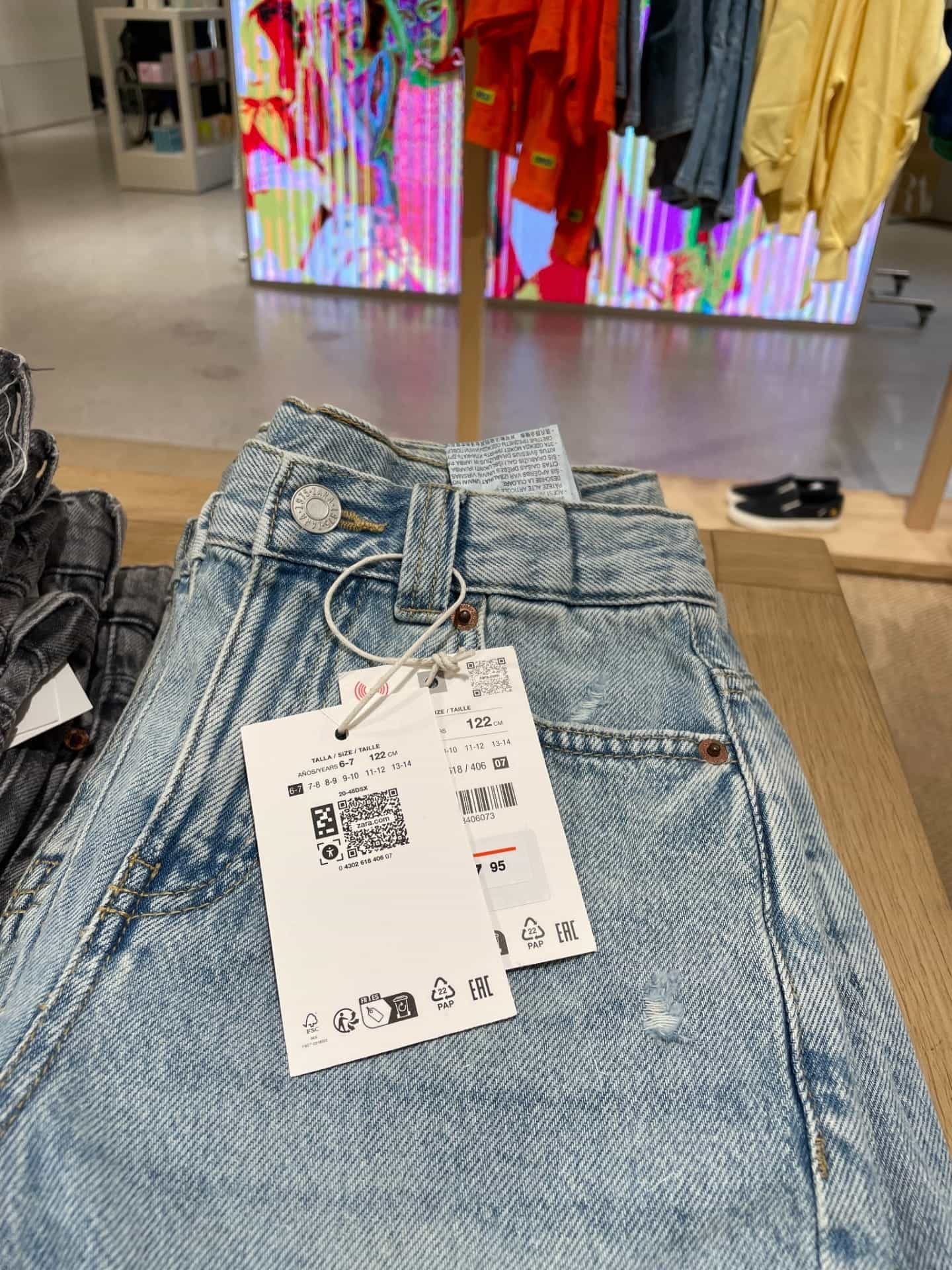
Hangtags
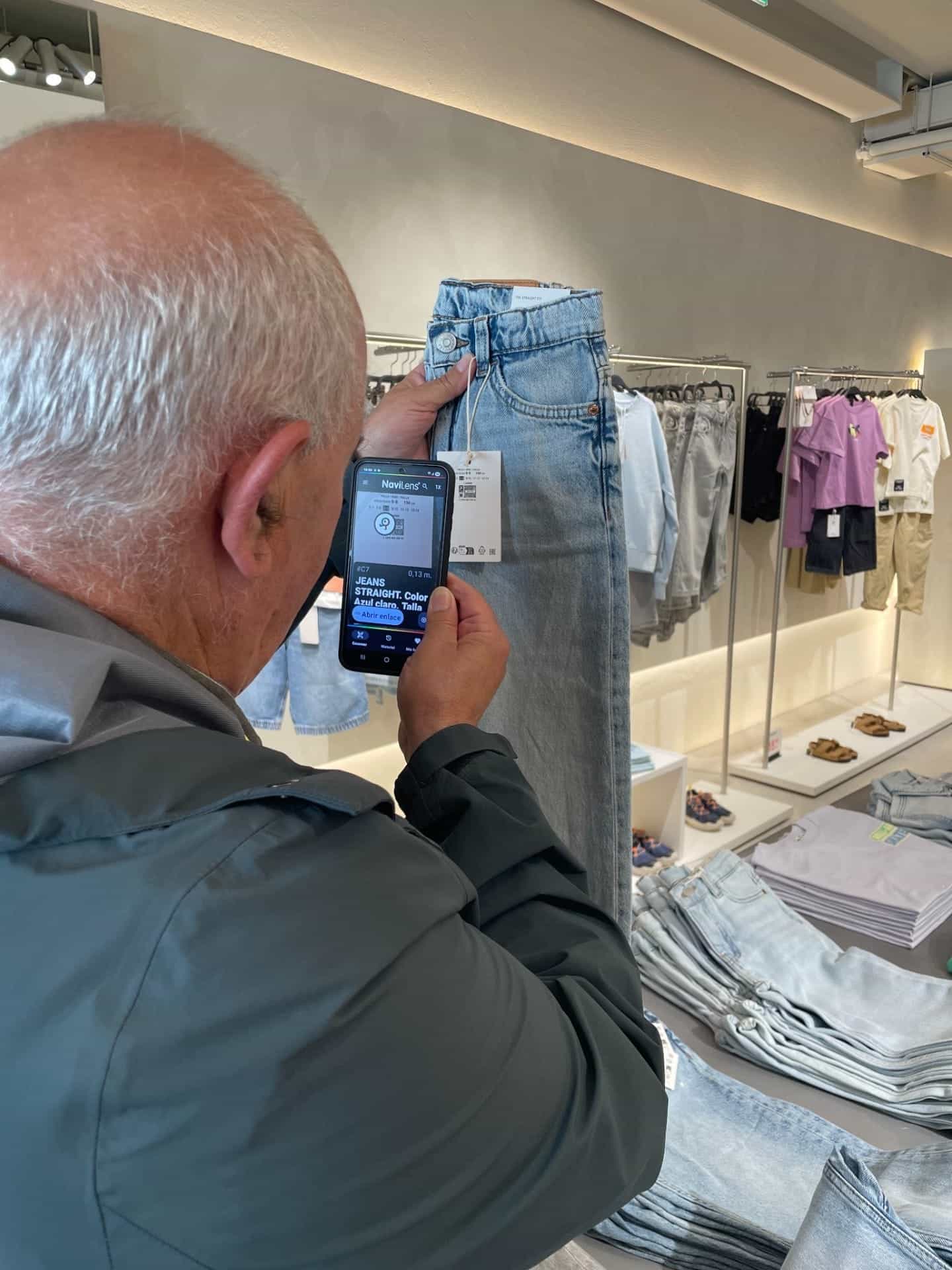
Next to the commercial hangtag QR (brand, online product page, price), NanoLens acts as its accessible doorway: same hangtag, same information, now findable from a distance.
NanoLens Technology
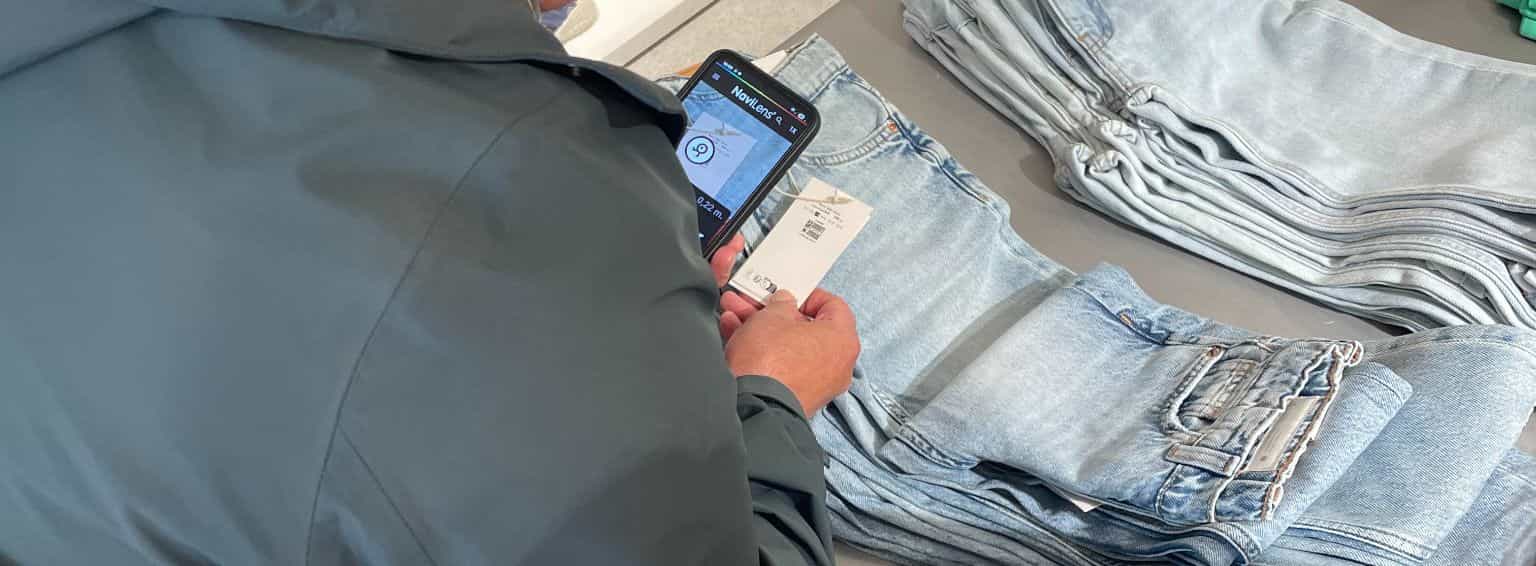
An ultra-compact code that makes the QR already on your label findable and usable — without sight.
01WHAT NANOLENS IS
NanoLens is the accessible layer of the QR on your label. A tiny code printed next to the QR that the NaviLens app detects from a distance, with no need to focus. Once detected, it locates the adjacent QR and delivers its content in an accessible format: read aloud, in the user's language, with high contrast and large text.
02The challenge
Label QRs pack a lot of useful information—product page, materials, traceability, multilingual content—but they require seeing the code, knowing where it is and lining up the phone precisely. For blind and low-vision customers, that first step is the barrier.
NanoLens solves exactly that step: a code designed to be detected from several yards away, with no focus needed, to guide the user to the QR and deliver its content accessibly.
03What NanoLens adds
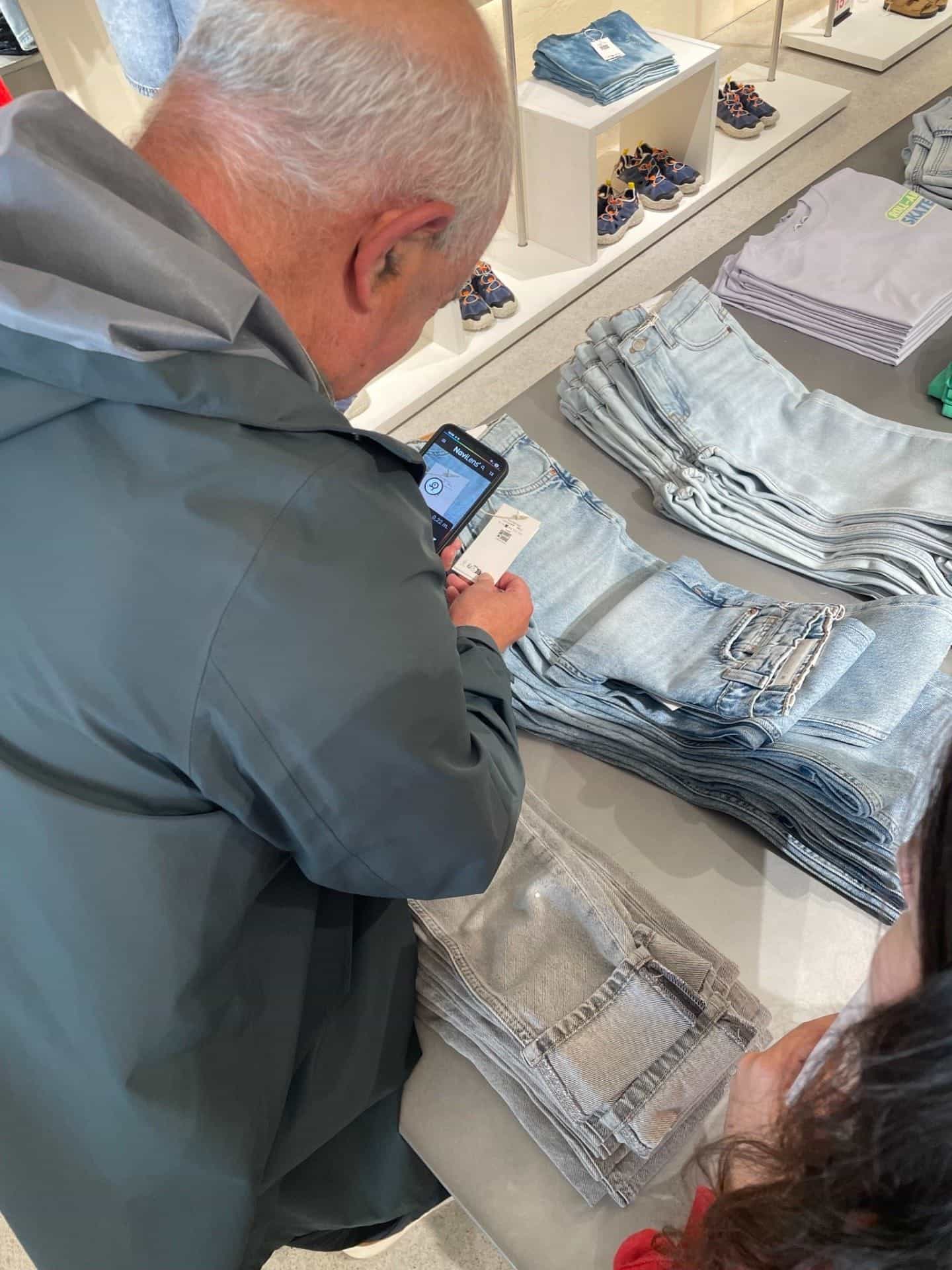
NanoLens is detected from several yards and without focus. Users just point the camera roughly toward the product; the app confirms a code is there and guides them to it.
NanoLens doesn't duplicate information: it points to the QR next to it. The app delivers the same product page the commercial QR loads, served in an accessible format (voice, contrast, languages).
It's built to sit right beside the QR without eating into essential information: size, materials, care symbols, brand.
04Label formats
Wherever you already print a QR on the product, NanoLens can sit next to it to make it accessible. Hangtags, care labels and product labels are its natural formats.
Next to the commercial hangtag QR (brand, online product page, price), NanoLens acts as its accessible doorway: same hangtag, same information, now findable from a distance.
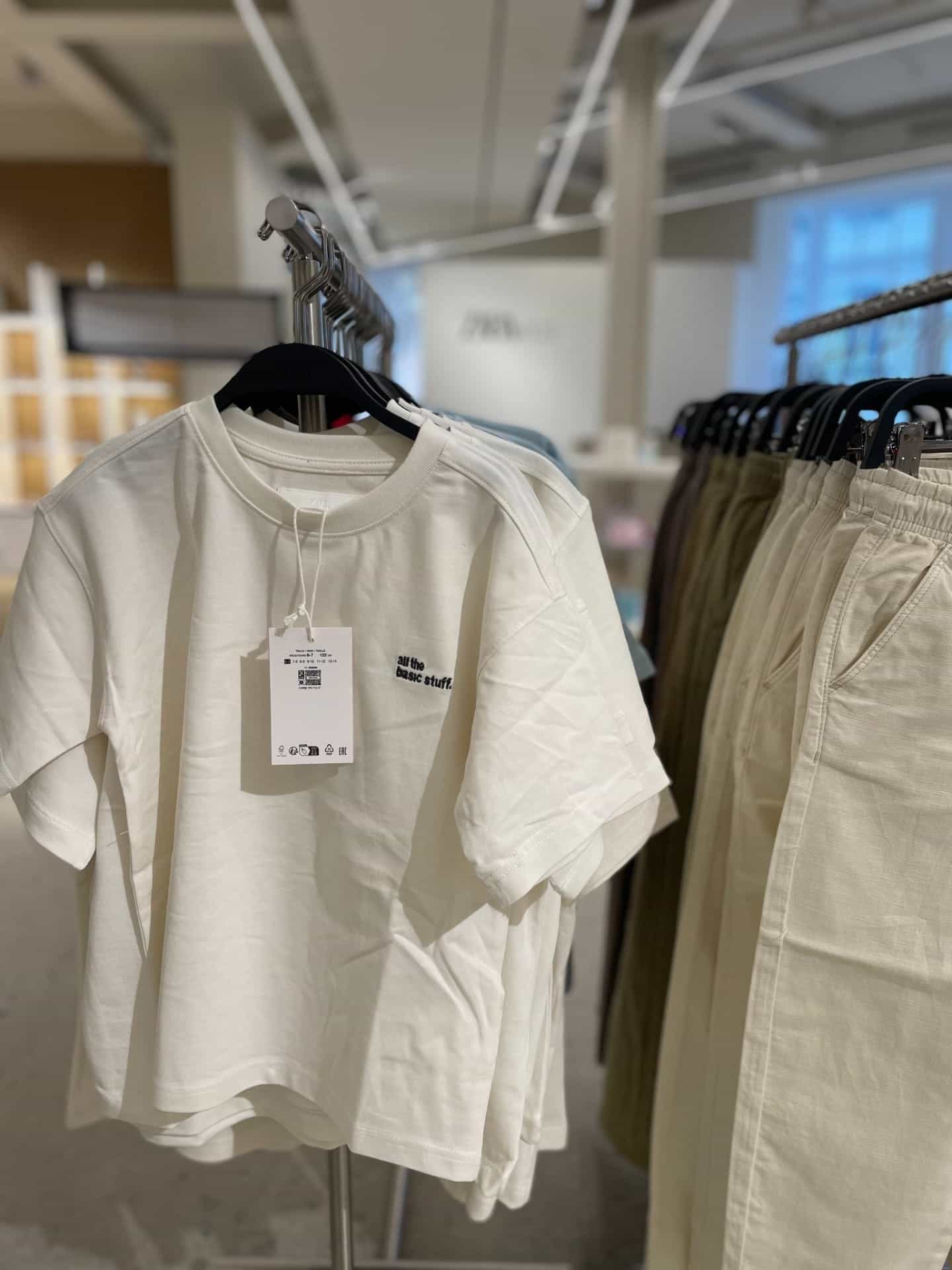
On sewn labels with a traceability or care QR, NanoLens coexists with the essential symbols and lets users access the same content by voice.
On packaging and product labels with a QR for the product page, ingredients or instructions, NanoLens makes that QR findable and usable without sight.
05How it works with the QR
The same label carries two codes with different jobs. The QR keeps doing its usual job for sighted customers: they focus on it, open the product page on their phone and read it.
The NanoLens code is the accessible doorway to that same QR. The NaviLens app detects it from a distance, without needing to see it, locates the adjacent QR and delivers its content aloud, in the user's language and in accessible formats. Without NanoLens next to it the QR stays inaccessible; without a QR next to it NanoLens has no content to deliver. The two codes work together.


06Implementation
NanoLens is planned around the QR already on your label. It doesn't change its content or its position: it's printed right next to it.
We look at which QRs your labels carry today, what information they deliver and where they're printed.
We define where the NanoLens code sits next to each QR, respecting the existing label design.
We test that the app detects the NanoLens, locates the QR and delivers its content accessibly.
We keep the QR + NanoLens pairing consistent across collections, products and markets.
No need to rework the QR system or the product information — just add the accessible layer.
07NanoLens for fashion
More and more fashion brands print a QR on the hangtag: link to the product page, materials, traceability, brand content. NanoLens sits beside that QR so it's also usable by blind and low-vision customers, without changing the hangtag production flow.
08FAQ
An ultra-compact code printed next to the QR on your label that lets the NaviLens app detect it from a distance, locate the QR and deliver its content accessibly.
No. NanoLens is designed to work paired with a QR: it's the QR's accessible doorway. With no adjacent QR, NanoLens has no product page to deliver.
No. The QR keeps working exactly the same for sighted customers. NanoLens is added next to it so that same QR is also usable by voice and from a distance.
The same information the adjacent QR serves: product page, materials, care, price, multilingual content… delivered in accessible formats (voice, high contrast, large text).
No. It fits especially well on hangtags and care labels, but can accompany any QR printed on a product label or package.
We review which QRs your labels carry today and where. We define where to print NanoLens next to each QR, validate the reading and roll it out at scale.
09Next step
Tell us which QRs your labels carry today and what information they give access to. Our team will help you plan how to pair them with NanoLens to make them accessible without changing your production flow.