Case study · Zaragoza, Aragón (Spain)
A corridor, a school, a Renaissance museum.
How the Music Department at IES Parque Goya turns the entrance hall into a Renaissance music museum: paintings, labels, braille and a NaviLens code next to each work so anyone can listen to the explanation.
Zaragoza
IES Parque Goya · c/ Eugenio Lucas · Parque Goya neighborhood
Renaissance
“Renaissance music museum” · Music Department
4 panels
Context · Sacred music · Secular music · Dance & Instruments
1 code per work
Each painting carries its own NaviLens with audio description in the app
The client
IES Parque
Goya
IES Parque Goya is a state secondary school in the Parque Goya neighborhood of Zaragoza (c/ Eugenio Lucas), part of the City Council's Educating City network.
Its Music Department uses permanent exhibitions in the hall as a teaching tool: orchestras, concert halls and, most recently, the “Renaissance music museum” documented on this page.
The museum is an internal resource for the school—not a venue open to the general public—and uses NaviLens to add audio, accessibility for blind and low-vision students and a channel any pupil can consult on their phone as they walk down the corridor.
§ The challenge
Letting the Renaissance be heard, not just memorised.
- 01
Turning a corridor into a living classroom
The Music Department wanted to teach Renaissance music—historical context, sacred, secular, dance and instruments—without reducing it to an exam. The answer: borrow the language of the museum and bring it into the school hall.
- 02
One resource for very diverse pupils
The school welcomes pupils with different paces and languages, and classmates with visual impairment or specific needs. Paper labels fell short: a format was needed that added audio and accessibility.
- 03
A museum owned by the pupils
The project had to be doable in class: paint the letters, build the golden frames, write the labels and… generate and stick the codes. NaviLens fit because pupils themselves can print, link and maintain the museum year after year.
§ The solution
One painting,
one code, one story.
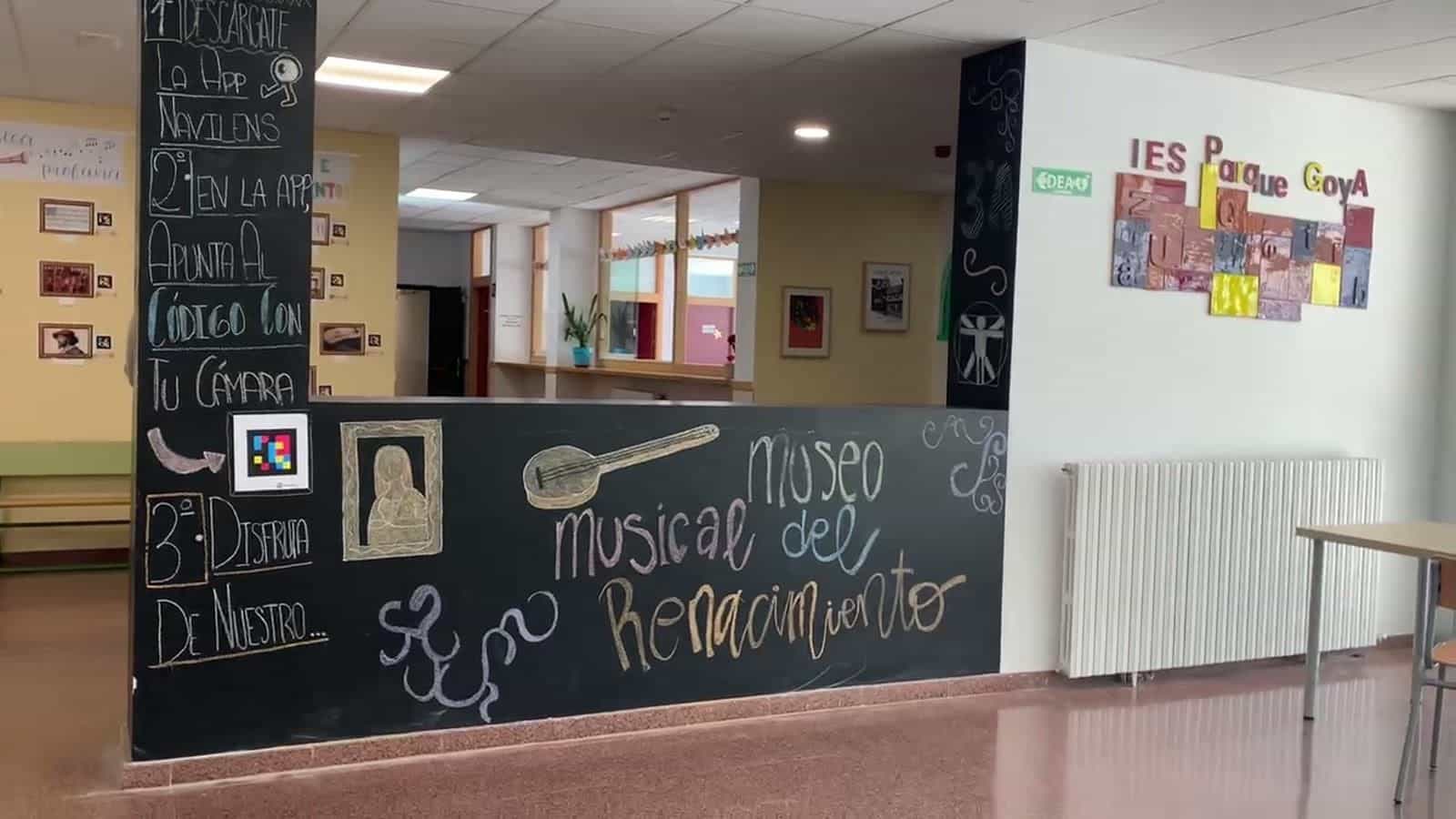
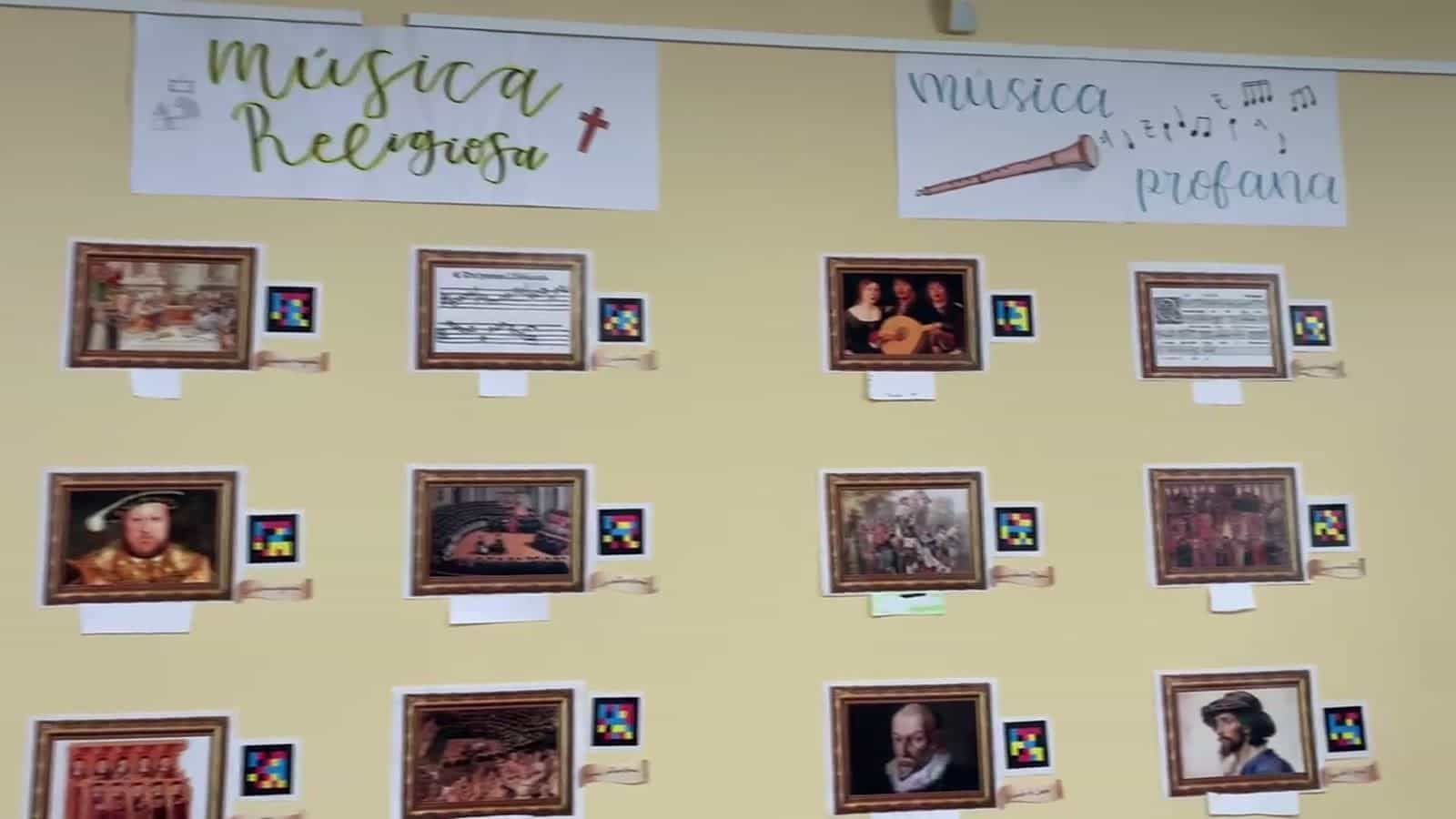
Four panels—Context, Sacred Music, Secular Music and Dance & Instruments—organize the route along the yellow wall of the hall.
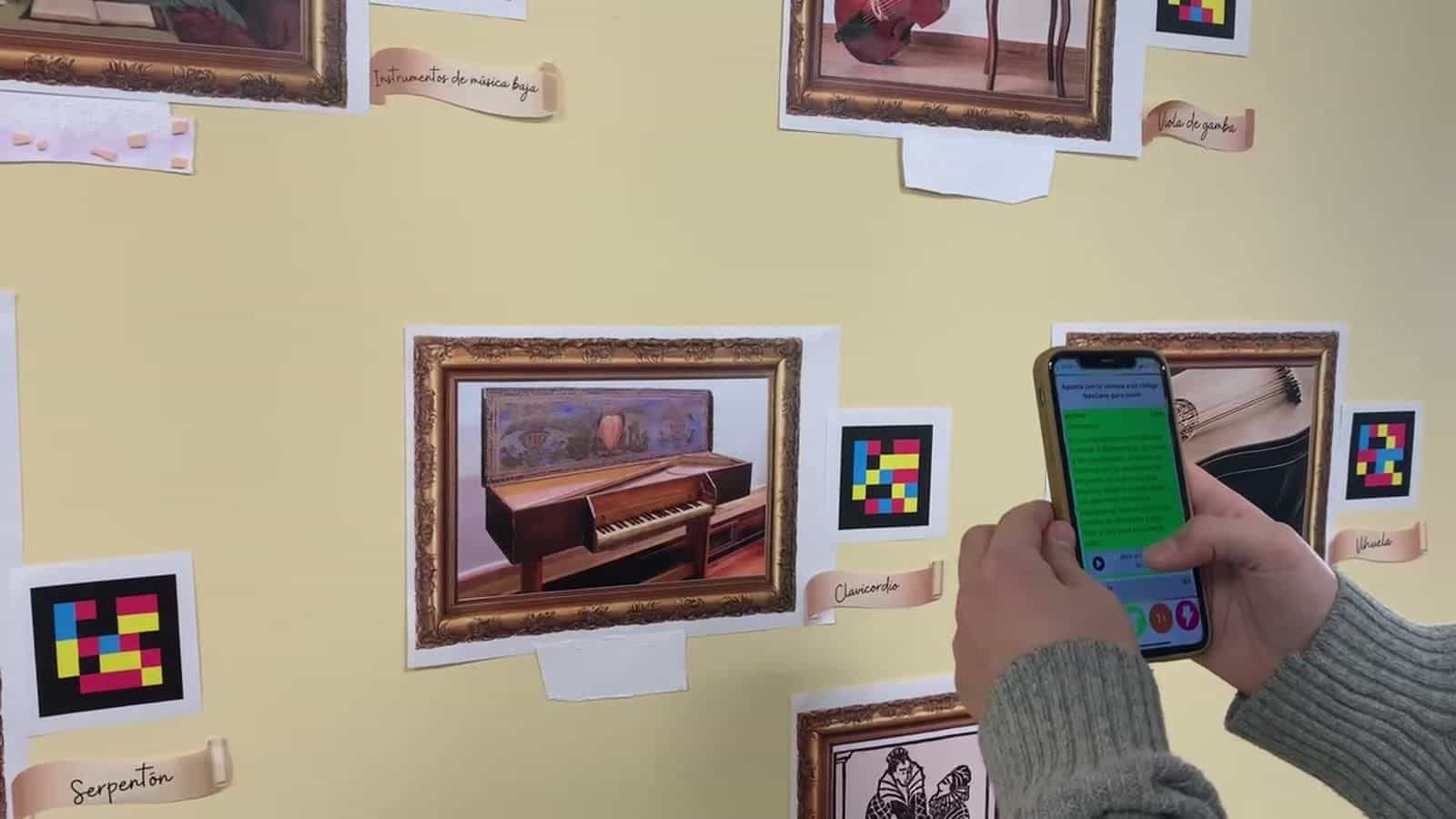
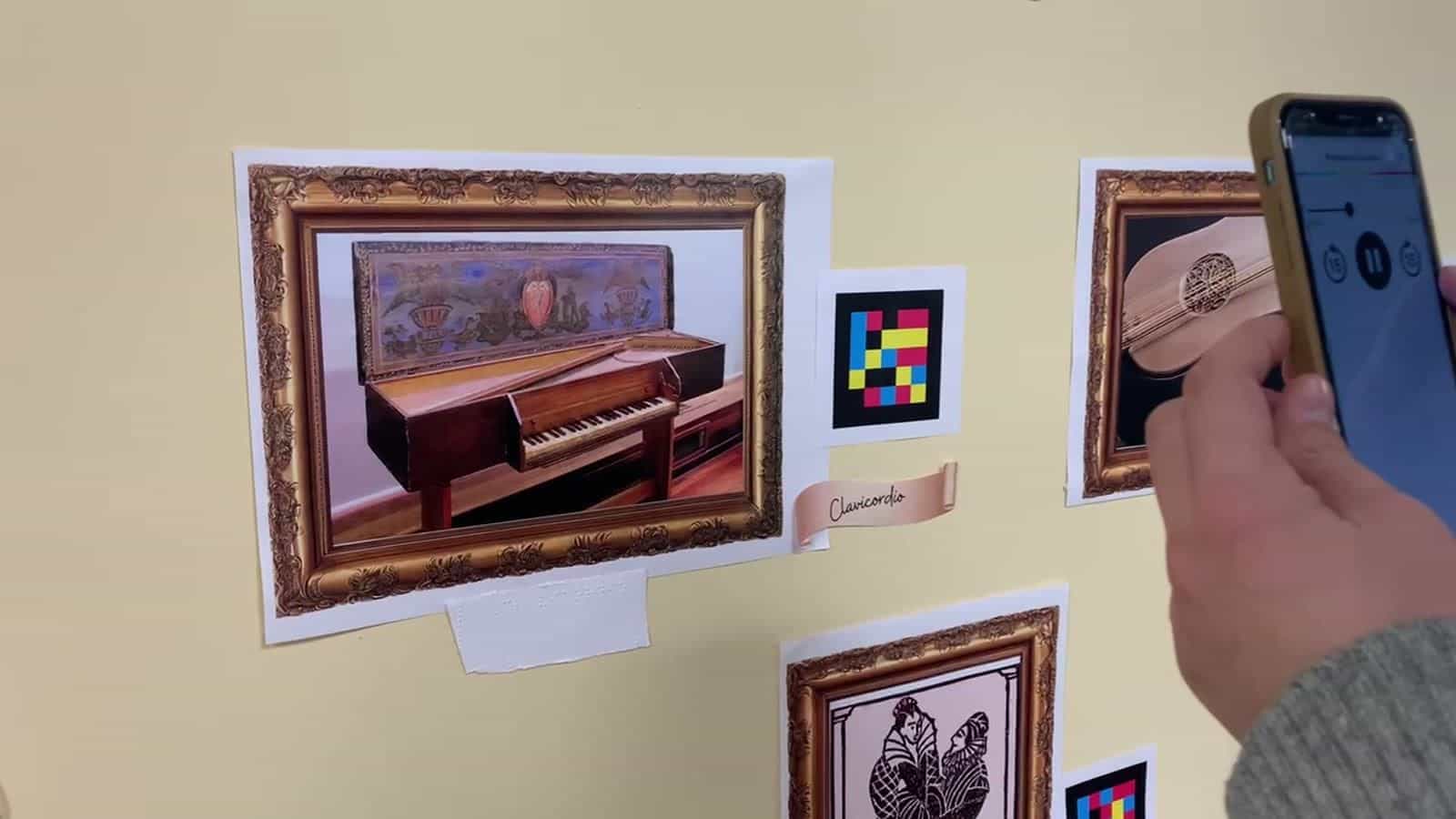
Next to each work there is a NaviLens code and, on some pieces, a tactile relief with braille. The visitor's app reads the label aloud and lets pupils with visual impairment follow the same route as their classmates, with the same information.
§ Timeline
From a teaching unit to a permanent museum.
- School year
The “Renaissance music museum” starts
The Music Department of IES Parque Goya proposes the Renaissance unit as a permanent exhibition in the hall. Four large headings—Context, Sacred Music, Secular Music, Dance & Instruments—structure the route along the yellow corridor wall.
- Build
Paintings, golden frames and labels made in class
Each work—from the Vitruvian Man and the Sistine Chapel to the clavichord, serpent, viola da gamba, vihuela and high/low Renaissance instruments—is printed, framed with cardboard golden frames and accompanied by a brown ribbon label and, on some pieces, by a tactile relief with braille.
- NaviLens layer
A code beside every work
A NaviLens code is stuck next to each painting. When pointed at with a phone, the app reads the label aloud: title of the work, historical-musical context and trivia worked on in class. The codes are detected from several yards away and enable a self-guided route.
- Opening
Welcome blackboard + instructions
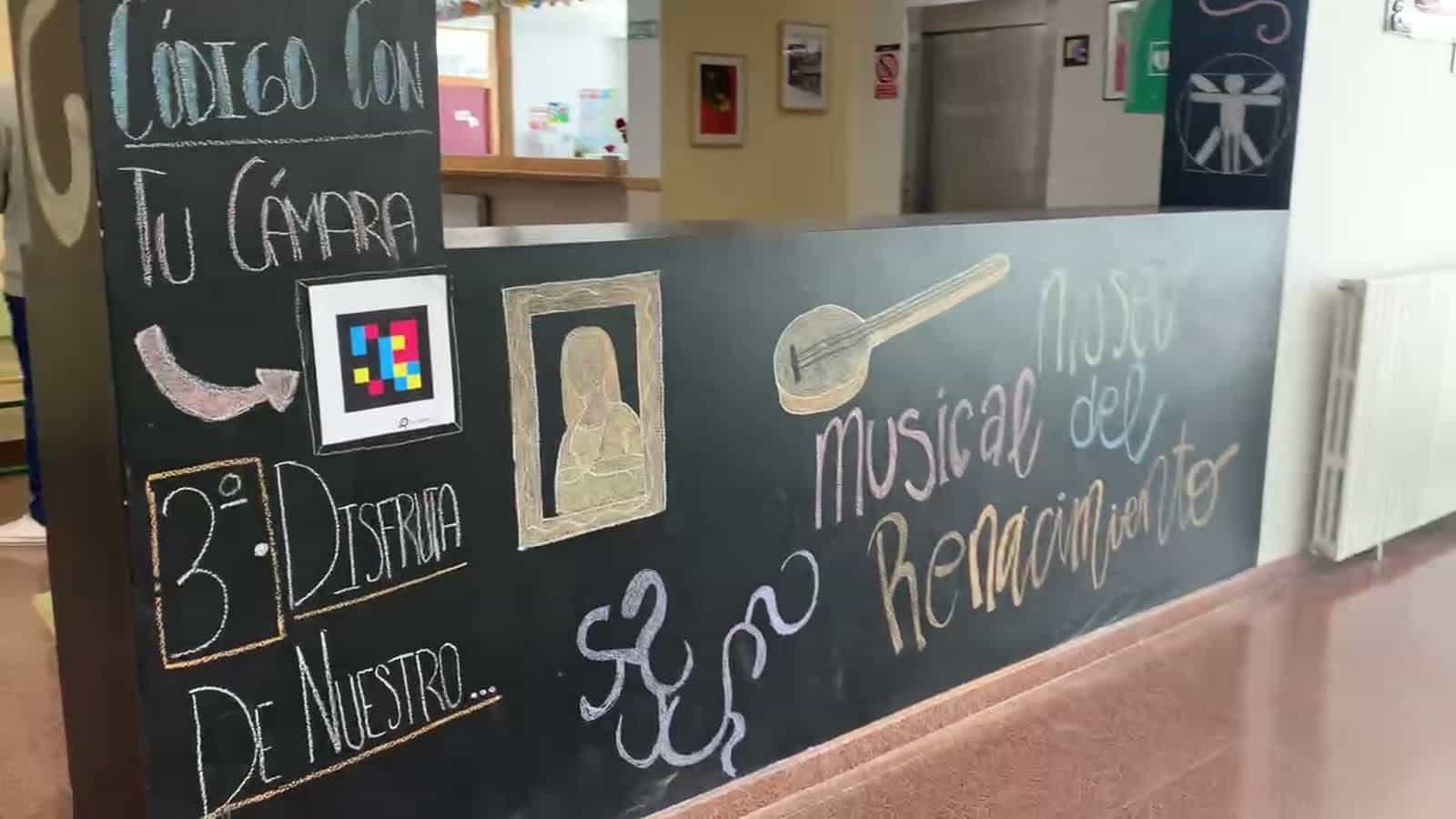
A column and counter painted as blackboards greet whoever enters: on the left, the chalk instructions—“1. Download the NaviLens app · 2. In the app, point at the code with your camera · 3. Enjoy our Renaissance music museum”—with a test code stuck on the column; in front, the sign “Museo musical del Renacimiento” with a lute drawn in chalk.
§ On the ground
The Parque Goya hall, curated by its pupils.
§ Results
“Download the app, point at the code and enjoy.”
Hall
A school corridor turned into a permanent museum of Renaissance music
Audio + text + braille
Every work has a written label, NaviLens audio and, on some pieces, tactile relief with braille
Pupils = curators
Pupils select works, write labels, build frames and link the codes
§ What they said
“I.E.S. Parque Goya — c/ Eugenio Lucas, s/n. Centro educativo público de Educación Secundaria del barrio Parque Goya de Zaragoza, integrado en la red municipal de Ciudad Educadora del Ayuntamiento de Zaragoza.”
“Instituto de Educación Secundaria (IES) Parque Goya — Cl. Eugenio Lucas, s/n, Zaragoza. Centro público con oferta educativa de ESO y Bachillerato en el barrio de Parque Goya.”
§ And your campus?
Every classroom and clinic can be guided by voice.
Tell us about your facility, your journeys and your users. We’ll show you how NaviLens would make wayfinding easier.