Just for you
The notes you add to your codes are private. Only you can access that information from your NaviLens account.
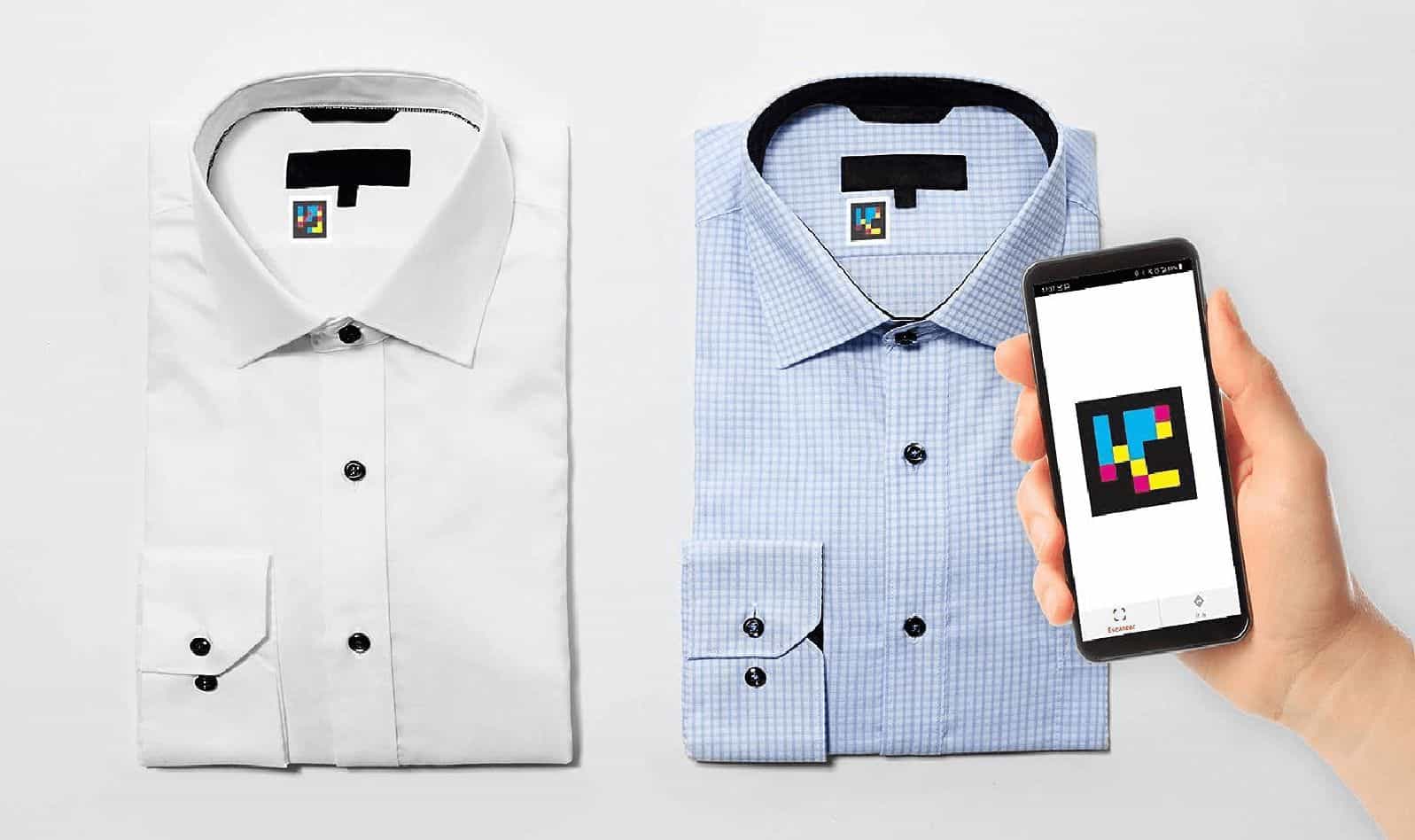
- Clothing and accessories.
- Boxes and storage.
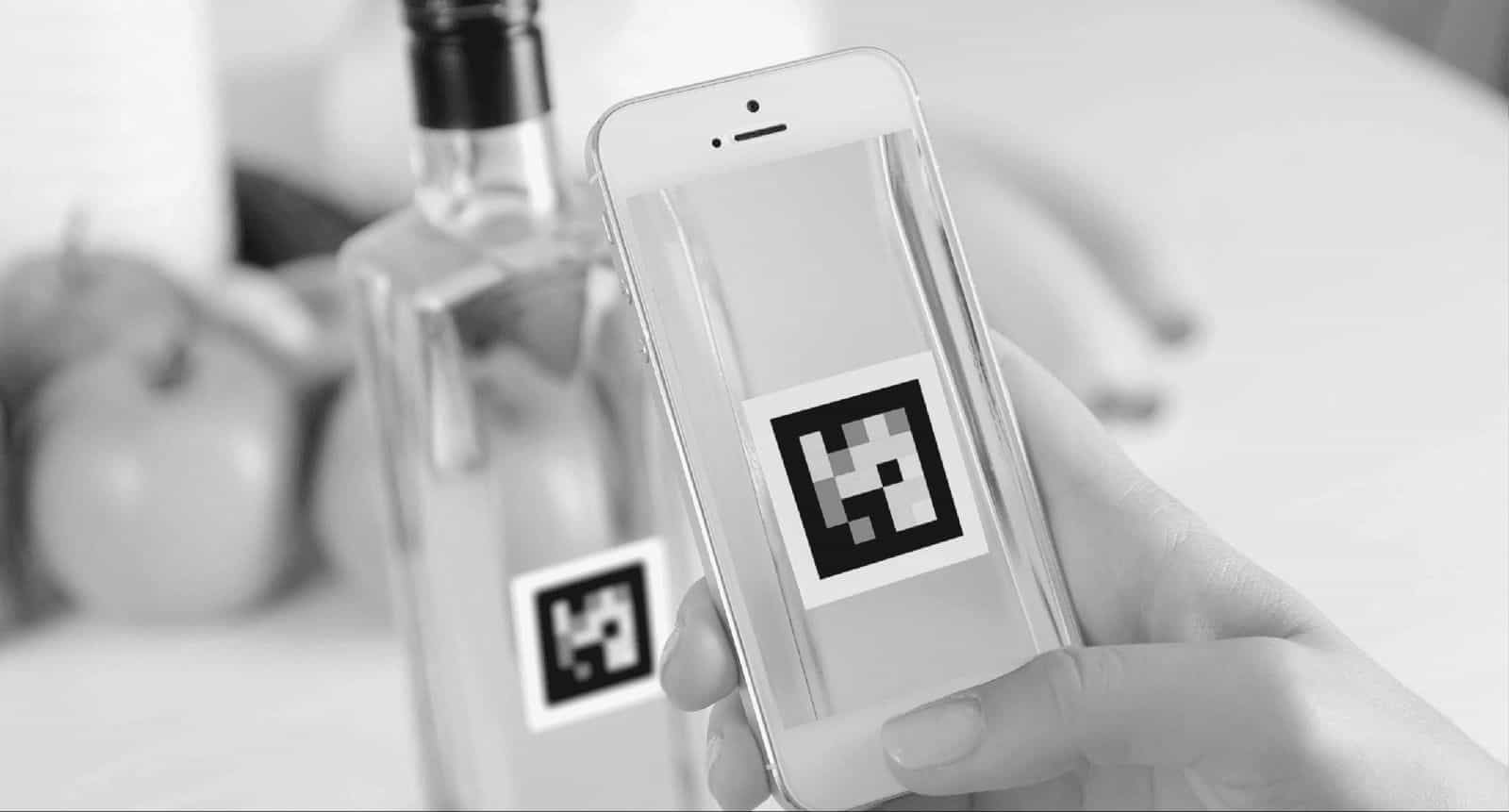
- Food and containers.
- Folders, documents and collections.
- Everyday objects.
§ NaviLens community
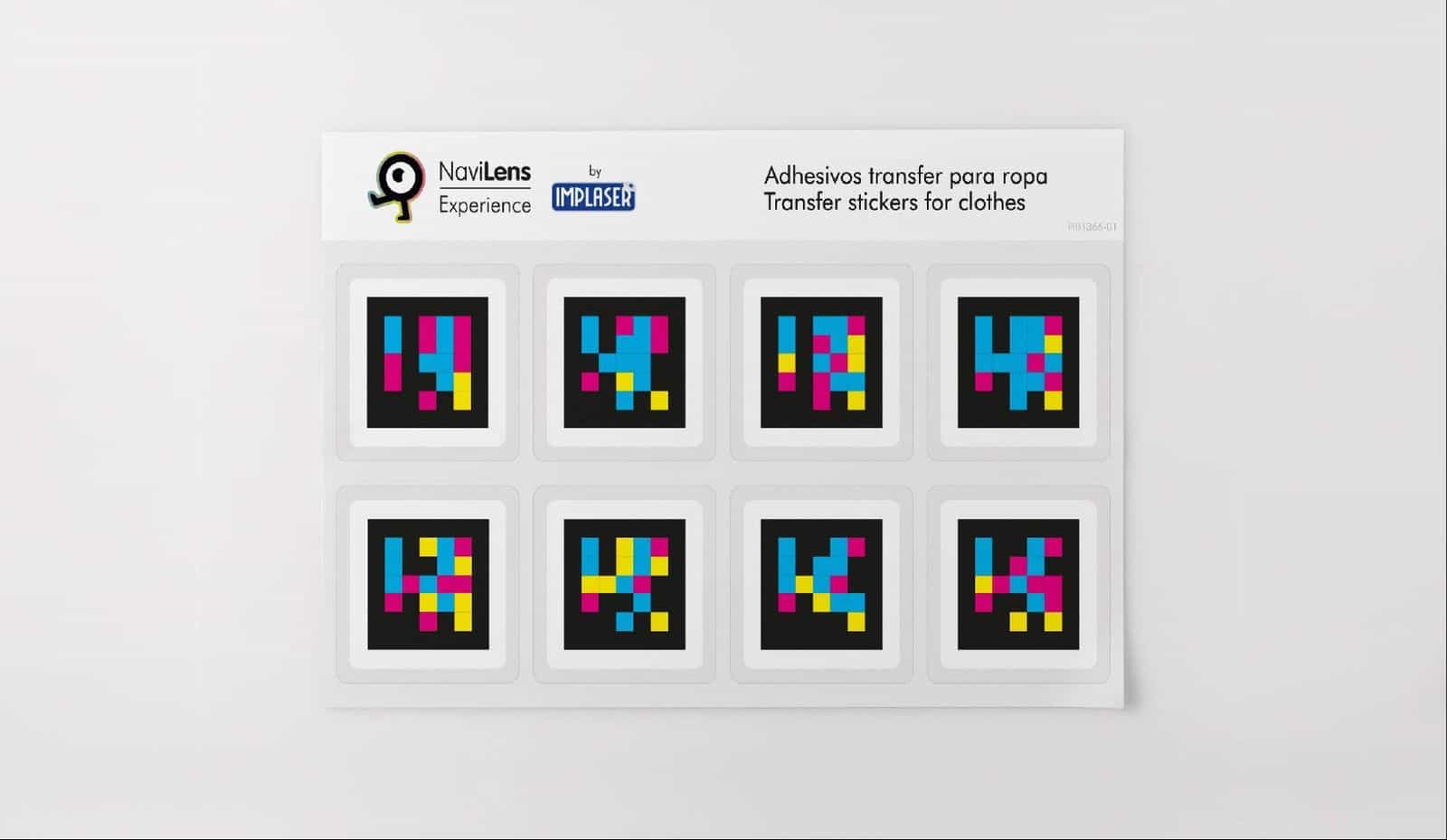
Download a free kit of NaviLens personal codes from the app, print them and add private notes to recognize your belongings. With NaviLens for Family you can share those notes with up to 5 people you trust.
How it works
From the NaviLens side menu you can request the codes for personal use.
Receive the kit, print the codes and place them on the items you want to identify.
Scan each code from the app and write or record the information you want to link to the item.
When you detect the code again, NaviLens will read your note out loud to help you recognize the item.
§ On video
A walkthrough of the whole process, from requesting the kit inside the app to hearing your private notes read out loud.
Two ways to use your codes
The notes you add to your codes are private. Only you can access that information from your NaviLens account.
You can share your notes with family or people you trust so they can also recognize the same items from their own app.
Useful for shared homes, family support, caregivers or anyone who needs to organize the same belongings.
§ Important note
Personal codes are part of a predefined kit. What changes is the private note each person adds from their app. That is why they are not meant for public signage, visitor information or professional deployments.
Is it a professional deployment or public signage project?
Talk to the NaviLens teamWant to label a space so anyone can read the information?
See the free kit for spaces§ FAQ
Get started now
Download the NaviLens app, request the personal codes kit and start adding your private notes.
Download NaviLens (opens in a new tab)