Case study · Madrid
An ONCE school voice-guided, from the gate to the classroom.
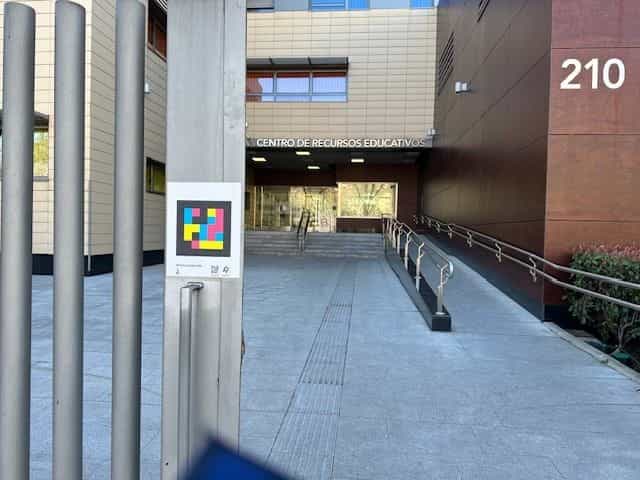
The “Antonio Vicente Mosquete” Educational Resources Center of ONCE in Madrid embeds more than 50 NaviLens codes and around a hundred accessible QR codes on the signs of classrooms, residence and common areas so that anyone can find their way independently.
Madrid
ONCE's “Antonio Vicente Mosquete” CRE
50+ NaviLens codes
Indoor and outdoor wayfinding across the center
100+ accessible QR
Signs of classrooms, halls and residence
Inclusive education
Students with visual impairment and itinerant teams
The client
CRE ONCE Madrid
“A. V. Mosquete”
The “Antonio Vicente Mosquete” Educational Resources Center is one of the five CREs that ONCE runs in Spain. It welcomes blind and low-vision students—from kindergarten to high school—and supports the itinerant educational support teams working with students all over the Community of Madrid.
Under the ONCE Innova umbrella, the center led a pioneering project to become a fully accessible educational environment: 50 NaviLens codes across accesses, corridors and common areas, and more than 100 accessible QR codes on the signs of classrooms and halls, linked to pages with detailed information (name, capacity, function of the space, classical mythology behind the room's name…).
The project made it possible to retire the paper noticeboards and replace them with accessible, sustainable and always-up-to-date information, maintained with the help of the students and faculty themselves.
§ The challenge
So a school built to teach accessibility also lives it on every sign.
- 01
A complex campus, several zones
The Madrid CRE brings together school, residence, specialized classrooms, auditorium and technical services spread across several floors and zones (A, B, 1, 2…). For someone arriving for the first time—families, speakers, new students—finding their way by sight isn't always possible.
- 02
Signage that ages and changes
Paper noticeboards, printed posters and classroom names are updated every academic year. Keeping that information accessible too in braille, audio and languages was a huge and unsustainable effort.
- 03
Accessibility for every profile
Blind or low-vision students, faculty, itinerant educational support teams, families and external visitors: each one needs the same environment, but read in a different way.
§ The solution
NaviLens along the way, accessible QR at the door.
The NaviLens codes solve wayfinding: they are detected at more than 33 feet, without aiming and on the move, and guide users by voice from the gate to the right wing of the building, floor and classroom.
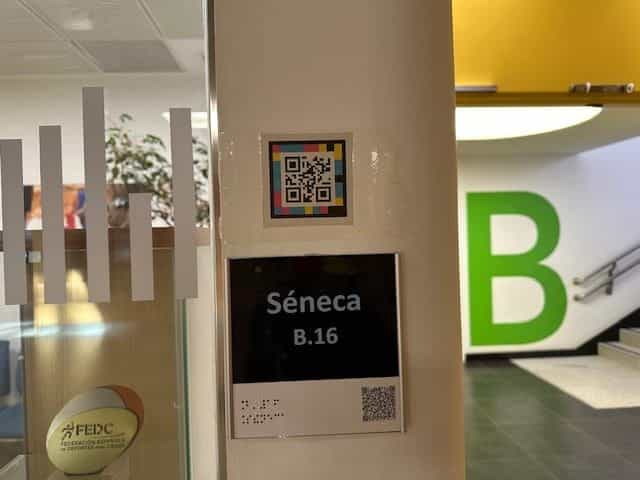
Once in front of the door, the accessible QR codes on each sign—close-up reading—extend the information: classroom name, capacity, function of the space, pedagogical content and, in many cases, a web page produced by the students themselves.
The same sign works for a person with residual sight, for someone who reads braille and for someone who listens to the information in their language through the phone.
§ Inside the center
From zone B to the auditorium, everything coded.
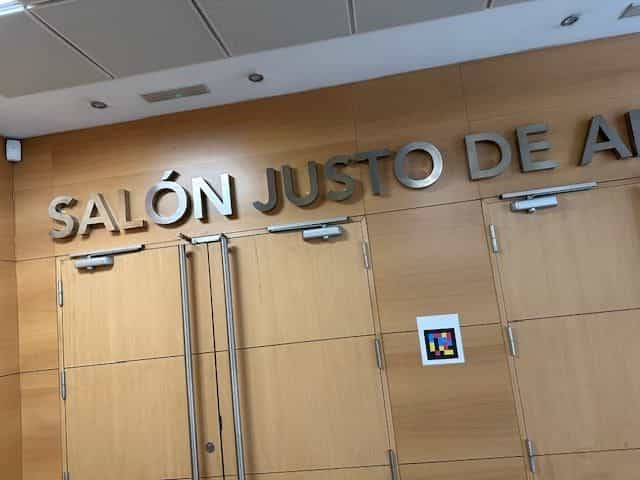
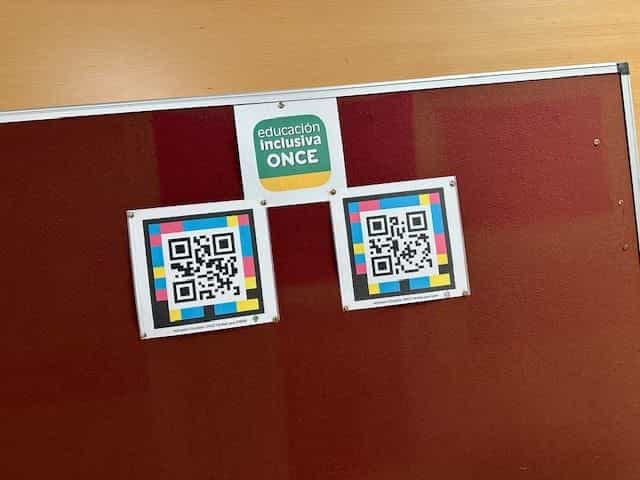
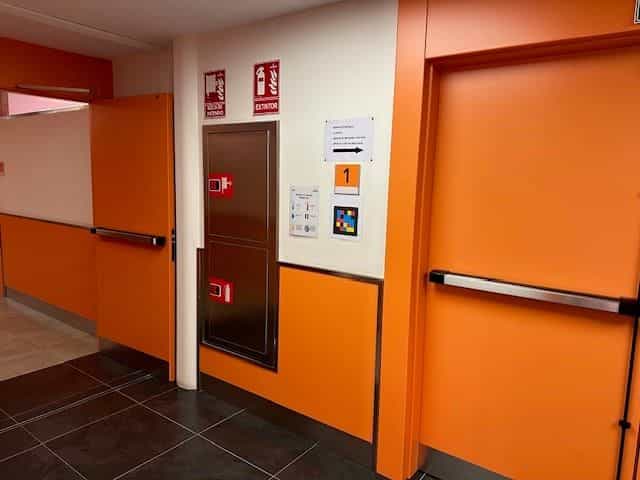
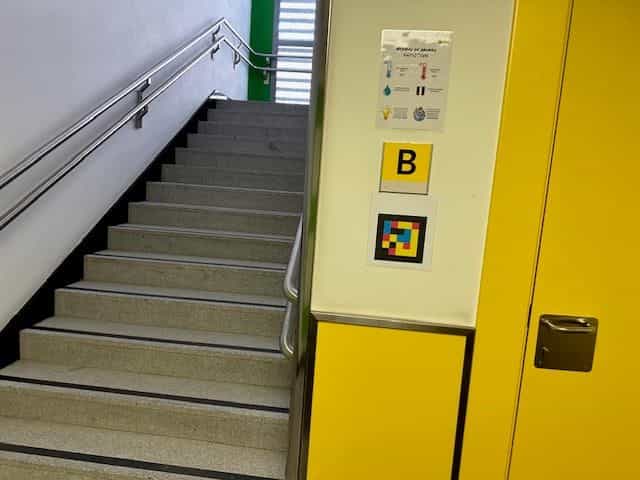
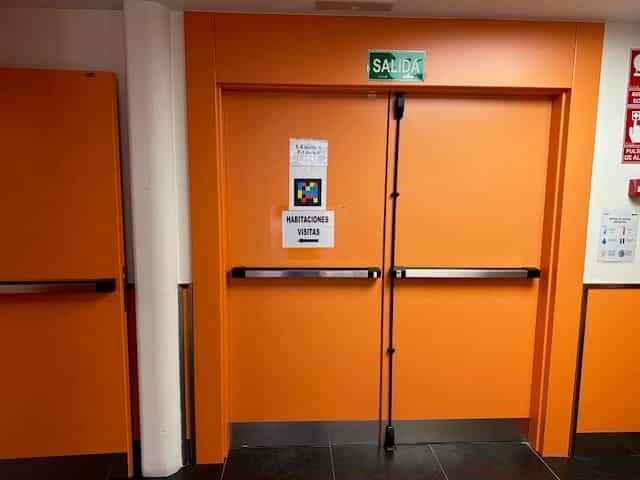
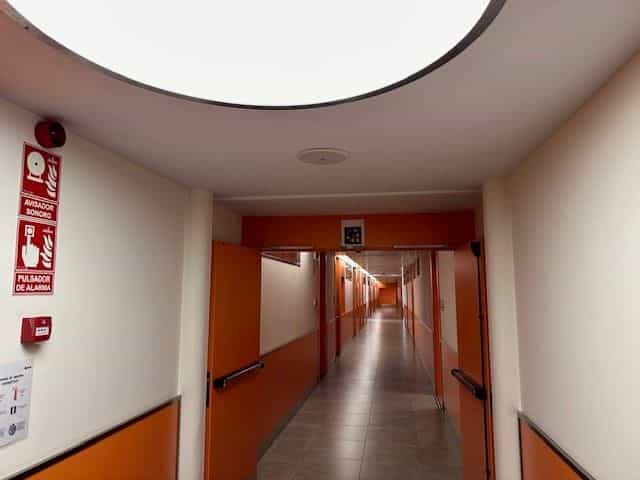
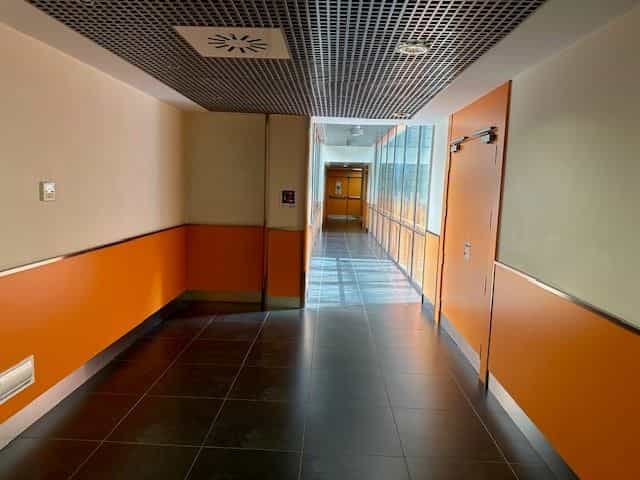
NaviLens codes are spread across outside accesses, corridors, staircases, zones A/B, residence and auditoriums such as Justo de Aldaco. Classroom signs (Séneca, Sócrates, etc.) also add accessible QR codes with extended information.
§ Why it matters
An ONCE center that teaches accessibility by using it.
Bye to paper
Accessible QR codes replace printed noticeboards: information is updated from the web and stays accessible in audio, braille and languages.
Student authors
The students themselves produce web pages linked to the signs (classical mythology, science, language…), learning to create accessible digital content.
Replicable model
The ONCE Innova project is designed to scale to other CREs and to mainstream schools with students who have a visual impairment.
Source: Grupo Social ONCE — “Innovation and Transformation: Accessibility, Technology and Classical Culture at CRE Madrid” (ONCE Innova, March 2024). 50+ NaviLens codes and 100+ accessible QR codes across classrooms and halls.
§ And your campus?
Every classroom and clinic can be guided by voice.
Tell us about your facility, your journeys and your users. We’ll show you how NaviLens would make wayfinding easier.