Case study · Primary Care Management · Tenerife · Spain
The health center that lets itself be walked by voice.
Tenerife's Primary Care Management— part of the Canary Health Service (SCS)—has installed NaviLens codes across its health centers so that every patient, including blind or low-vision people, can locate the entrance, the waiting room, the restrooms, the elevator or the stairs without asking at the front desk.
SCS
Canary Health Service · primary care network
Tenerife
Health centers and local surgeries made accessible with NaviLens
AAB***
Codes serialised per room (entrance, waiting room, restrooms, elevator)
Room by room
Voice wayfinding from the façade to every service
Client
Tenerife Primary Care Management
Canary Health Service (SCS) · Government of the Canary Islands
Tenerife's Primary Care Management coordinates the public network of health centers and local surgeries on the island, with administrative offices at C/ Carmen Monteverde, 45 — 38003 Santa Cruz de Tenerife. It is the first care tier most of the population accesses: check-ups, minor emergencies, blood tests, vaccinations and care for the elderly and people with disabilities.
Tenerife had been building a Canary-wide accessibility ecosystem around NaviLens: pharmacies belonging to the Tenerife Pharmacists' Association (publicly launched in 2023), Guaguas Municipales in Las Palmas and institutional notices about the app as a tool for finding health facilities. These images show how that same visual language has now moved inside the SCS health centers.
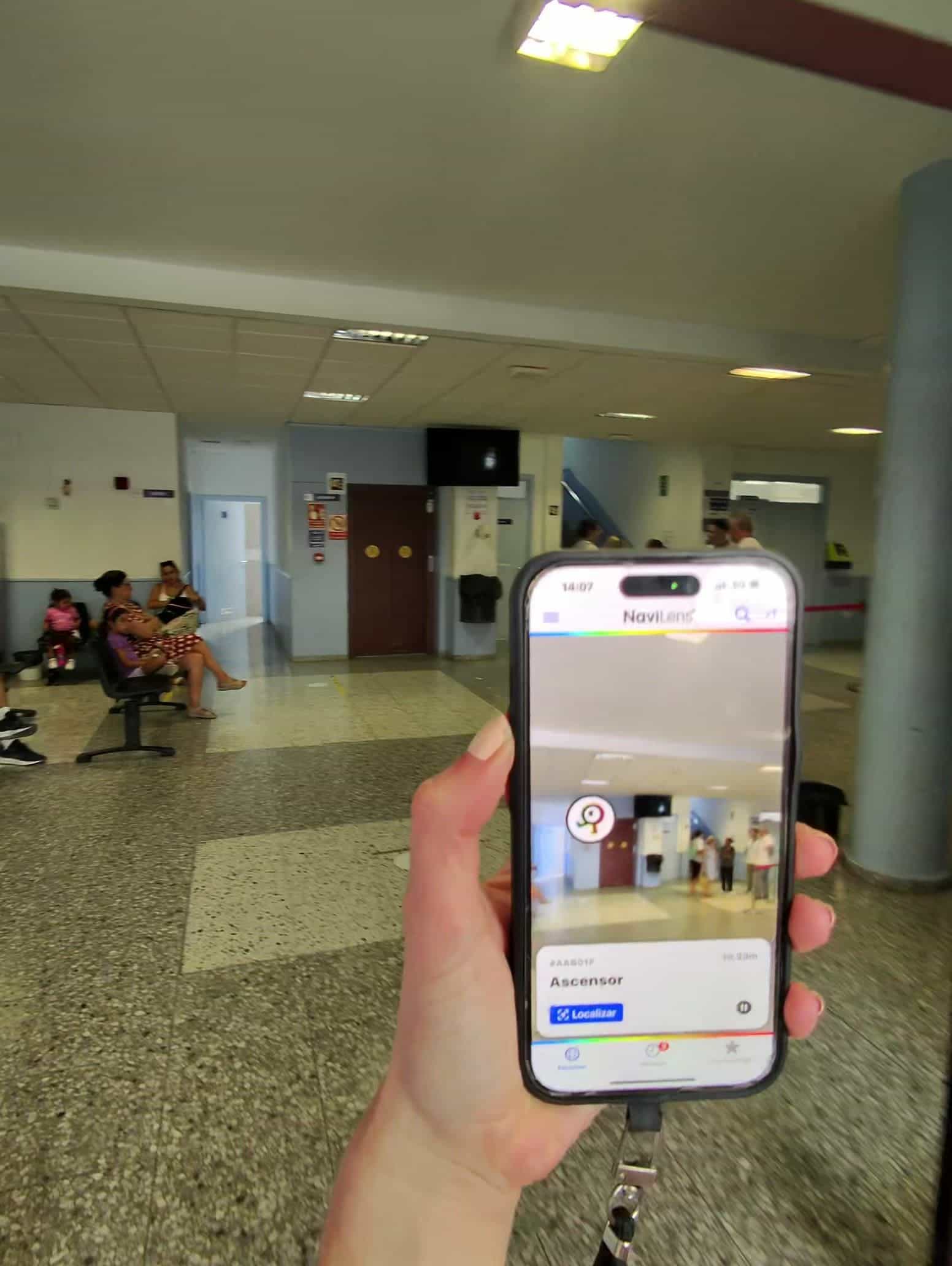
Instead of a single code on the façade, every room gets its own identifier (AAB01F Elevator, AAB064 Waiting room, AAB091 Health Center Entrance, AAB092 Staircase up, AAB00A Women's restroom…). That serialisation is what turns a generic center into a building that can be walked by voice.
§ The solution
One code per room, not one per building.
In every center NaviLens codes have been placed on the main façade, on internal doors and next to critical points: elevator, stairs, waiting room and restrooms — including the accessible restroom. The app detects them from several yards away, without aiming, and reads out the space's name and distance.
Patients with a visual disability no longer need to keep asking front-desk staff or other users for directions: the center itself "announces" itself as they walk through it, while the SCS's usual visual signage stays untouched.
§ Walkthrough
From the street to the consultation room, without losing the thread.
01 · Access
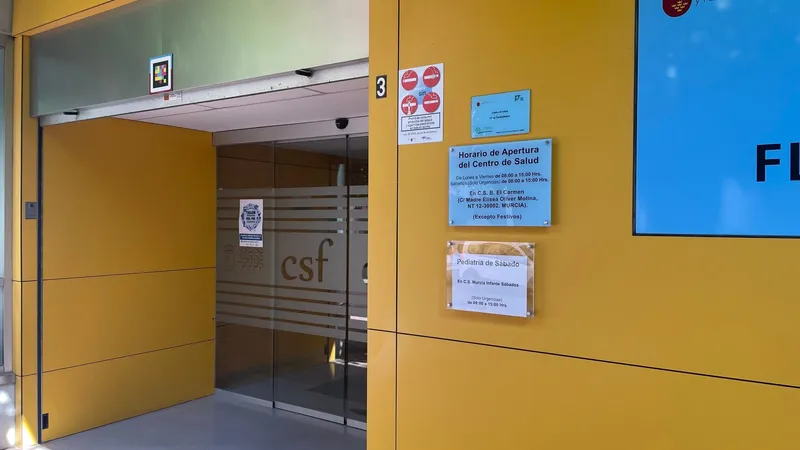
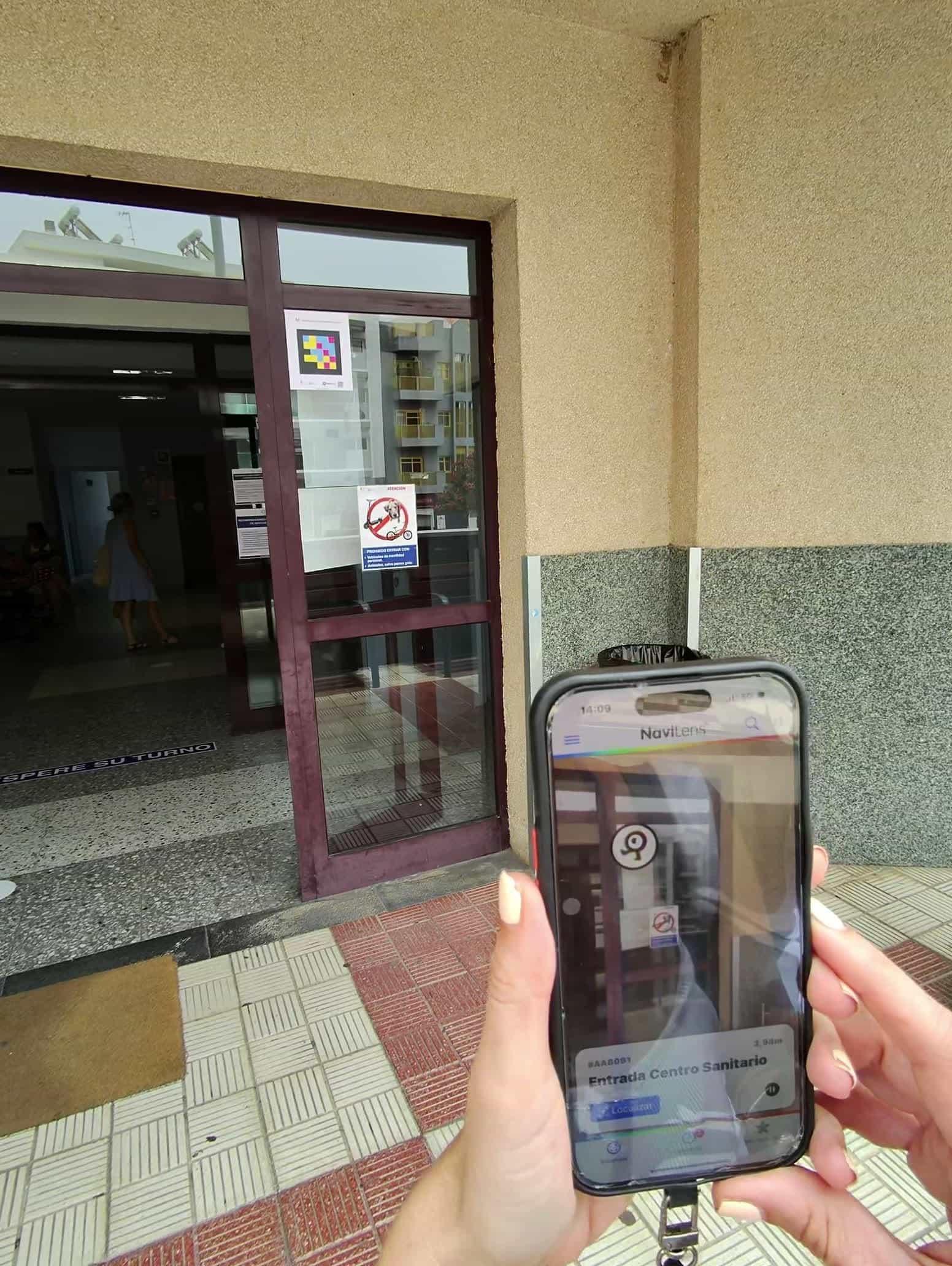
"Health Center Entrance" — AAB091
The first code goes on the glass door itself. From the sidewalk the patient identifies which building it is and the exact distance to the entrance, before even pushing the door.
02 · Lobby
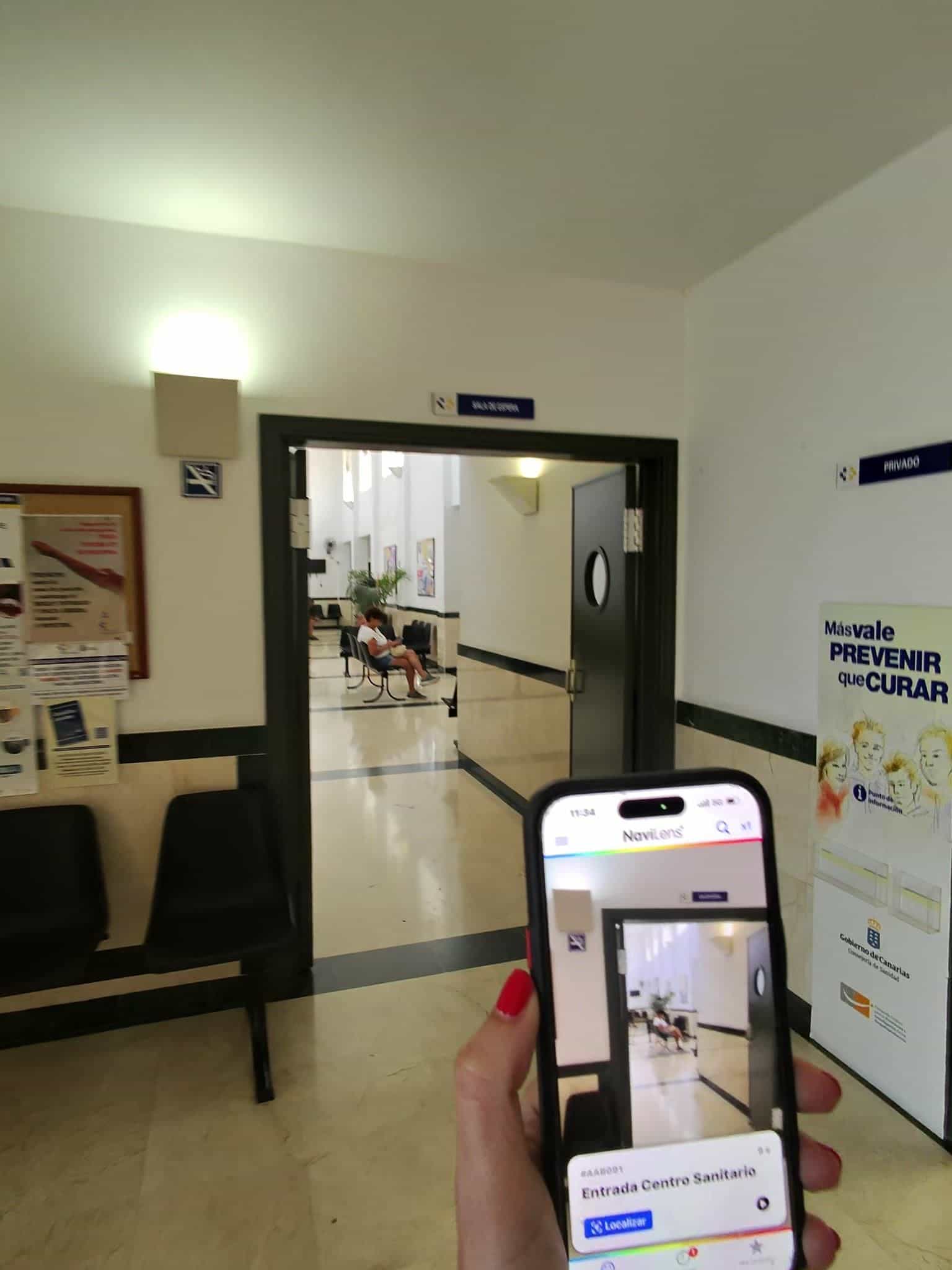
Reorientation as soon as you walk in
The same entrance code lets you confirm your position once inside the building, next to Canary Islands Government prevention signage. Useful for people who walk in disoriented or with a companion.
03 · Waiting room
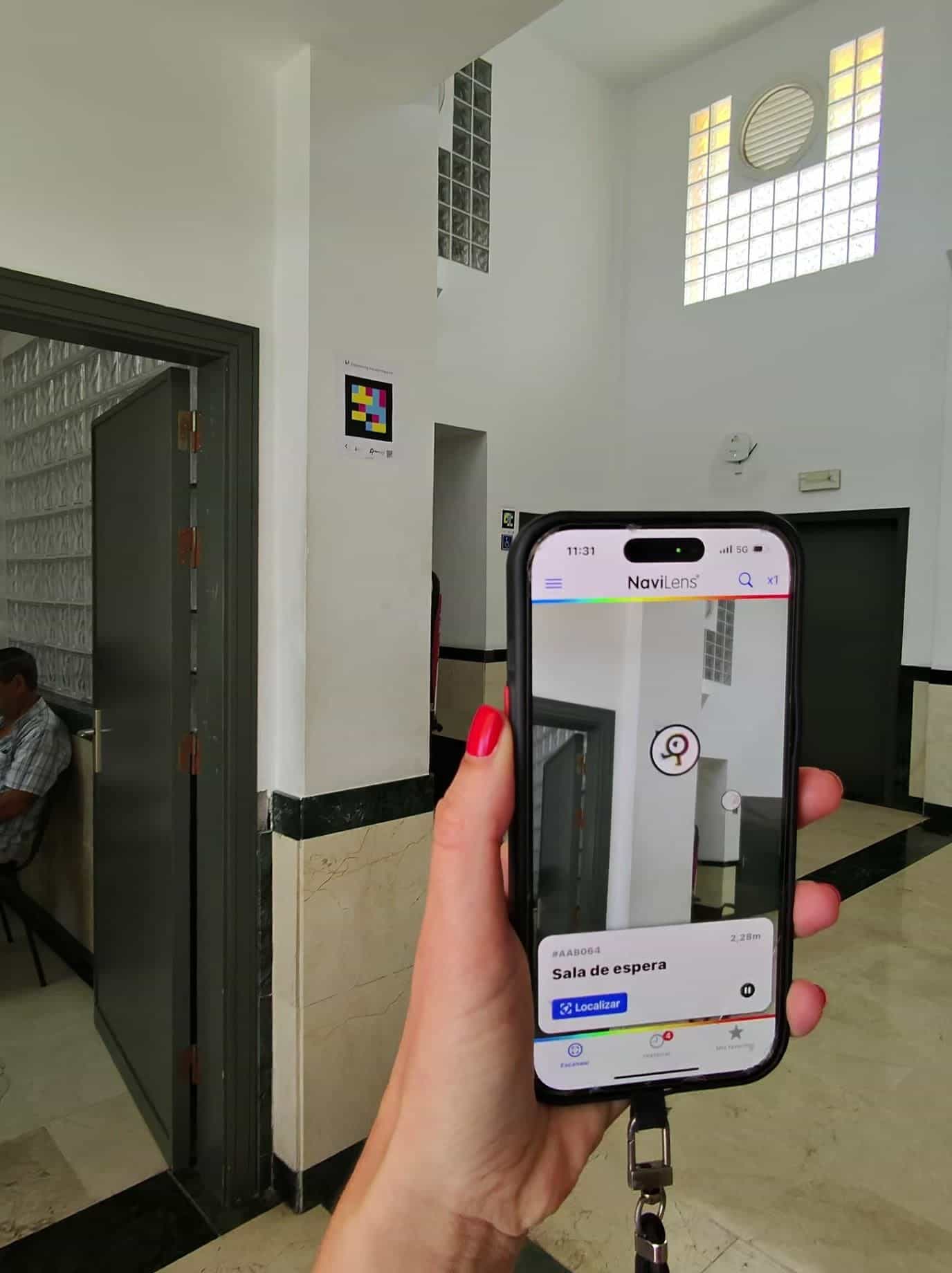
"Waiting room" — AAB064
In the historic center (tall lobby, green marble) the code identifies the correct waiting room, instead of having to ask other patients or wait until your surname is called.
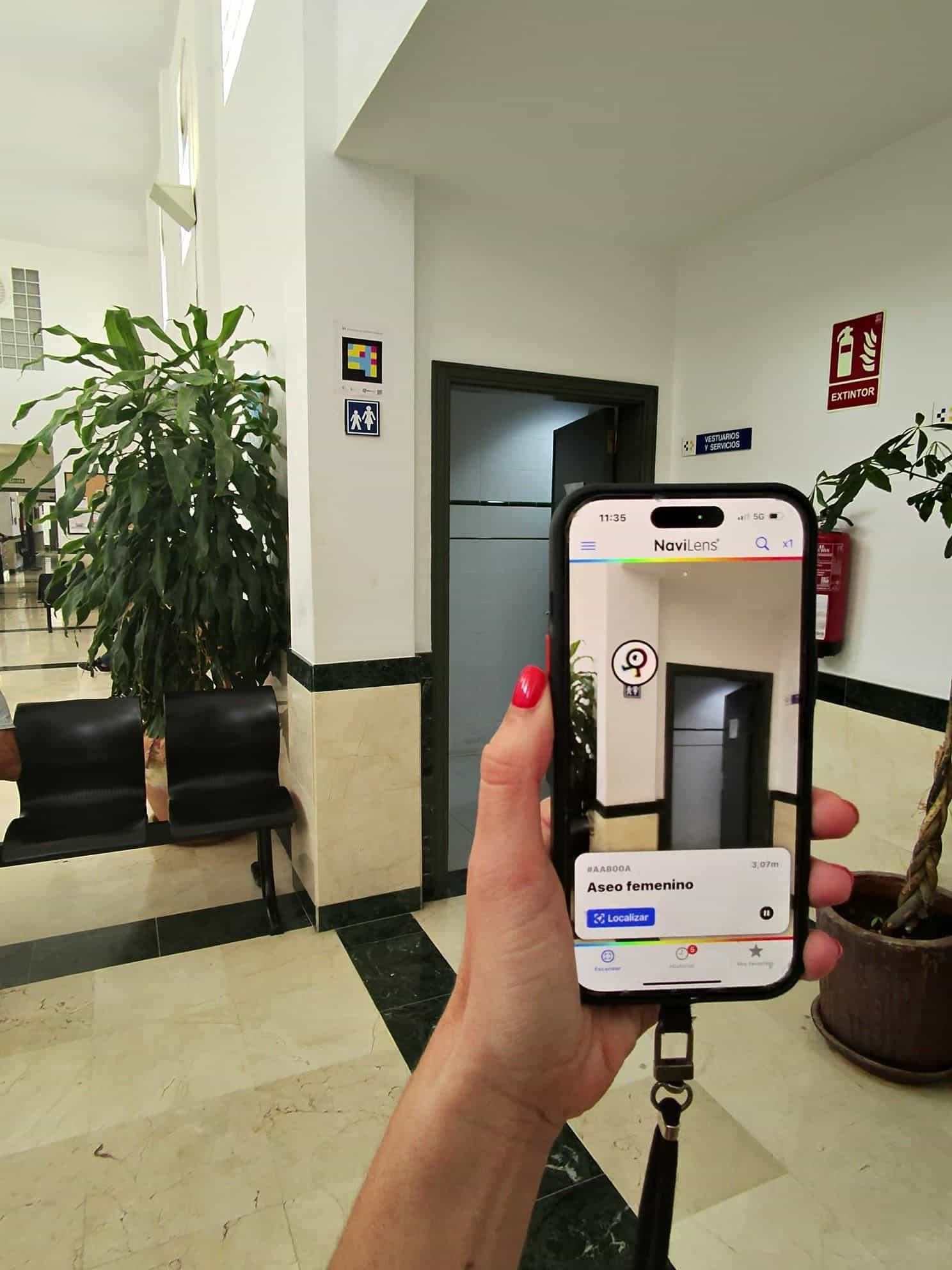
04 · Restrooms
"Women's restroom" — AAB00A
Restrooms are identified one by one — women's, men's, accessible. The app tells you which specific door is in front of you, without having to feel for pictograms or read tiny labels.
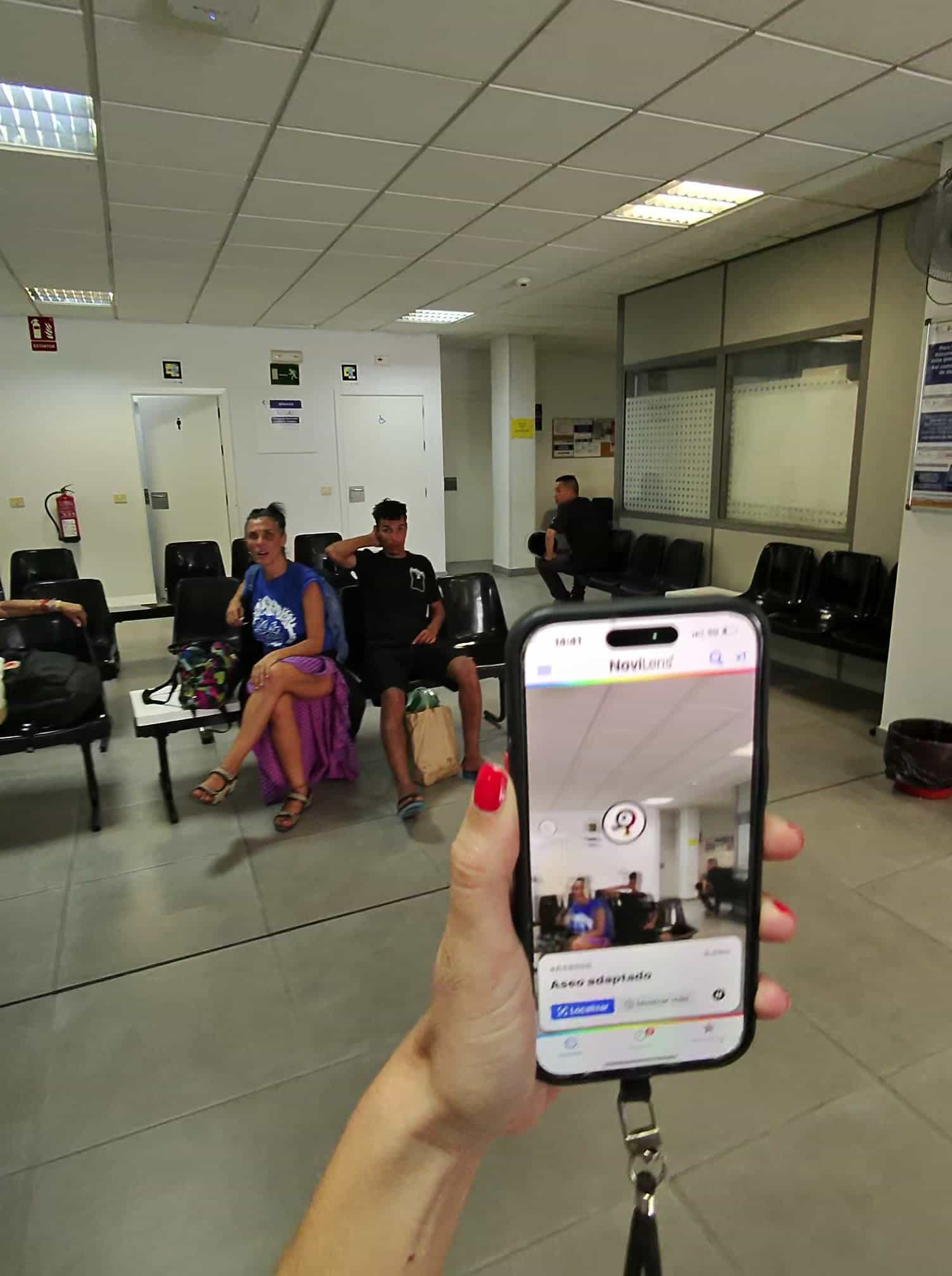
05 · Accessible restroom
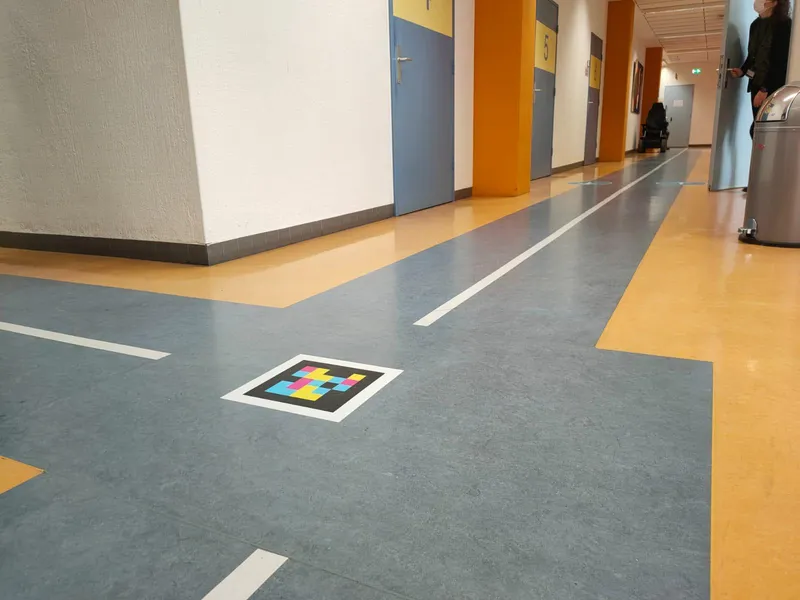
Find the accessible restroom from the waiting room itself
From the modern waiting room (tall ceilings, continuous benches) the app locates the accessible restroom directly, without having to walk up to each door to check the pictogram.
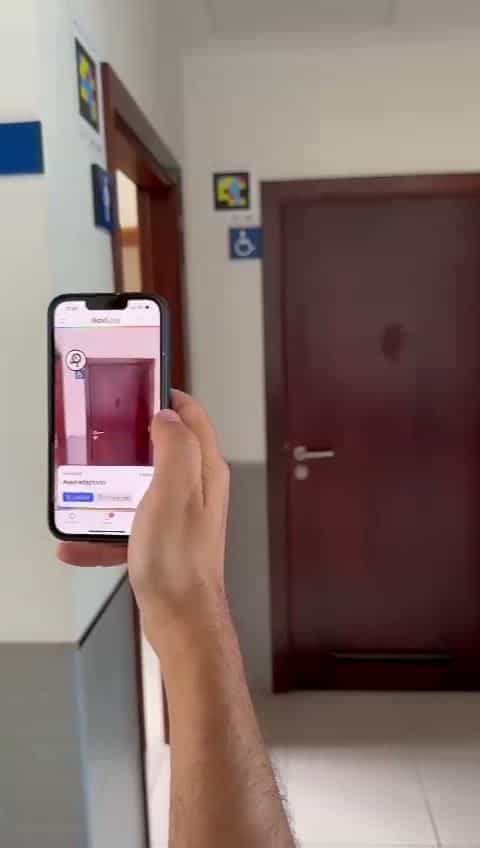
06 · Confirmation
Arrival and door verification
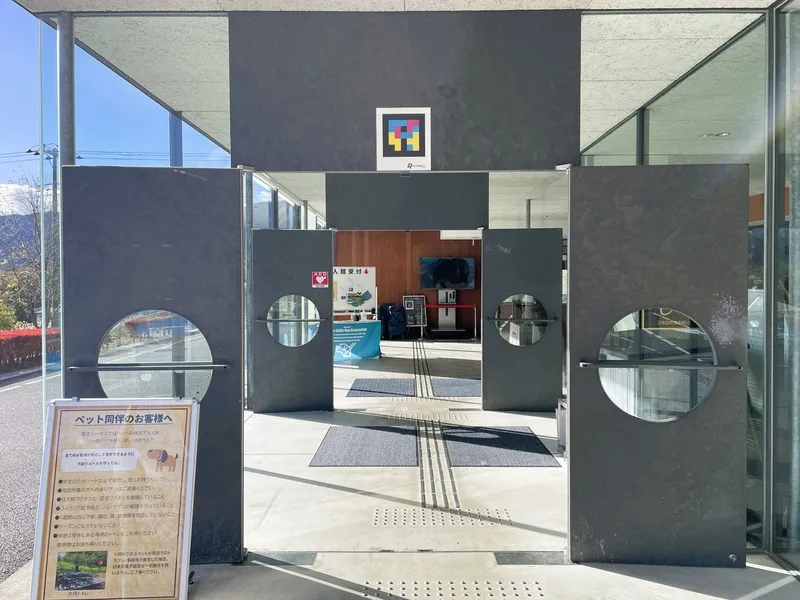
Alongside the visual wheelchair pictogram, the NaviLens code confirms by audio that this is indeed the right accessible restroom. It closes the loop: detection—guidance—verification.
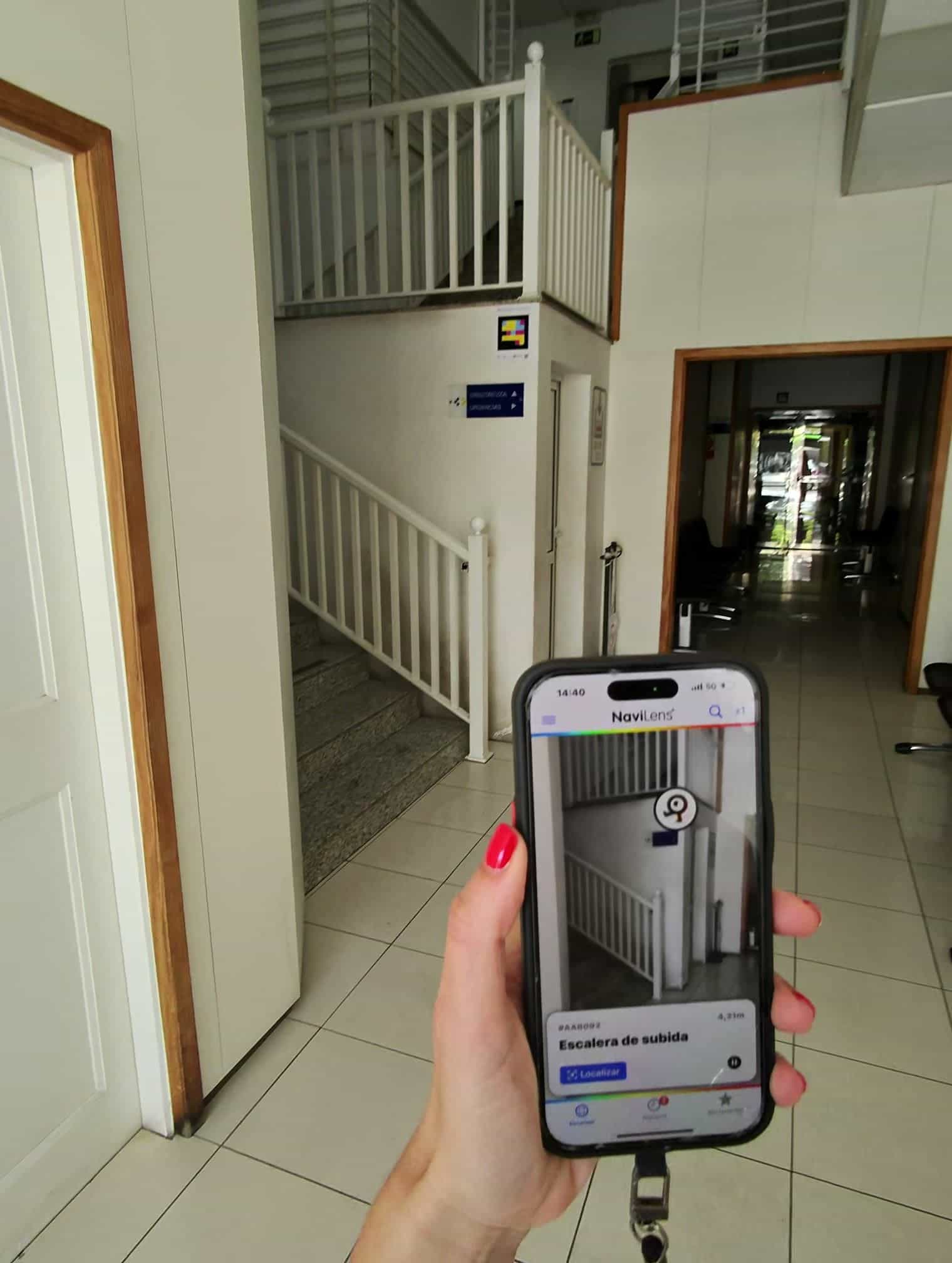
07 · Verticality
"Staircase up" — AAB092
Where the center has several floors, NaviLens labels the stairs and the elevator (AAB01F) separately. Patients can choose which way to use, without assuming the first door they find is the right one.
08 · Emergencies
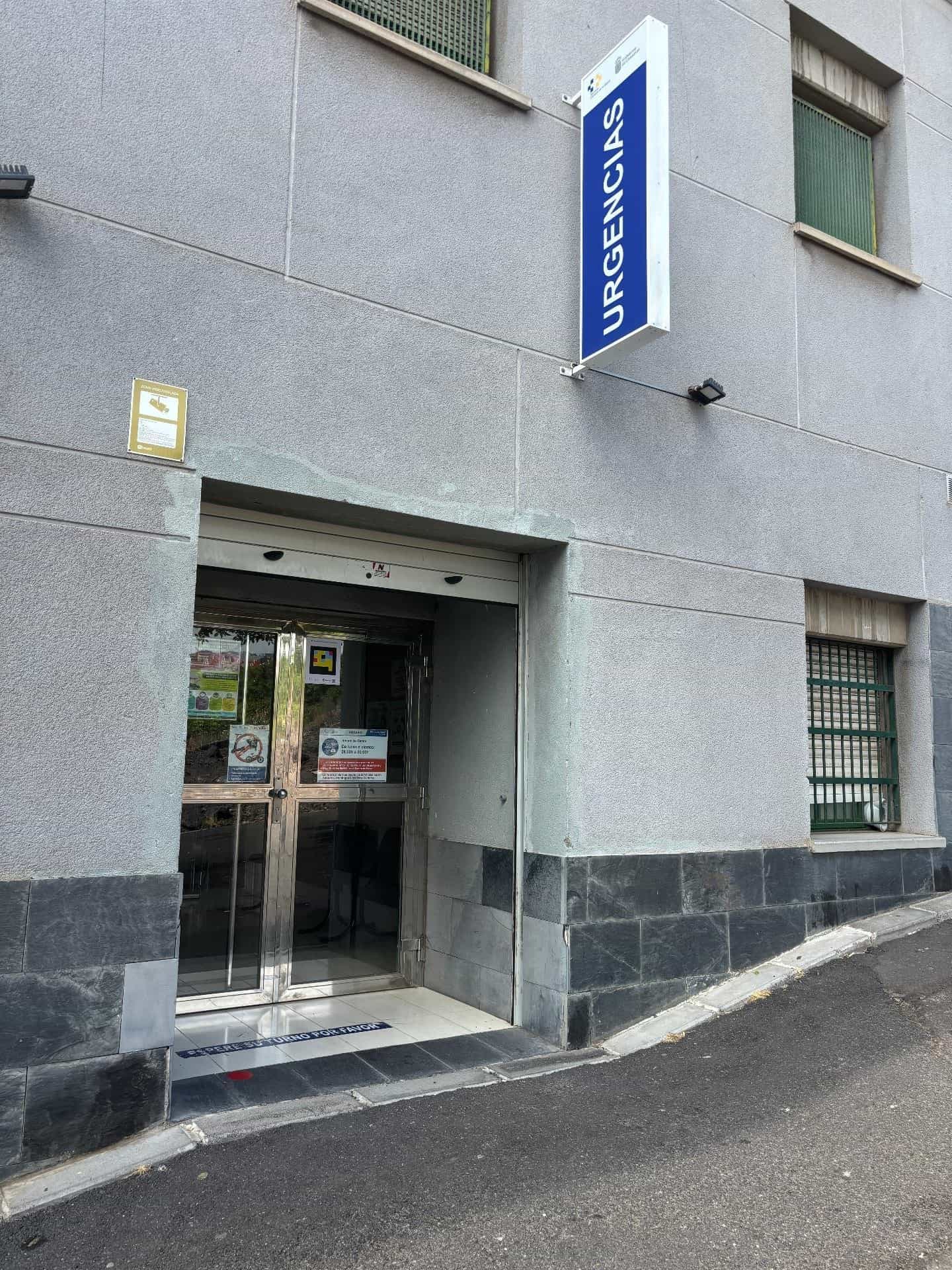
Emergency access is also pinpointed
The blue "URGENCIAS" sign is perfectly visible to sighted people. For everyone else, the NaviLens code next to the door does the same job: identifying the right entrance before pushing the glass.
Together with the NaviLens roll-out across the Santa Cruz de Tenerife Pharmacists' Association network (May 2023) and at Guaguas Municipales in Las Palmas, this case completes a blind patient's healthcare journey in the Canary Islands: bus stop → street → pharmacy → health center → consultation, without breaking the chain of accessible information.
§ What they said
“The NaviLensGo APP, which helps people with visual disabilities access health facilities for free, will be available from this month across the Tenerife pharmacy network.”
“A new app will help blind or blind and low-vision people in the Canary Islands find their nearest pharmacy and access health centers independently.”
“Through a code installed on the façades, once it is detected by the phone's camera, app users receive voiced information about the health facility and the services available.”
§ And your campus?
Every classroom and clinic can be guided by voice.
Tell us about your facility, your journeys and your users. We’ll show you how NaviLens would make wayfinding easier.