Case study · Sendai · Miyagi · Japan
Every door of the center, announced by voice.
The 宮城県視覚障害者情報センター (Miyagi Information Center for the Visually Impaired), reopened in its new building in October 2023 in Sendai, has tagged its main rooms and the elevator with NaviLens GO. Blind and low-vision people know what's behind each door before opening it.
Oct 2023
Opening of the new building
Sendai
Taihaku Ward · Miyagi
NaviLens GO
Compatible reader app
Audiences
Studio, consultation, training, equipment
The center
宮城県視覚障害者情報センター
The Miyagi Information Center for the Visually Impaired is the public institution of Miyagi Prefecture serving blind and low-vision people: a braille and audiobook library, consultation room, training of transcription and narration volunteers, and an assistive-products display.
The new building opened on 1 October 2023 in Taihaku Ward (Sendai), after a refit led by the 宮城県視覚障害者福祉協会. The previous premises had aging issues, no elevator and accessibility fixes added after the fact. The new facility was designed from scratch with universal accessibility in mind.
On top of that architectural accessibility, the center has rolled out NaviLens GO as a digital layer: codes next to each room's tactile plate and next to the elevator call panel.
§ How the rollout was designed
A code next to every tactile plate.
- 01
A tag next to every door
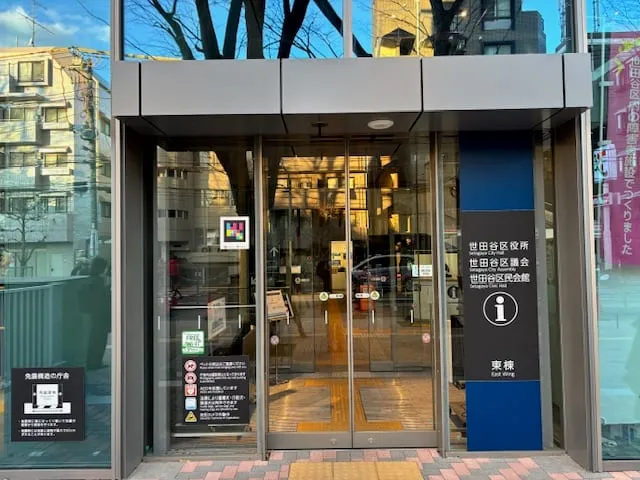
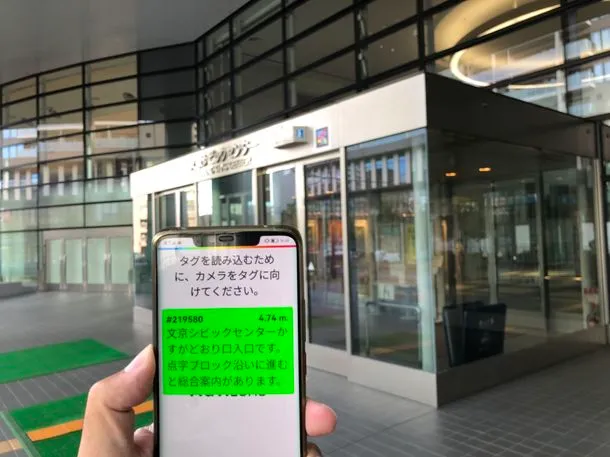
Each room carries its Japanese tactile plate with the name (“スタジオ”, “相談室”, “研修室”, “機器展示室”) and, just below, a NaviLens GO code printed at A4. The phone camera reads it from several yards away and announces by voice what lies behind the door before you touch the handle.
- 02
Accessible elevator: floor and direction by voice
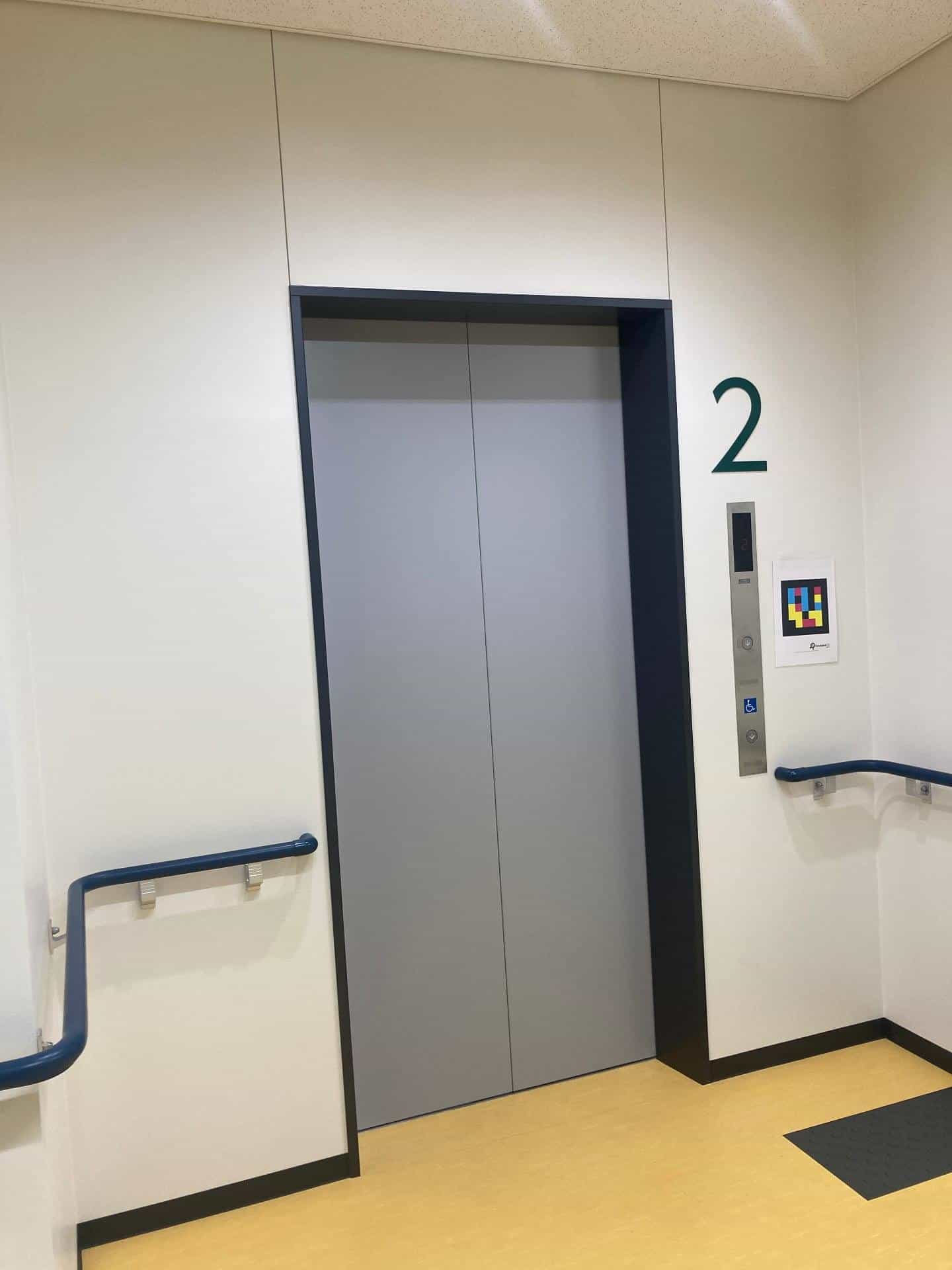
The code next to the 2F elevator call panel lets users confirm which floor they're on and find the area reserved for people with reduced mobility without relying only on the numeric display.
- 03
A digital layer on top of an already accessible building
The new building was refurbished to fix historical issues of the previous site—no elevator and after-the-fact accessibility patches. NaviLens adds a 42-language spoken layer on top of the architectural accessibility, for blind and low-vision users and visitors.
§ Room by room
From the recording studio to the equipment room.
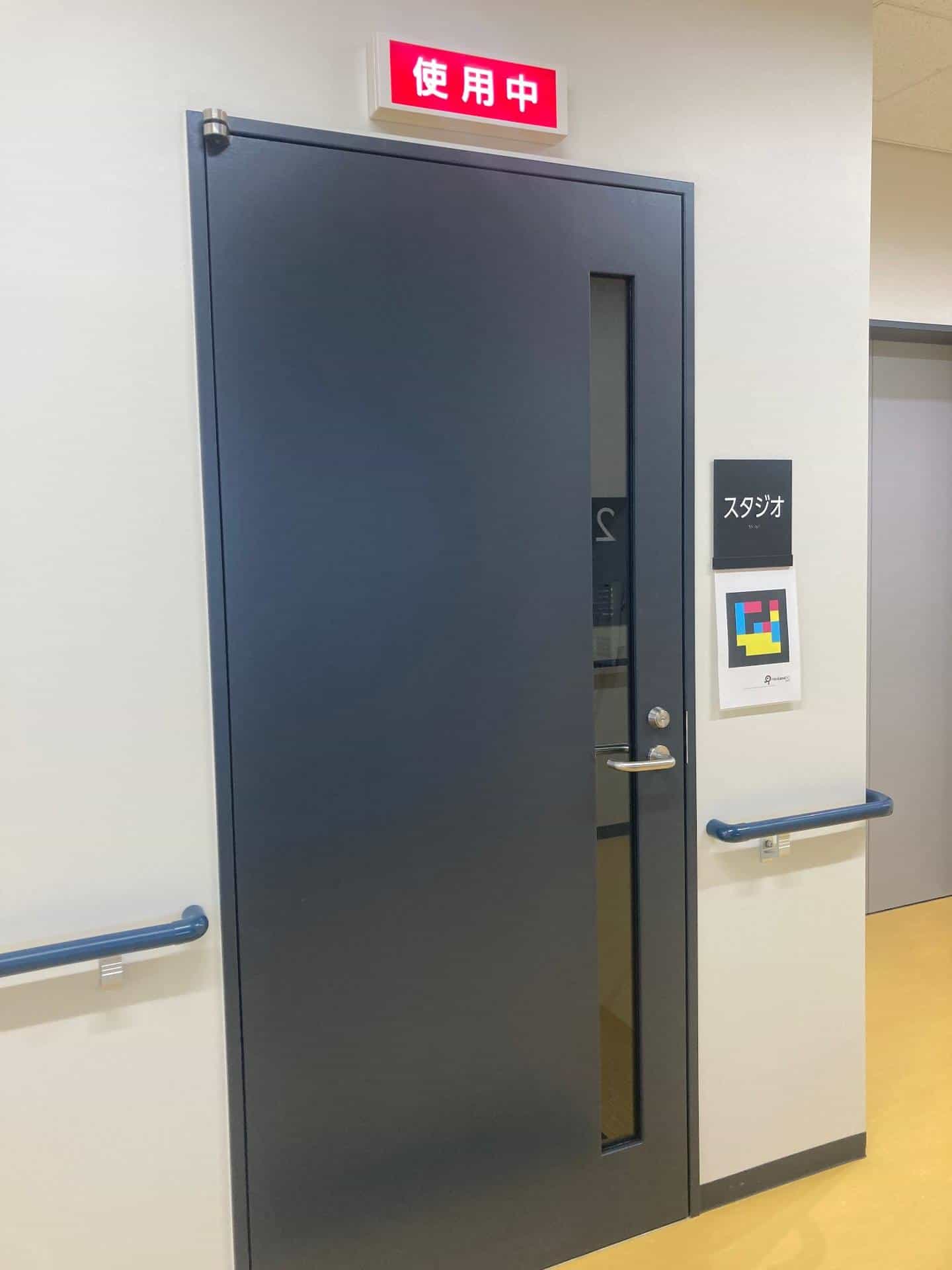
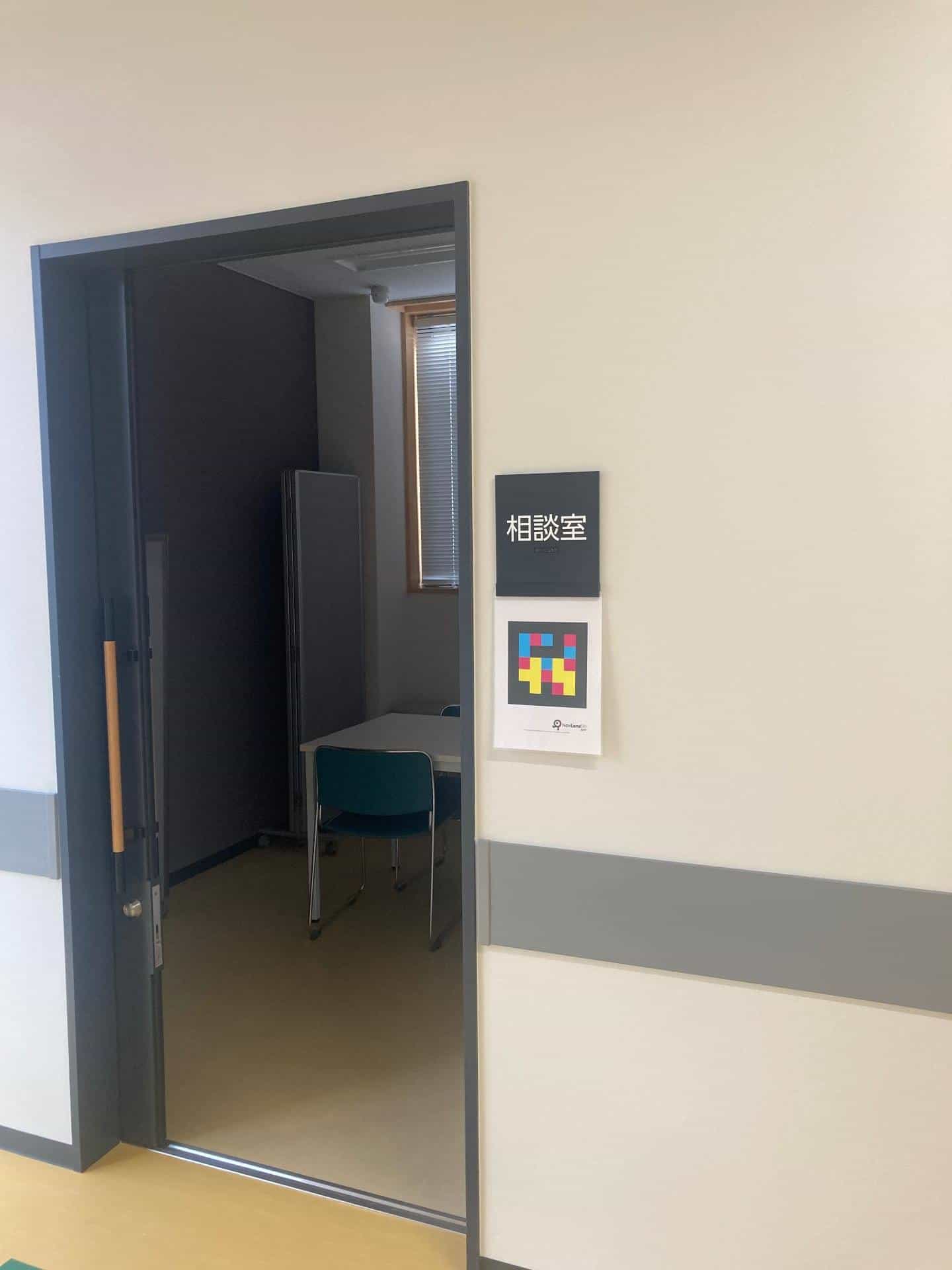
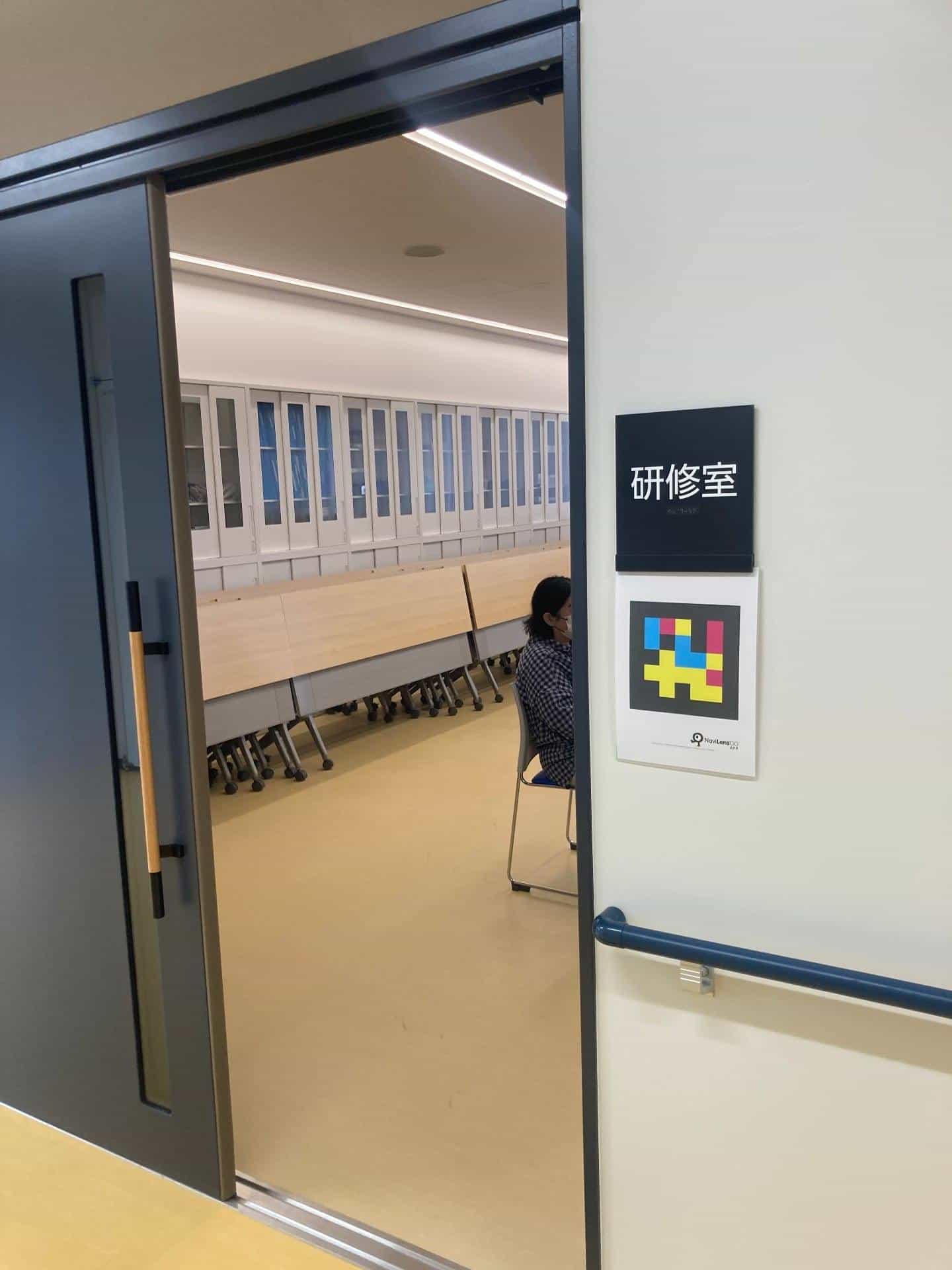
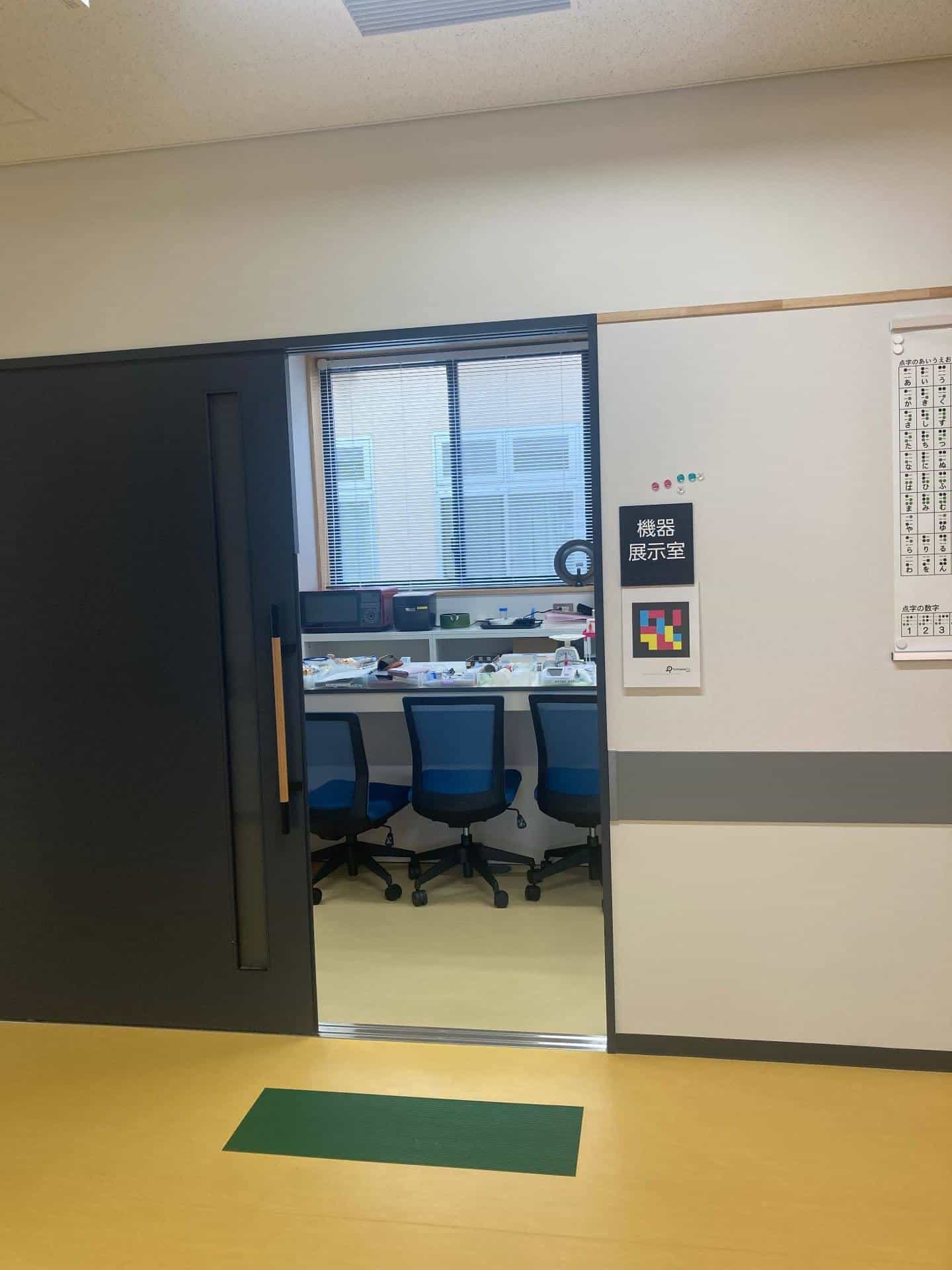
§ Why it matters
The information center itself practises what it preaches.
Coherence
The institution that advises blind people across the whole prefecture on assistive products and technologies is now also a building you can navigate by listening, not by asking.
First visit
Anyone visiting the center for the first time—user, family member, trainee volunteer—can locate the recording studio, the consultation room or the equipment room by voice, without an escort.
JP model
It serves as a reference for the other information centers for blind and low-vision people in Japan: same tactile signage, same NaviLens layer on top.
§ And your headquarters?
Your office can also welcome in 42 languages.
Tell us about your building, your services and your visitors. We’ll show you how NaviLens would make your office truly accessible.